Project Plan Presentation PowerPoint And Google Slides
 Canva
Canva
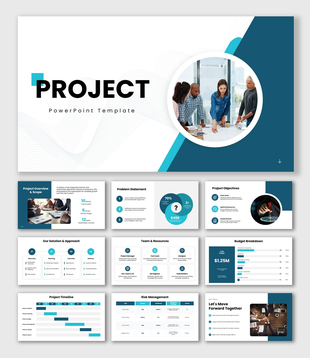
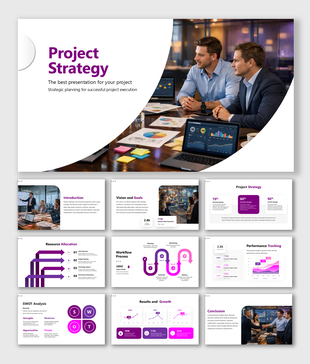
Project Plan PowerPoint, Google Slides, and Canva Template
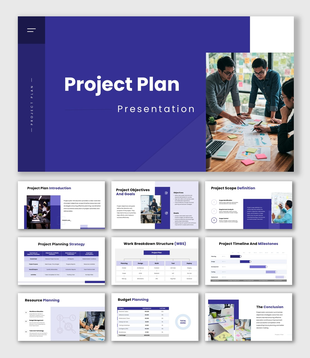
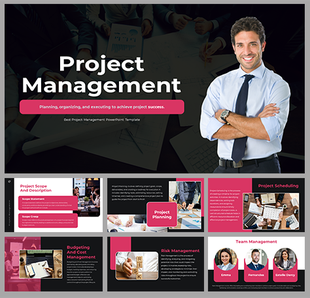
You have a project ready to move forward, the business case is solid, and the team is in place — but you still need to get everyone aligned and approvals locked in before execution can begin? This Project Plan Presentation template is exactly what you need. Designed for project managers, business analysts, operations leads, and corporate planners, this deck gives you a complete, professional framework to walk stakeholders through every dimension of your project plan with clarity and confidence.
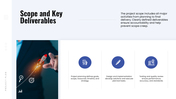
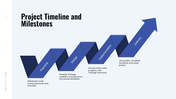
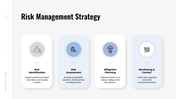
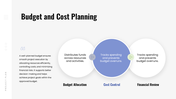
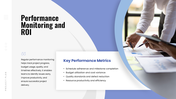
The slides take your audience through the full planning story — from a sharp project overview that leads with the numbers that matter, through business challenges and goals, all the way to scope, timeline, risk strategy, budget, and ROI tracking. Each section is structured to answer the questions decision-makers always ask before saying yes, so you are never scrambling to fill in gaps during a presentation.
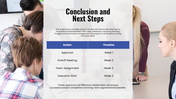
With clean layouts, editable charts, milestone visuals, and structured tables, you can present your project's goals, deliverables, risk mitigation approach, and performance metrics in a way that feels organized, thought-through, and execution-ready. The budget and cost planning slides make your financial discipline visible, and the next steps slide makes it easy for approvers to take immediate action after your presentation.
Everything in this template is fully customizable — timelines, budget figures, team structures, risk data, and color schemes — so you can tailor every slide to match your specific project, industry, and organizational context without needing any design experience. Whether you are presenting to a leadership team, a project review board, a funding committee, or your own cross-functional team, this template helps you communicate your plan with the structure and professionalism that gets projects approved and moving. Download it now and turn your project plan into a presentation that stakeholders can trust.
Features of this template
- 100% customizable slides and easy to download.
- The slides contain 16:9 and 4:3 formats.
- Easy to change the colours quickly.
- Highly compatible with PowerPoint, Google Slides, and Canva templates.
You May Also Like These PowerPoint Templates
Showing36 of69,218 templates