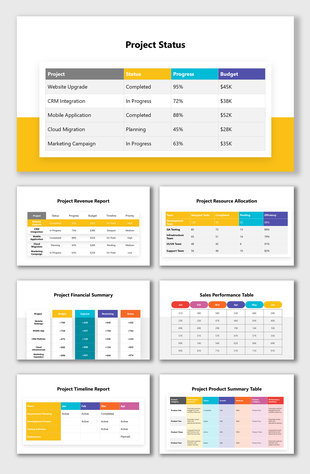
The Project PowerPoint Presentation And Google Slides

Pack of 17 slides
P.ID : 11230
Advertisement
406 views
56 Downloads
Designer
Kavitha
Get Custom Slides by Experts
Enhance Your Presentations with Add-ins
Google Slides Add-in
Access templates directly in Google Slides
Microsoft PowerPoint Add-in
Access templates directly in PowerPoint
GPT Add-on
AI-powered presentation assistance

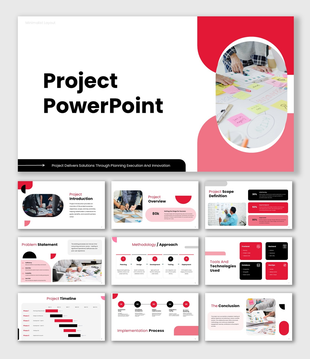
Project PowerPoint, Google Slides, and Canva Template


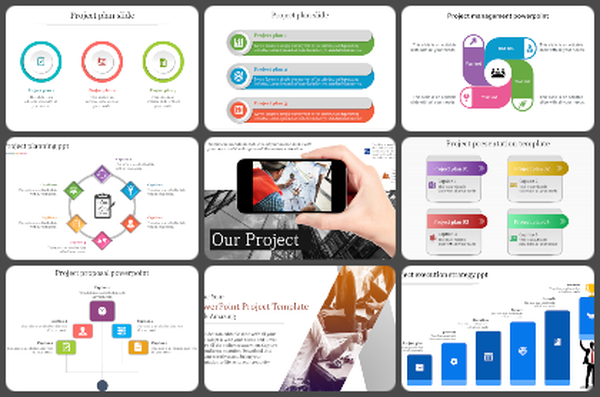
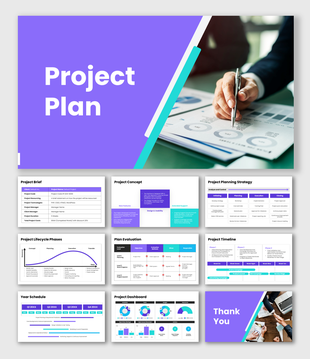
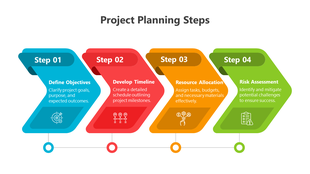
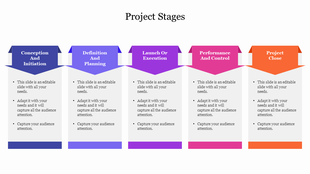
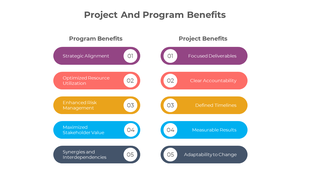
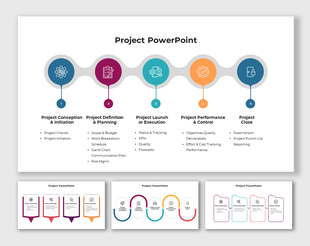
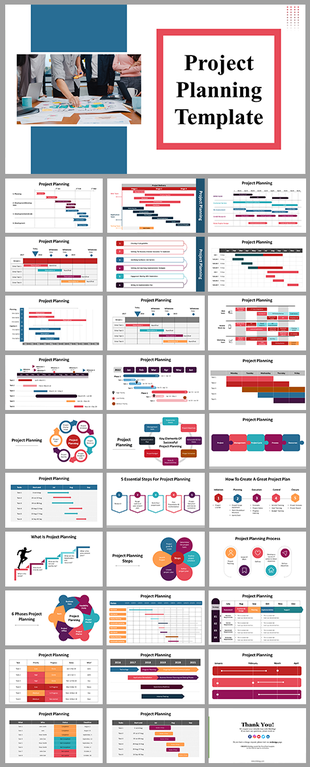
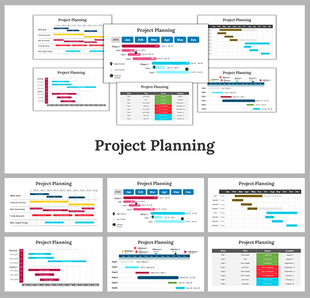
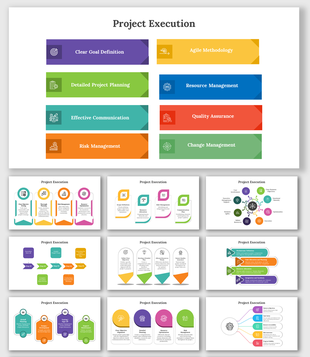
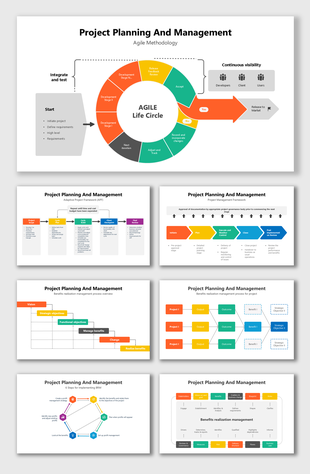
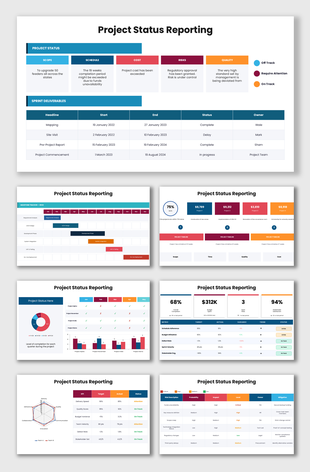
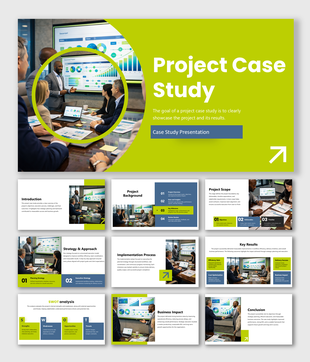
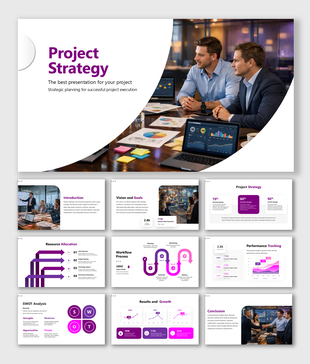
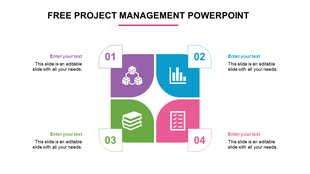
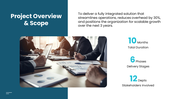
Create clear, confident, and professional presentations with this modern Project PowerPoint template. Designed with a clean blue color theme and fully editable shapes, this template helps you explain your project plan in a simple and structured way. Whether you are presenting to clients, teams, or stakeholders, every slide is built to make your ideas easy to understand and visually appealing.

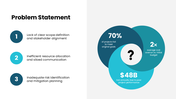
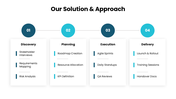
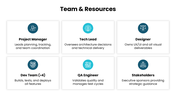
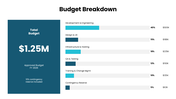
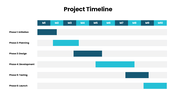
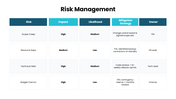
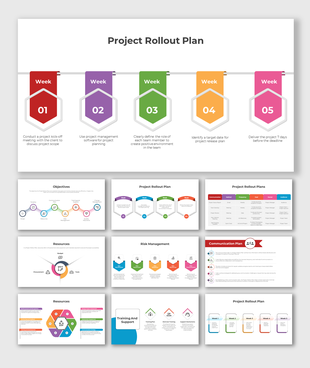
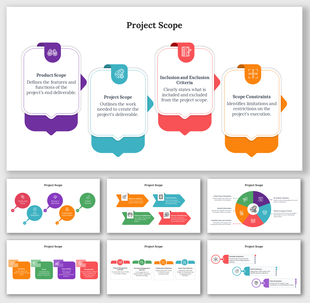
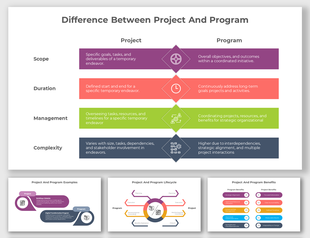
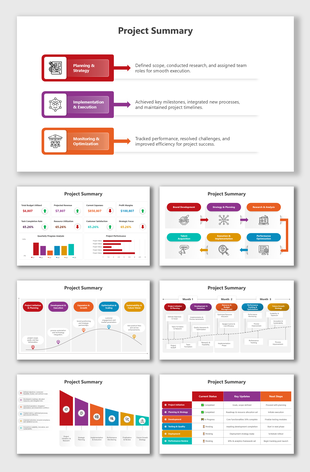
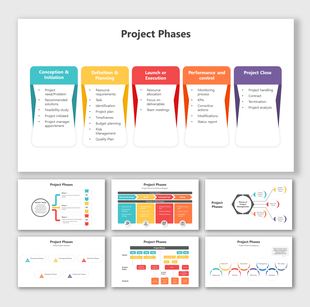
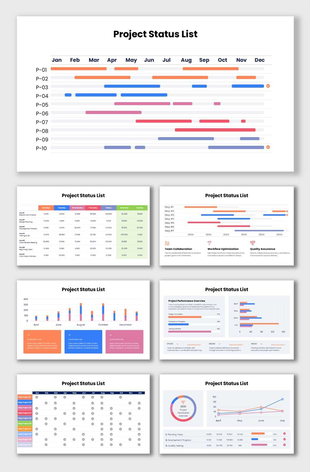
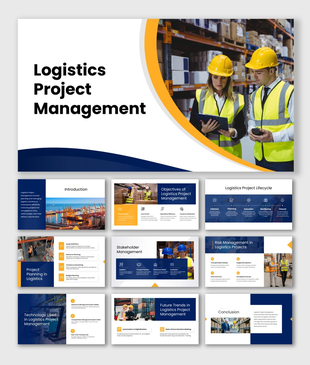
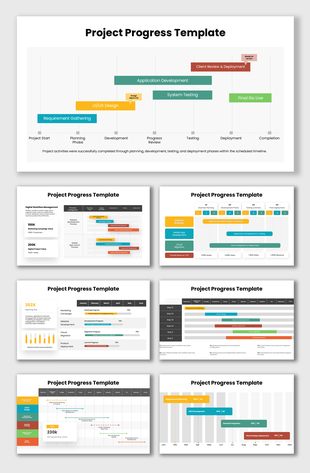
This template covers all key areas of project management, including project overview, problem statement, objectives, solution approach, team structure, budget breakdown, timeline, and risk management. With clean layouts and smart infographics, you can turn complex project details into clear visual stories that everyone can follow.

Perfect for business professionals, startups, managers, and students, this template saves time and improves presentation quality. It works smoothly for both PowerPoint and Google Slides, making it a flexible choice for global users.

Turn your ideas into powerful presentations. Download this project PowerPoint template today and present your plan with clarity and confidence.


Features of this template

  • 100% customizable slides and easy to download.
  • The slides contain 16:9 and 4:3 formats.
  • Easy to change the colors quickly.
  • Highly compatible with PowerPoint, Google Slides, and Canva templates.
You May Also Like These PowerPoint Templates
Free
Add to Wishlist
Download
Edit
Illustration of a clock with orange frame with a person inside, and four project plan sections at the bottom.
Add to Wishlist
Download
Edit
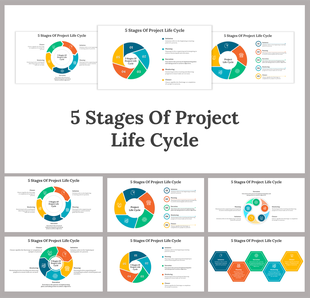
Five-step project process diagram with overlapping hexagons, icons, and text descriptions for each stage.