PowerPoint Japan Map Template PPT Presentation Slides
Nodes

Colors






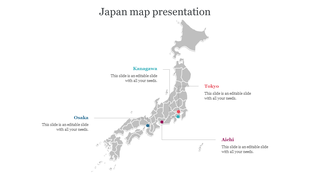
Japan Map Presentation Slide
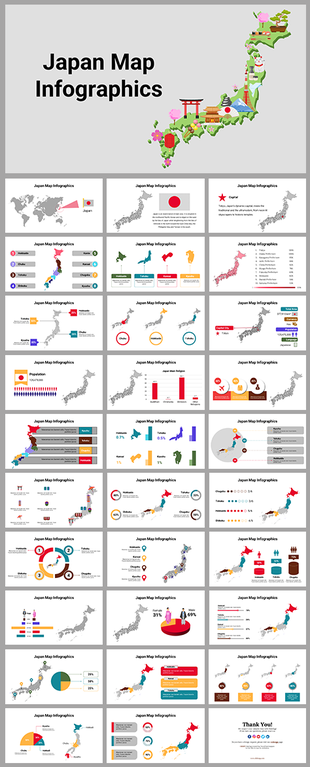
Download this Best PowerPoint Japan Map Presentation Template to make a stunning map presentation about Japan. You can use this slide in the business presentations to showcase your visibility in Japan. It is a 100% editable slide that allows you to edit the nodes, background, color scheme, text format, etc. Get started now!
About the template:
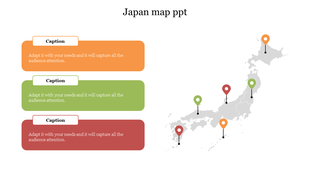
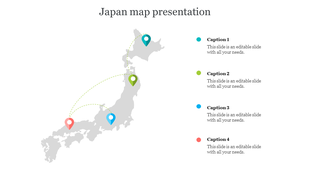
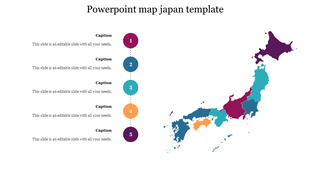
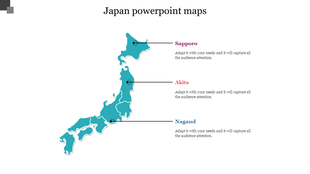
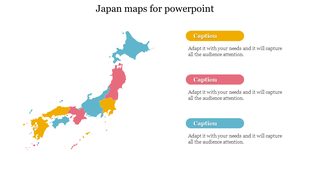
The Best Japan Map PowerPoint Template is four-noded with four Japan maps. In these maps, Tohoku, Chugoku, Kyushu, and Hokkaido are highlighted. Each map has a text holder and a pie chart with different percentage values. It has attractive colors, which will make your presentation eye-catching. Find more Japan PowerPoint maps for presentations from SlideEgg!
Features of this template:
1. 100% customizable slides and easy to download.
2. Slides available in different nodes & colors.
3. The slide contained 16:9 and 4:3 formats.
4. Easy to change the slide colors quickly.
5. Well-crafted template with instant download facility.
6. It has four maps of Japan.
More Collections for PowerPoint Japan Map Template PPT Presentation
Recommended based on this template.
Similar Templates to PowerPoint Japan Map Template PPT Presentation







Showing20 of69,218 templates