Eye-Catching PowerPoint Circular Process Template Designs

Practical Circular Process Template With Loop Design
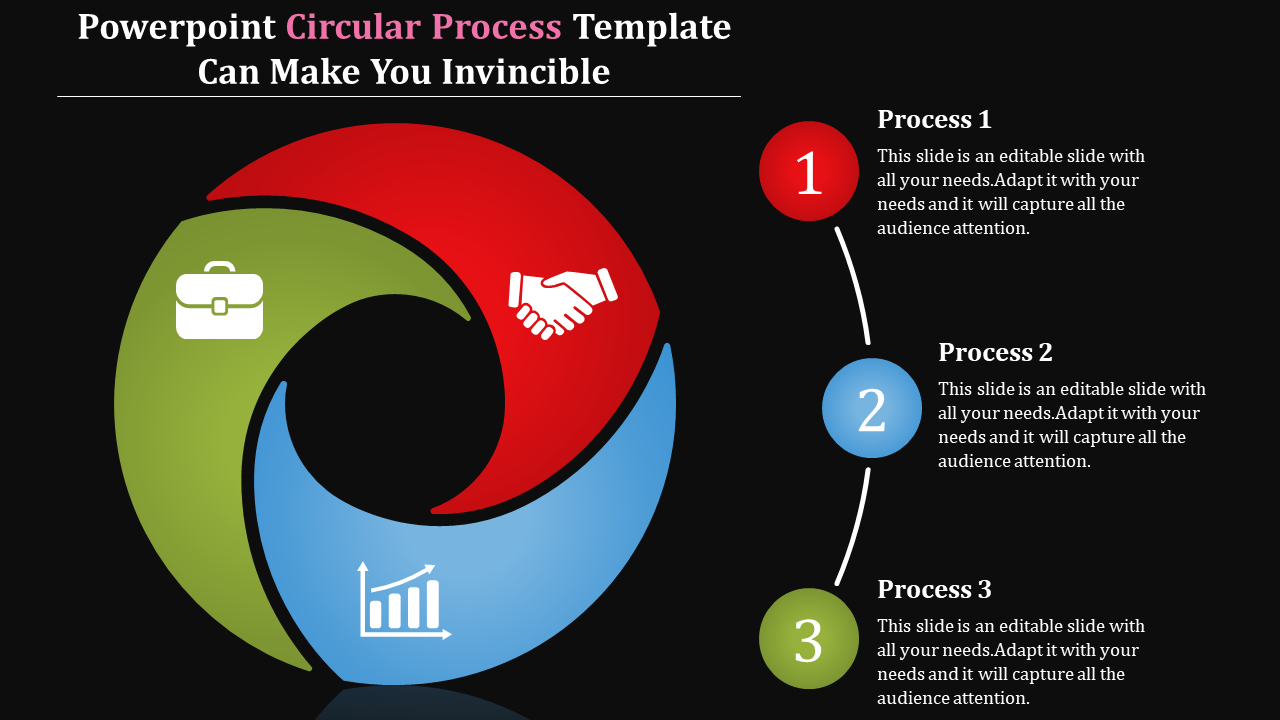
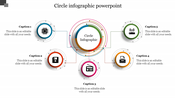
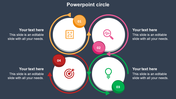
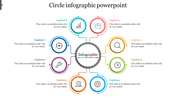
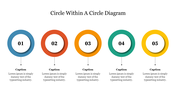
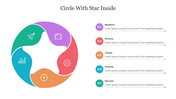
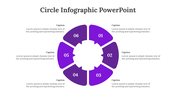
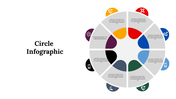
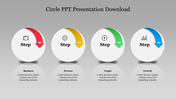
If your business has a repetitive process and you want to explain it to your client or colleague, get our Circular Process PowerPoint Template. The three icons are placed in a loop-like structure to show the repetitive process. Each icon has a text area to add information about the process for better understanding. It has a unique dark background, which combines perfectly with the colors we used in this slide to grab the audience's attention. Explain your business process with this slide and leave an everlasting impression.
Features of the template
- 100 % customizable slides and easy to download
- Slides are available in different nodes & colors.
- This PowerPoint has three nodes.
- The slide contained 16:9 and 4:3 formats.
- It comes with a dark theme.
- Easy to change the slide colors quickly.
- It is a well-crafted template with an instant download facility.
- It is designed with a stunning theme design.









You May Also Like These PowerPoint Templates
Showing20 of69,218 templates