Creative Pain Points PowerPoint Presentation











Pain Points Presentation Slide
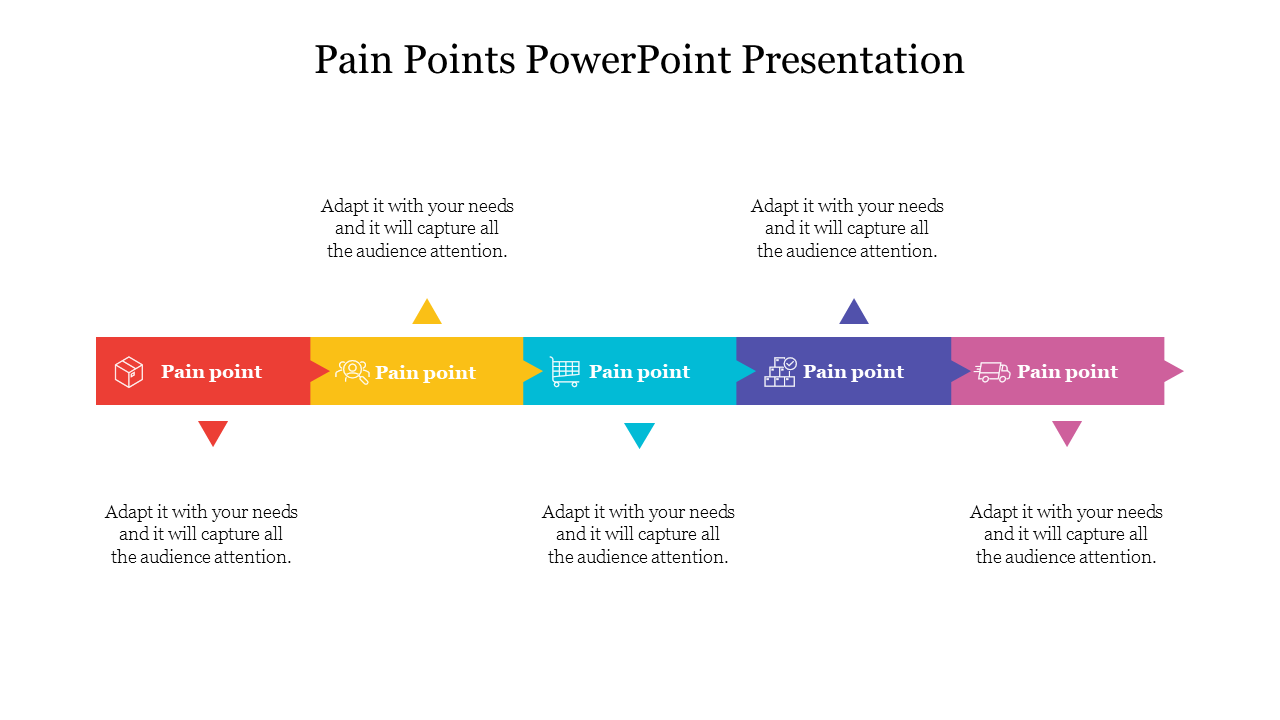
Identifying the pain points is the key to unlocking customer satisfaction. Pain Points are the specific problems or challenges that customers face, and understanding and addressing them is crucial for creating effective products and services that meet their needs. Our template helps businesses identify and analyze the pain points of their customers, leading to better product design, customer service, and overall satisfaction. It assists ultimately in driving success and growth. Our slide is designed to impress, come and see how!
Features of the template
- 100% customizable slides and easy to download.
- Slides are available in different colors
- The slide has 4:3 and 16:9 formats.
- Easy to change the slide colors quickly.
- Appealing presentation to impress an audience.
- Create feature-rich slide presentations.
- Slides are compatible with Google slides.
- Perfect pain points theme.

You May Also Like These PowerPoint Templates









Showing20 of69,218 templates