Knowledge management PowerPoint Google Slides Template
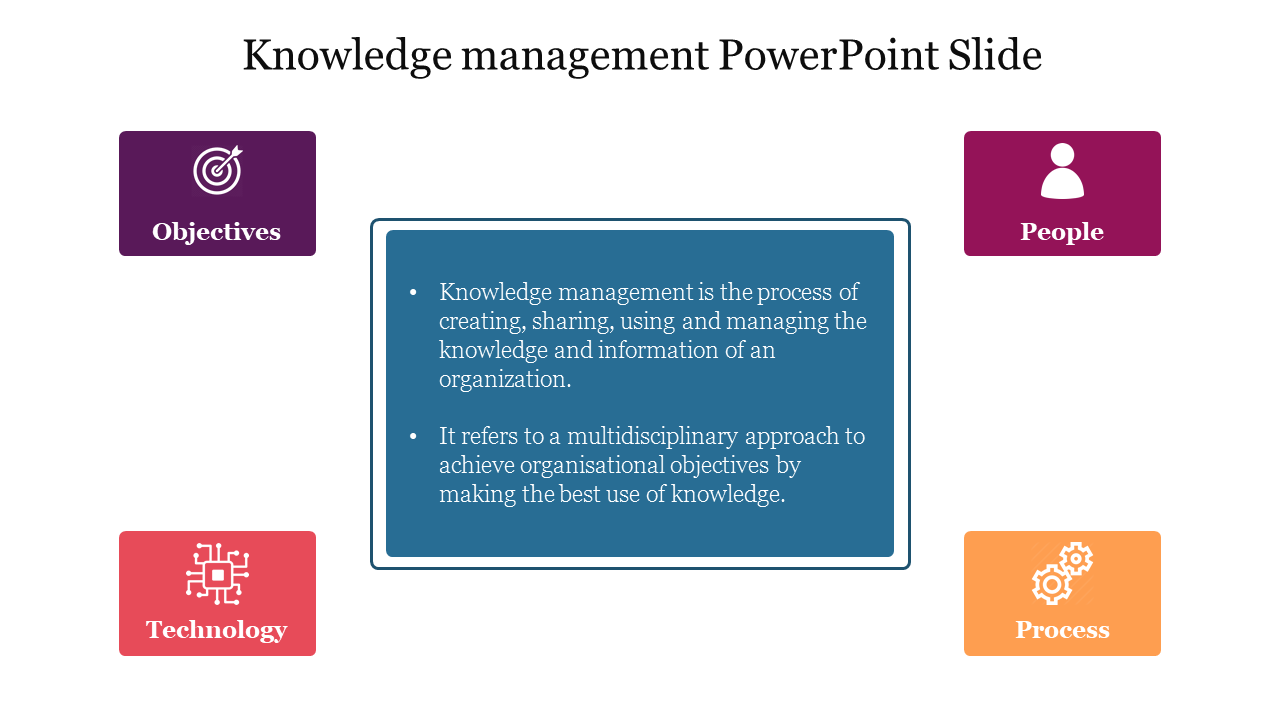
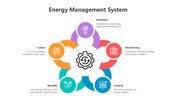
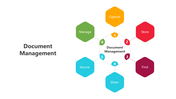
Knowledge management PowerPoint slide with four key elements objectives, people, technology, and process with icons.
P.ID : 56953
    299 views
    30 Downloads
    Designer
    Kavitha
    Get Custom Slides by Experts
    Enhance Your Presentations with Add-ins
    Google Slides Add-in
    Access templates directly in Google Slides
    Microsoft PowerPoint Add-in
    Access templates directly in PowerPoint
    GPT Add-on
    AI-powered presentation assistance

    Knowledge Management Presentation Slide

    A knowledge management system is a valuable tool that organizations use to capture and distribute knowledge within their teams. Knowledge management has become increasingly important for organizations, as it helps them to retain valuable knowledge within their teams. You can enhance their decision-making processes, and improve their overall productivity. You can also highlight the need for effective knowledge management systems that can support distributed teams. You can employ our slide which perfectly fits all your knowledge management-related PPTs.


    Features of the template:

    • 100% customizable slides and easy to download.
    • The template has 4:3 and 16:9 formats.
    • Slide is compatible with PowerPoint and Google Slides.
    • Slide is available in multi-colors and multi-nodes.
    • Easy to change the slide colors quickly.

    Advertisement

    You May Also Like These PowerPoint Templates
    Free
    Add to Wishlist
    Download
    Edit
    Management-themed slide with a title, text block, and a background image of a collaborative workspace.
    Free
    Add to Wishlist
    Download
    Edit
    Management PowerPoint template with three captions arranged around a central circle.
    Free
    Add to Wishlist
    Download
    Edit
    Management PowerPoint template with a team of people discussing work overlaid with orange color.
    Free
    Add to Wishlist
    Download
    Edit
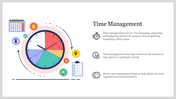
    Time management PPT slide with a blue clock design divided into 12 sections, each labeled with numbers and a text box.