Get Infographic Presentation Template Design-Yellow Color
Free
Nodes

Colors
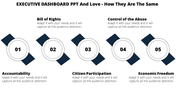

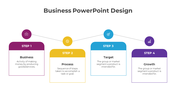
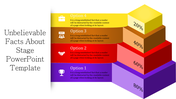

Infographic Presentation Templates and Google Slides
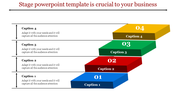
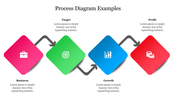
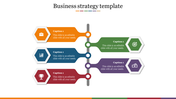
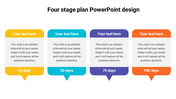
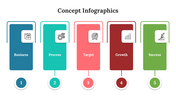
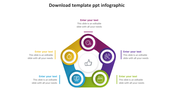
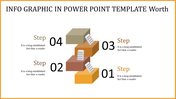
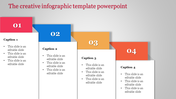
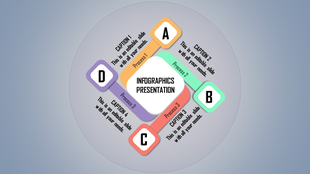
Creating a compelling infographic presentation can transform complex data into visually appealing and easily digestible content. Using professional golden shades, you can design a sophisticated four-node infographic that stands out in business presentations. Start by defining your key points, ensuring each node represents a critical piece of information. Arrange your nodes in a logical flow, guiding the audience through your narrative seamlessly. Employ consistent icons and typography to maintain a polished look. Utilize golden hues to highlight important data and create a sense of elegance and professionalism. This approach not only captures attention but also enhances the retention of information, making your presentations more effective and engaging.
Features of the template
- 100% customizable slides and easy to download.
- Slides are available in different nodes & colors.
- The slide contains 16:9 and 4:3 formats.
- Easy to change the colors of the slide quickly.
- Well-crafted template with an instant download facility.
More Collections for Get Infographic Presentation Template
Recommended based on this template.
Similar Templates to Get Infographic Presentation Template
Showing20 of69,218 templates