Free - How To Make A Historical Timeline On PowerPoint Presentation
Free
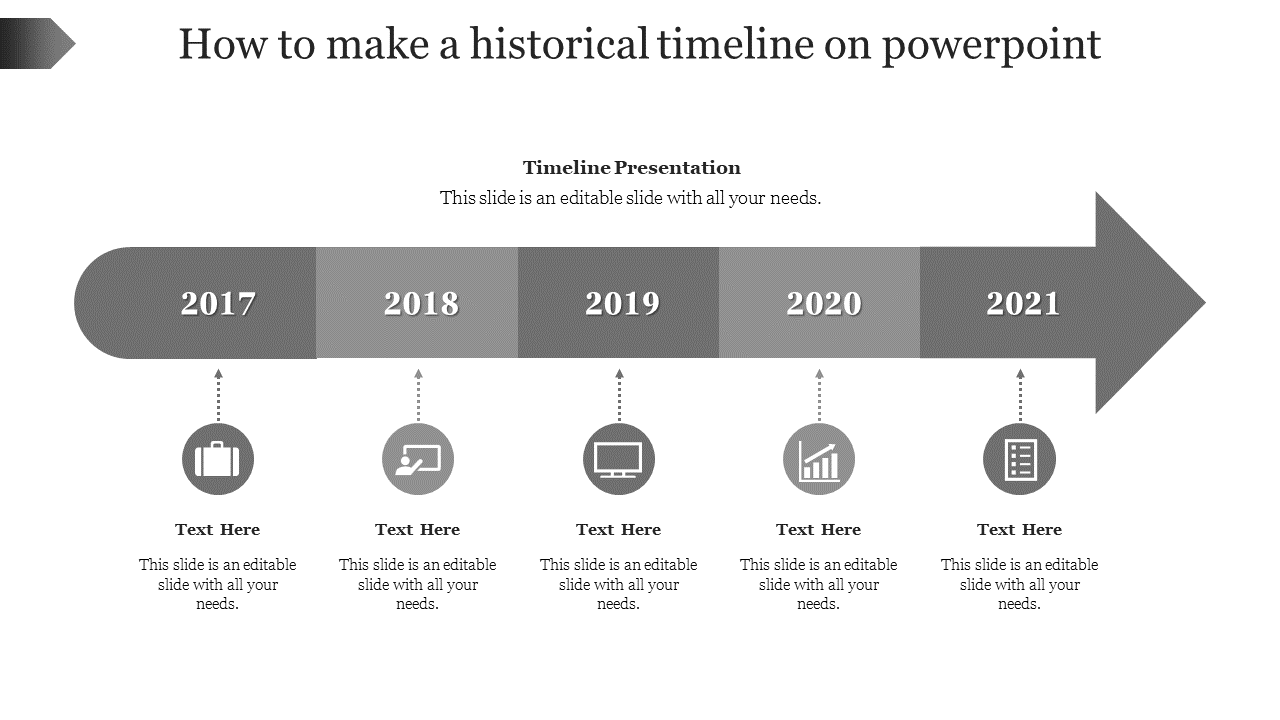
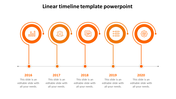
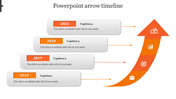
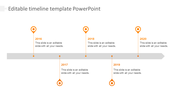
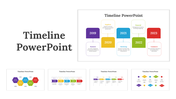
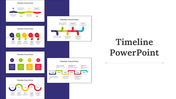
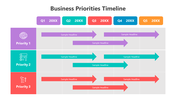
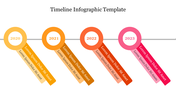
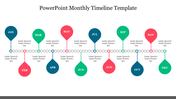
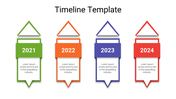

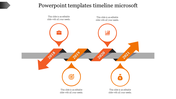
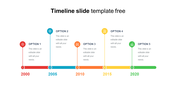
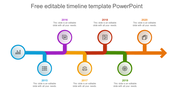
Historical Timeline PowerPoint Template
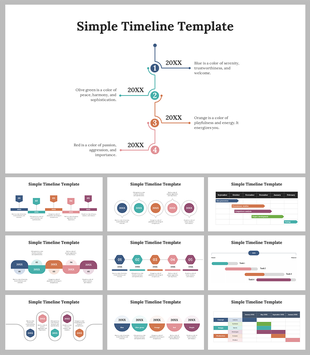
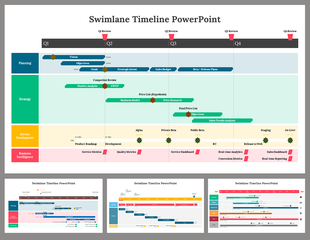
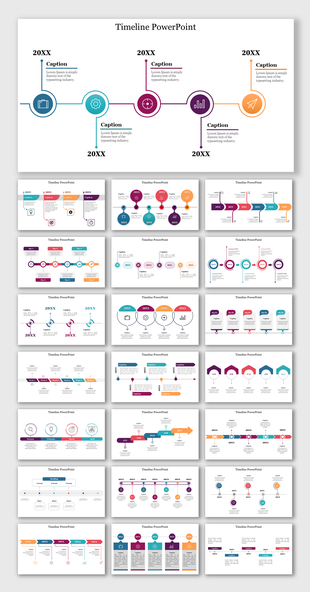
How do I make a historical timeline in PowerPoint? This question might sound complex to some of you, but it is easy when you download and use our timeline template. Yes, Slide Egg is back with its best timeline templates, and our motto is to save your precious time from creating a new template for a presentation. So, here is a ready-to-use template for your needs. It is designed with all the resources, like icons, nodes, shapes, designs, colors, and titles. What more do you need? Everything is right in your hand. Just tap the download button to get it. Also, it is free to alter.
Features of the template
- 100% customizable slides and easy to download.
- Slides are available in different nodes & colors.
- The slides contain 16:9 and 4:3 formats.
- Easy to change the colors quickly.
- It is a well-crafted template with an instant download facility.
- It is a 100% pre-designed slide.
- It is a Google Slide Theme.
- The slide displays an amazing timeline design.










You May Also Like These PowerPoint Templates

Showing20 of69,218 templates