Google Slides Animations and PPT Template Presentation
Nodes
Colors
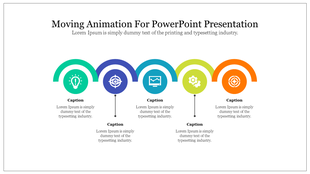
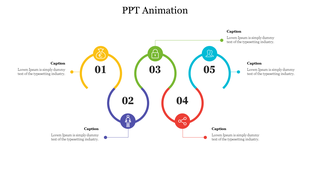
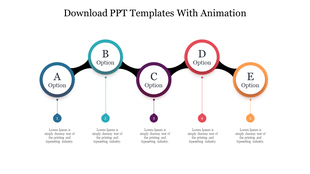
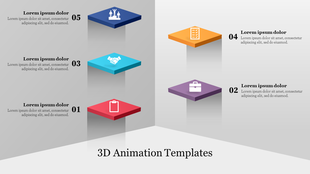
Five Noded Animation Google Slide
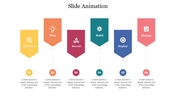
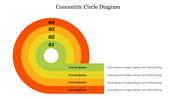
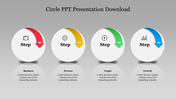
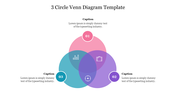
SlideEgg offers you this highly creative Google Slides Animations Template to help you in making incredibly interactive presentations. It is especially useful if you want to keep your audience focused on your presentation. It also helps you to make your presentations more interesting and engaging. It is also highly customizable.
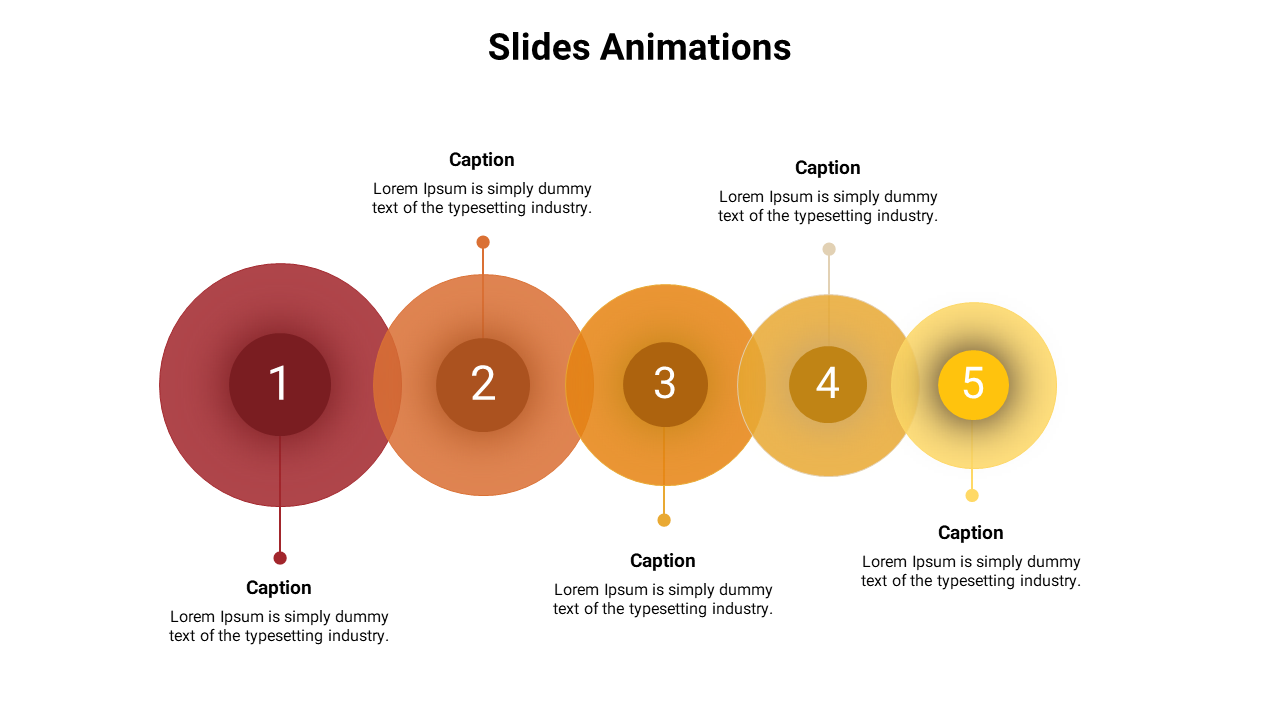
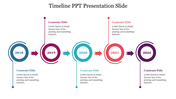
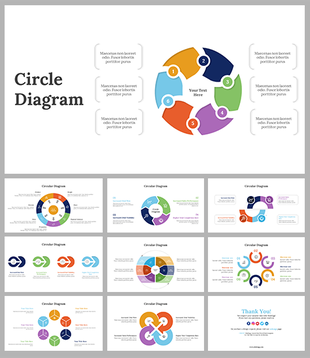
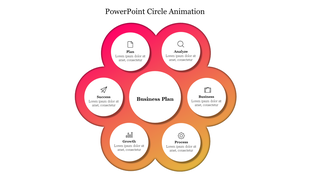
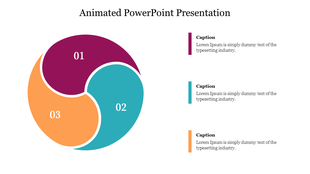
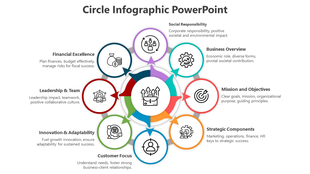
The Google Slides Animations PPT Template has beautifully designed five multicolor circles of different sizes. The circles are numbered and overlapped on each other to give a creative look to your presentations. Using this animation template, you can make your presentation more interactive and make it easier for the audience to understand and follow your ideas.
Features of this template:
1. 100% customizable slides and easy to download.
2. Slides available in different nodes & colors.
3. The slide contained 16:9 and 4:3 format.
4. Easy to change the slide colors quickly.
5. Well-crafted template with instant download facility.
6. Beautiful, multicolor infographic slide.
More Collections for Google Slides Animations
Recommended based on this template.









Similar Templates to Google Slides Animations
Showing20 of69,218 templates