Free - PowerPoint Shapes Templates and Google Slides
Free
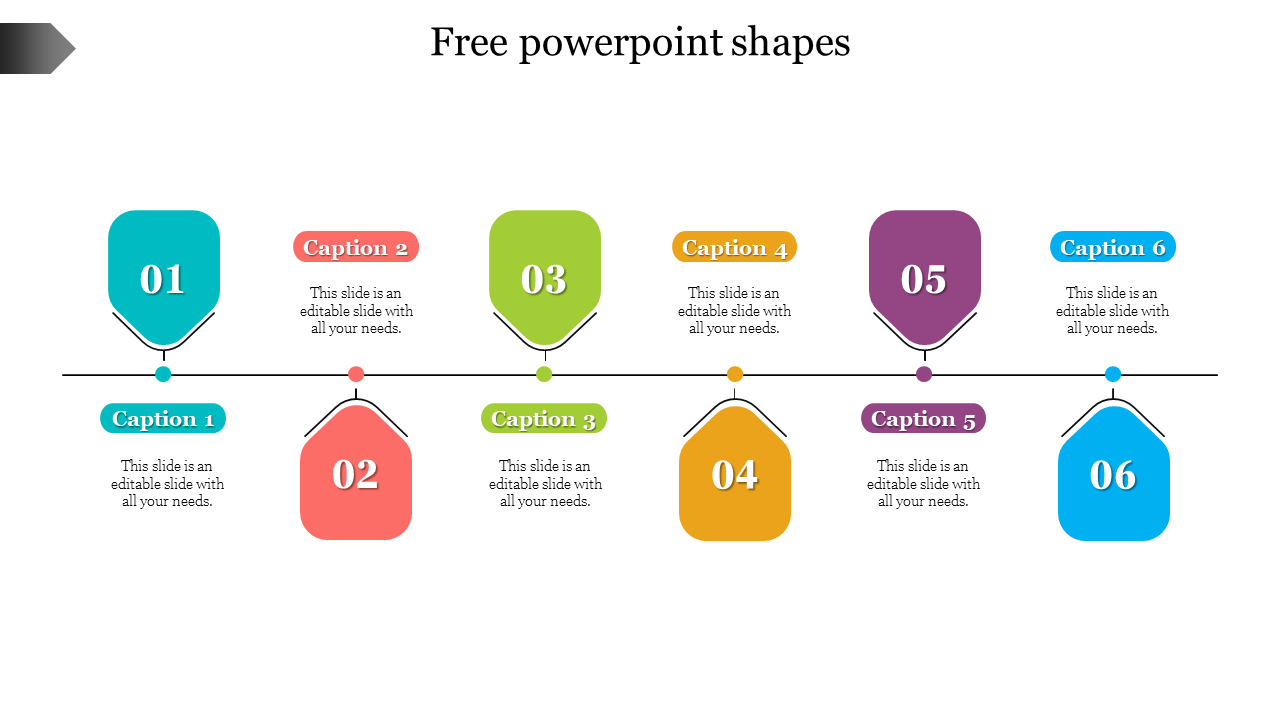
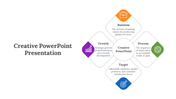
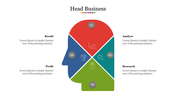
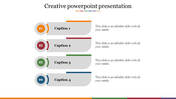
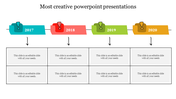

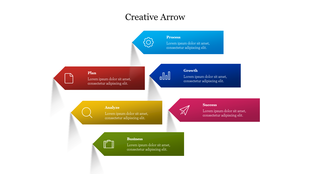
Free Creative PowerPoint Shapes for Presentations With Six Nodes
Do you want to present your project ideas and roadmap to your audience in a clear and attractive way? Our six-point free creative PowerPoint templates are the perfect choice for you! These templates display your data in unique shapes and give your presentation a fresh look.
Each point is used to represent a specific concept, step, or piece of information. Using these six points, you can clearly and concisely explain the key aspects of your idea, the phases of a process, the milestones of a project, or six relevant data points.
Key features of these templates:
- Creative design: Give your presentation a unique look by using attractive shapes instead of the usual bullet points.
- Six points: Perfect for organizing and presenting your key ideas or information.
- Customizable: You can easily change the color, size, and text of each shape to suit your needs.
- Description boxes: Each point is provided with text boxes to add a relevant description.
- Easy to use: Designed to be easy to use in PowerPoint.
- Versatile: Suitable for business plans, process descriptions, timelines, comparisons, and a variety of presentation purposes.
Use these templates to:
- Present your ideas in a clear and well-structured manner.
- Create an attractive visual layout that will capture the attention of your audience.
- Break down complex information into easy-to-understand chunks.
- Give your presentation a professional and innovative look.
Features of this template
- It is a pre-built design to save time.
- 100% Customizable (shape color, size & text)
- This template has a red theme, and you can also choose the color
- Drag and drop image placeholder
- It supports an aspect ratio of 4:3 format.








You May Also Like These PowerPoint Templates
Showing20 of69,218 templates