Free - Affordable Design Arrow PowerPoint With Four Nodes
Free
 Canva
Canva













Neat Orange Shade Arrow Template
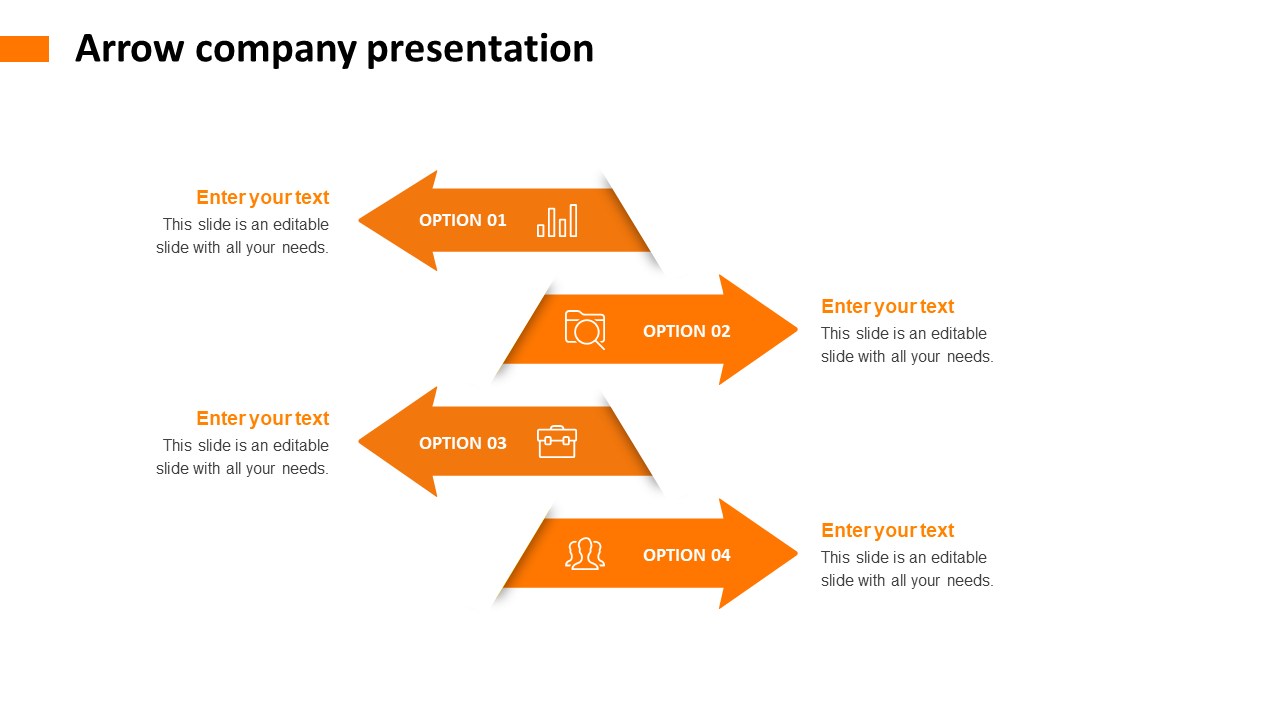
What makes a presentation interesting? It is the infographics used and the color palette chosen to attract the audience. The color shade and the arrow design with small icons highlight the template with a text area spaced out on either side of the template. The arrow design optimizes the usage of the topic and brings out the effectiveness of the four nodes used. You can use the customizable feature easily, as the template is free of cost. Download the template and make the presentation simple and effective with points highlighted for reference.
Features of the Template:
- 100% customizable slides and easy to download.
- The slide contains 16:9 and 4:3 formats.
- Slides are available in different nodes & colors.
- Easy to change the colors of the slide quickly.
- Well-crafted template with an instant download facility.
- Orange color with four nodes.








You May Also Like These PowerPoint Templates


















Showing20 of69,218 templates