Creating Infographics In PowerPoint For Professional Use
Free
Nodes

Colors




Infographics PowerPoint Template and Google Slides
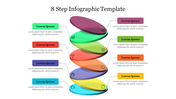
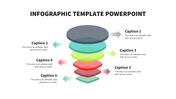
The "Infographics PowerPoint Template and Google Slides" is a presentation template designed for creating visually appealing infographics. The image features a slide with a dark blue background and five green cylinders arranged in a vertical stack. Each cylinder has a white label with a number on it.
Professionals, educators, students, marketers, and anyone who needs to present information in a concise and visually appealing format can benefit from this template. It is suitable for business presentations, academic projects, reports, marketing materials, and more.
Compatibility with PowerPoint and Google Slides. Available in 16:9 and 4:3 aspect ratios, catering to different screen sizes and presentation preferences. Provided in ZIP format for easy sharing and distribution. 100% customizable features. Download now.
More Collections for Creating Infographics In PowerPoint
Recommended based on this template.
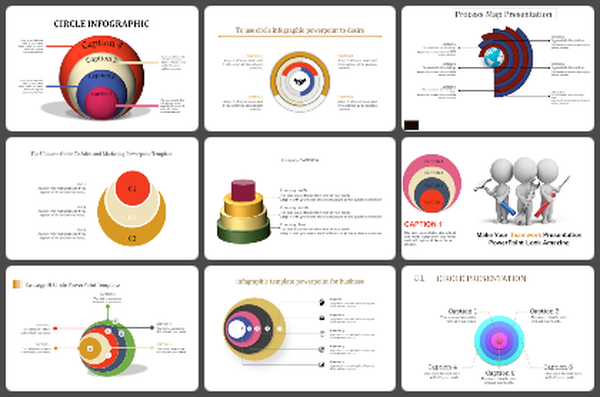
Similar Templates to Creating Infographics In PowerPoint
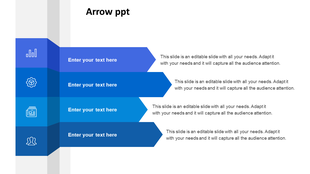
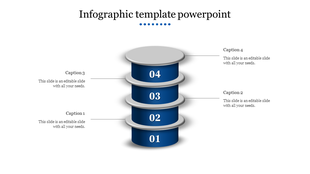
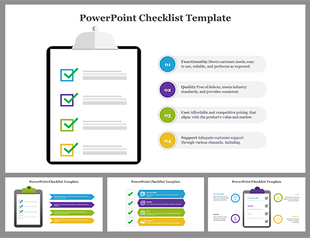
Showing20 of69,218 templates