Cone Shape In Microsoft PowerPoint And Google Slides
Nodes
Colors




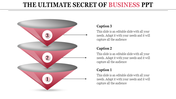
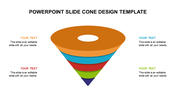
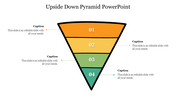

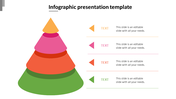
Cone Shape Presentation Slide:
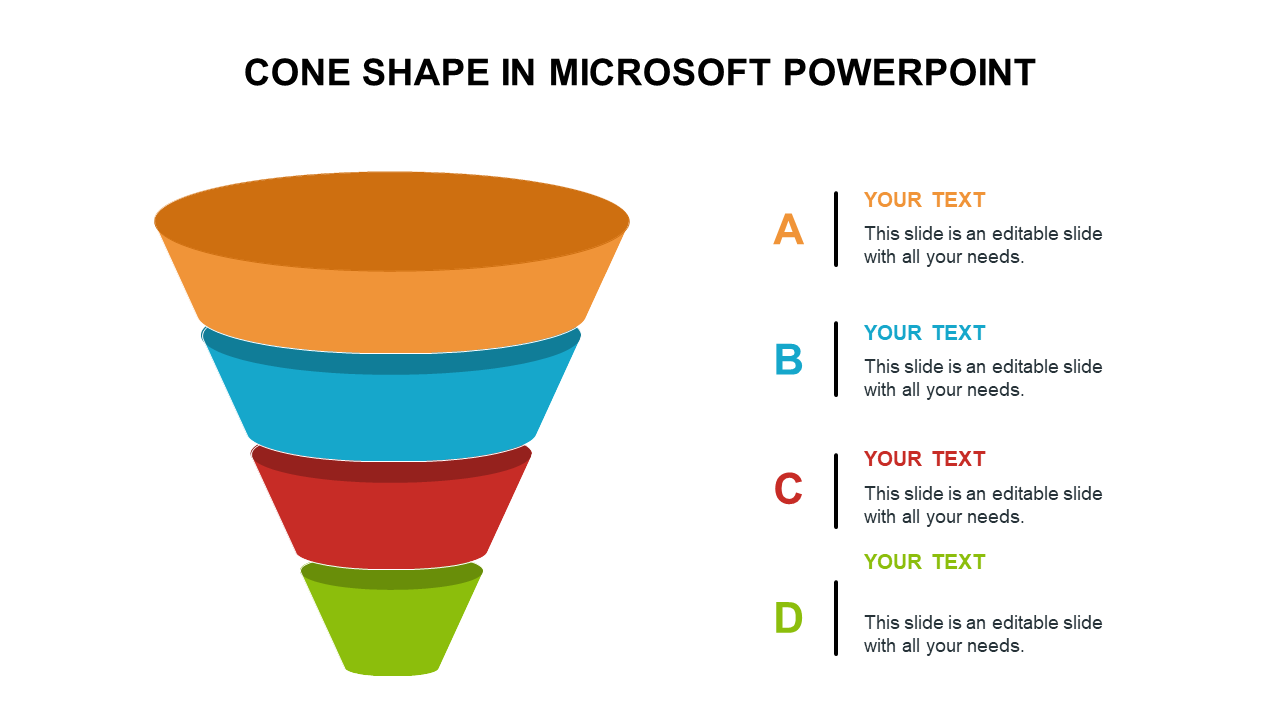
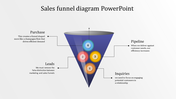
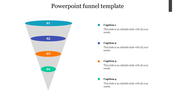
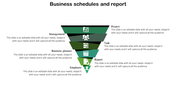
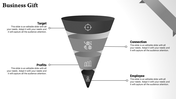
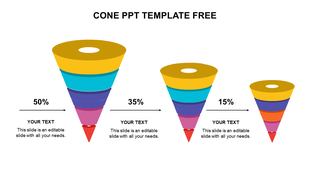
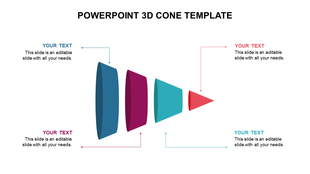
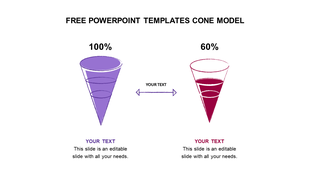
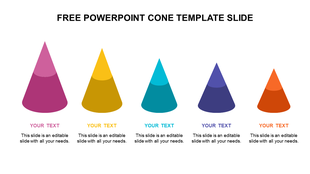
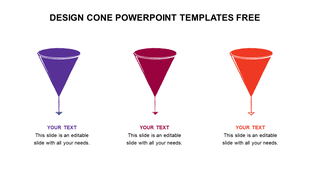
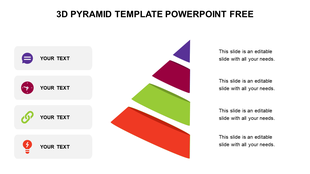
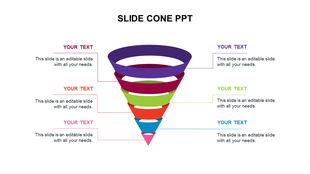
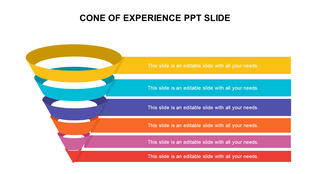
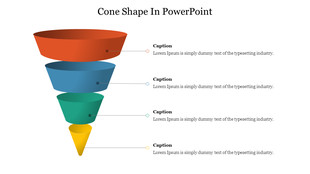
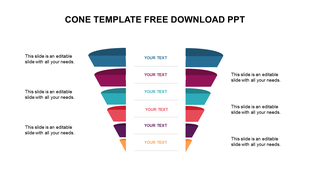
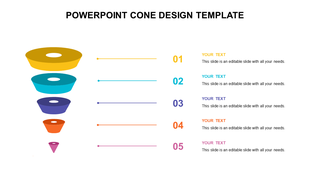
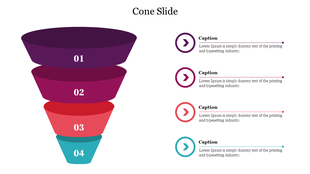
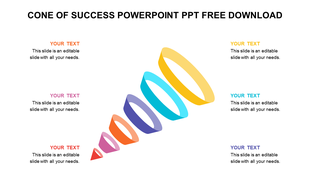
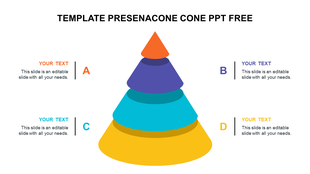
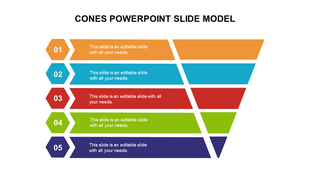
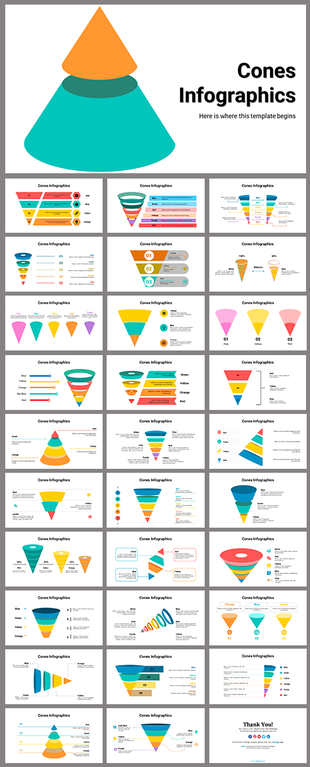
The cone shape in PowerPoint is a common graphic element used to represent a range of concepts, such as growth, hierarchy, and process flow. The cone shape is often used to illustrate a funnel, which can be used to depict a process of filtering and narrowing down information or ideas. How about presenting your ideas in a cone shape that can help you add on more details as well as attract your audience.
Features of the template:
- 100 % customizable slides and easy to download.
- Slides is available in different colors.
- The template has 4:3 and 16:9 formats.
- It is easy to change the slide colors quickly.
- Slide is compatible with PowerPoint and Google slides.
More Collections for Cone Shape In Microsoft PowerPoint
Recommended based on this template.









Similar Templates to Cone Shape In Microsoft PowerPoint

Showing20 of69,218 templates