Circles For PowerPoint Presentations Template Designs
 Canva
Canva
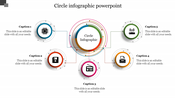

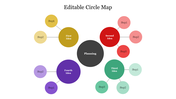


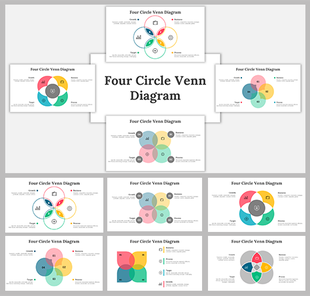
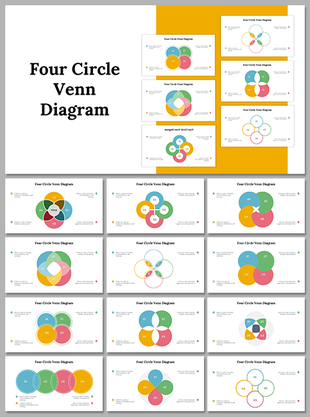
Eye-Grabbing Circular Diagram PPT
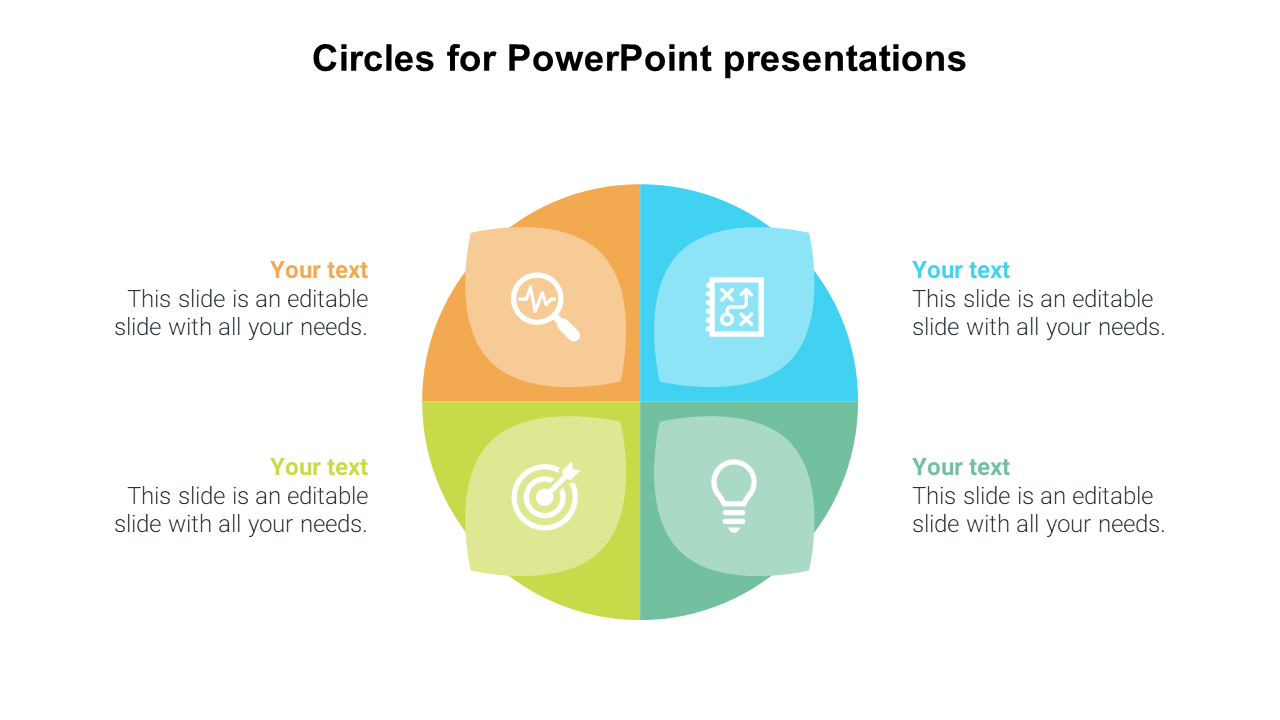
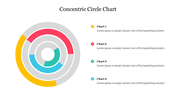
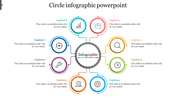
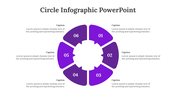
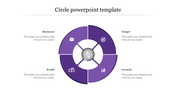
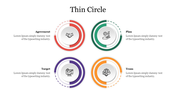
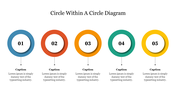
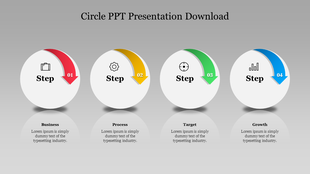
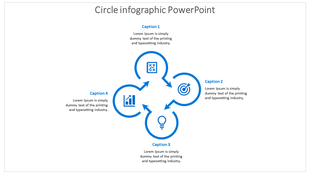
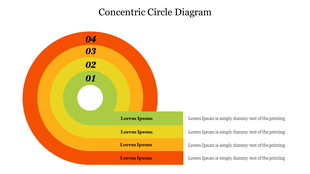
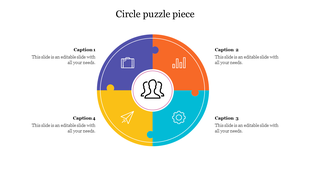
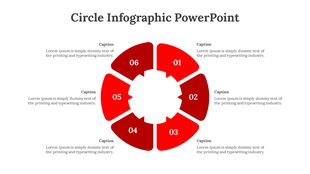
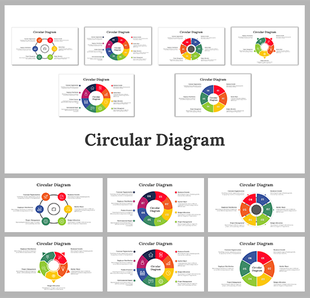
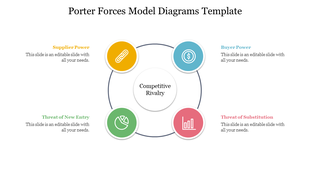
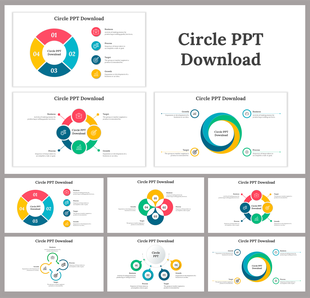
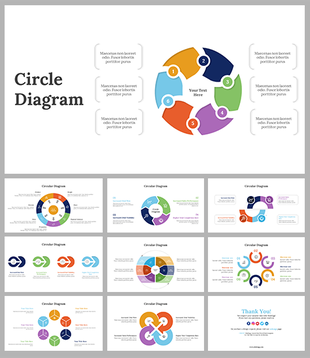
The PowerPoint circular diagram is a valuable visual aid for outlining concept models. A concept is represented by a four stages diagram on a graphic slide that the audience may easily understand. A four-part circular ring diagram depicts the core unit and four-leaf model text holders. The circle diagram templates are appropriate for displaying cyclical processes and models. The customizable PowerPoint template is simple and may be tailored to the presentation's subject. Using PowerPoint tools, users can alter the scale of the diagram, the colors of the four segments, and the slide background. Use this flexible theme to create a polished display half the time.
Features of this Template
- 100 % customizable slides and easy to download.
- Slides are available in different colors.
- The slide has 4:3 and 16:9 formats.
- Easy to change the slide colors quickly.
- Appealing presentation to impress an audience.
- Create feature-rich slide presentations.
- An eye-pleasing color slide helps to give a catchy presentation.
- Crisp and clear font styles.
- Enticing circular design presentations.









You May Also Like These PowerPoint Templates
Showing20 of69,218 templates