Free - Circle PowerPoint Template for Dynamic Presentations
Free
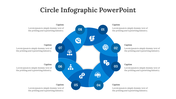
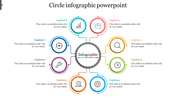
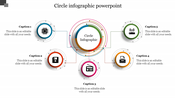
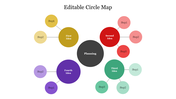
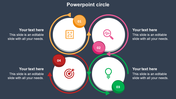
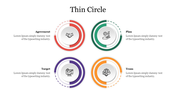

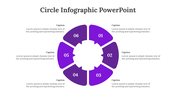
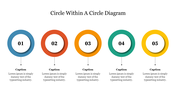
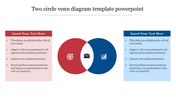
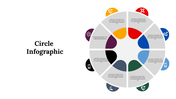

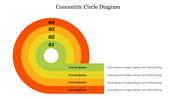
Enhance Your Presentation with a Circle PowerPoint Template
Upgrade your presentations with our Circle PowerPoint Template, designed to captivate and engage your audience effortlessly. This template offers a fresh visual approach that sets your content apart.
How Our Template Helps:
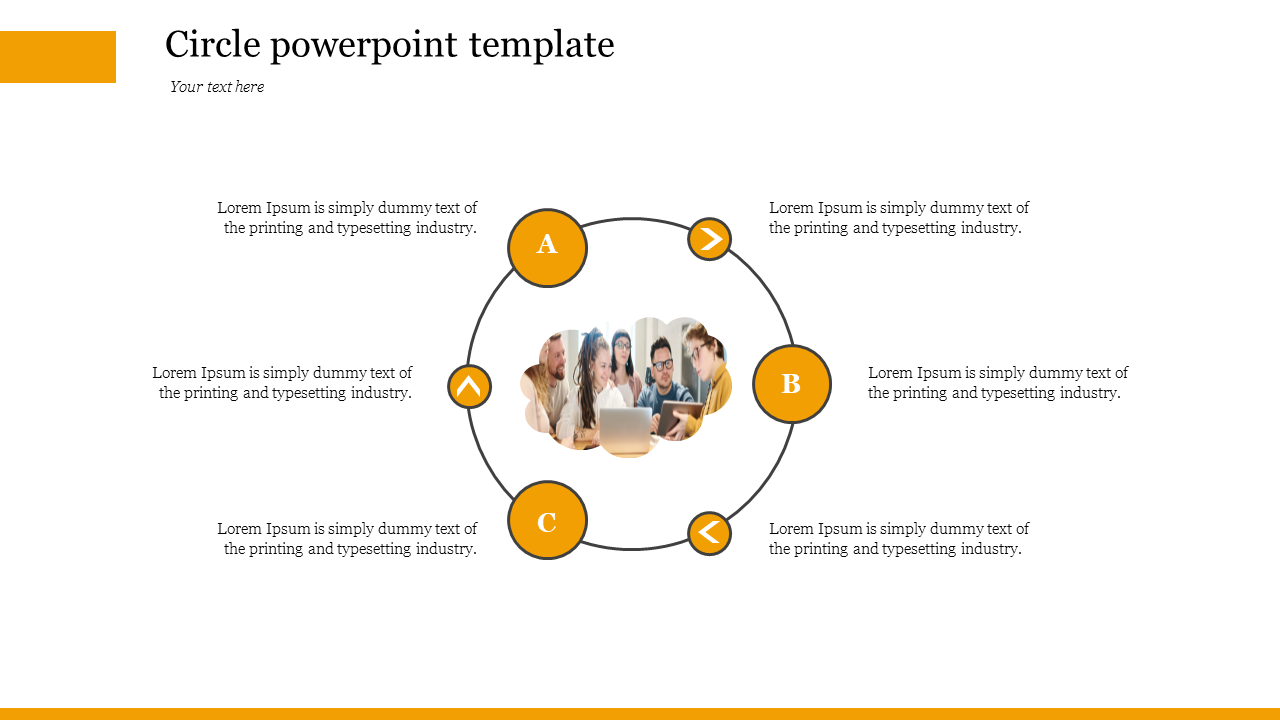
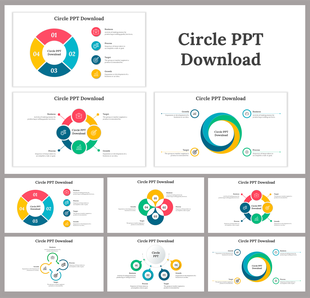
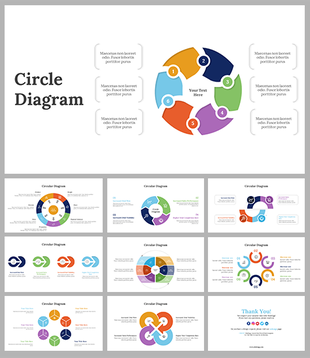
Our Circle Template features a dynamic circular diagram centered around a team image, complemented by arrows and labelled sections (A, B, C). This layout allows you to organize and highlight key information visually, ensuring clarity and impact in your presentation.
Purpose of the Template:
Crafted for visual engagement, our template simplifies the communication of complex ideas or processes. Whether you're outlining strategies, showcasing project timelines, or explaining organizational structures, this template enhances understanding and retention for your audience.
Who Benefits:
Ideal for professionals across industries, educators, and students, our Circle slide is versatile and adaptable. Perfect for business meetings, classroom lectures, project updates, and more.
Download it now!
Features of the template:
- 100% customizable slides and easy to download.
- The slides contain 16:9 and 4:3 formats.
- Easy to change the colors quickly.
- It is a well-crafted template with an instant download facility.
- It is a 100% pre-designed slide.









You May Also Like These PowerPoint Templates
Showing20 of69,218 templates