Free - A Business Case PowerPoint Sample And Google Slides

Free

Pack of 18 slides
P.ID : 77148
Advertisement
265 views
118 Downloads
Designer
Muthulakshimi
Get Custom Slides by Experts
Enhance Your Presentations with Add-ins
Google Slides Add-in
Access templates directly in Google Slides
Microsoft PowerPoint Add-in
Access templates directly in PowerPoint
GPT Add-on
AI-powered presentation assistance

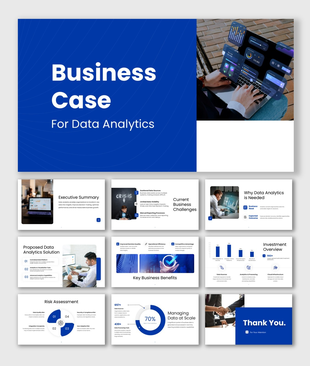
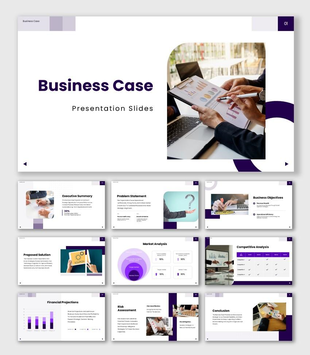
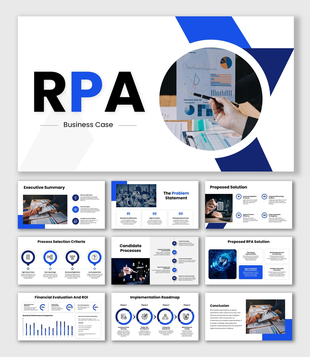
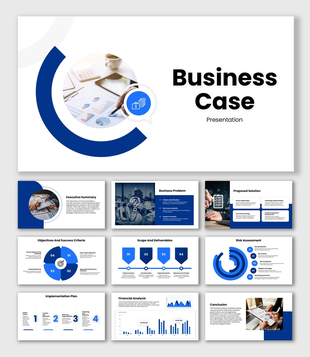
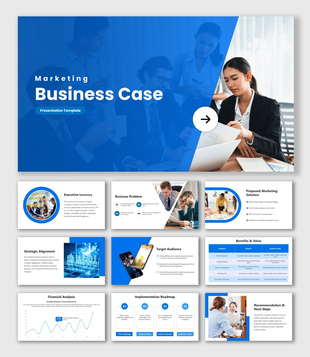
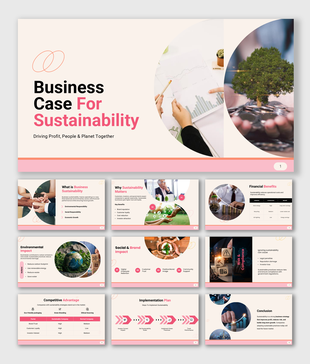
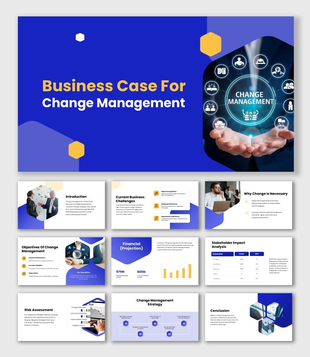
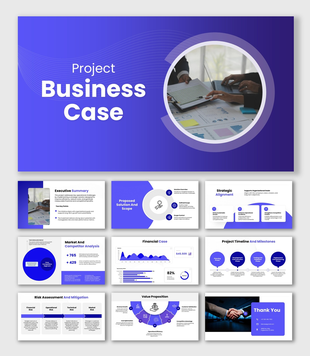
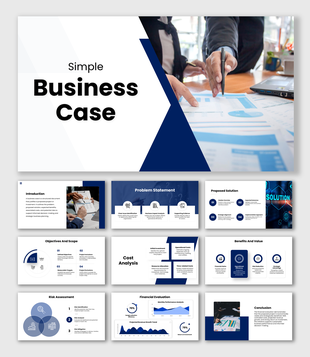
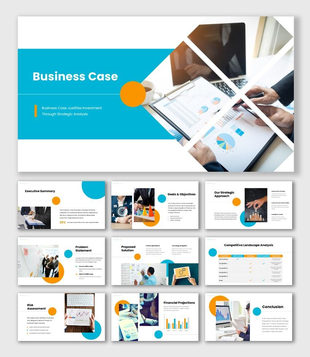
Business Case Sample PowerPoint, Google Slides, and Canva Template


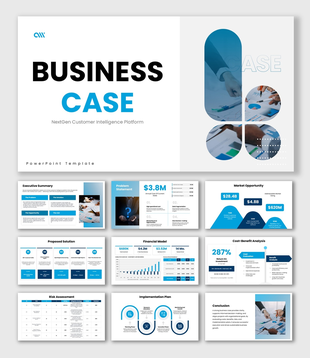
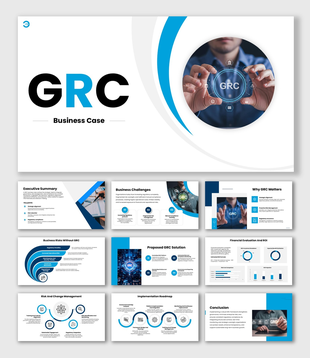
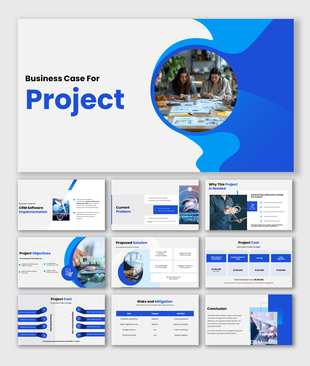
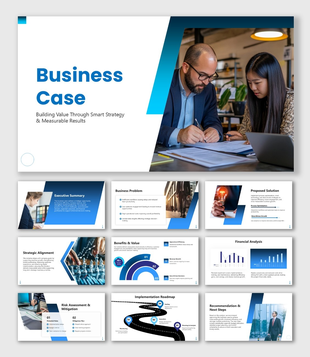
A strong Business Case PowerPoint Presentation helps you turn ideas into clear decisions. It explains why a project matters, how much it will cost, what benefits it will bring, and what risks may appear. Whether you are proposing a new product, requesting funding, or presenting a strategic initiative, this template helps you organize your business proposal in a simple and professional way.

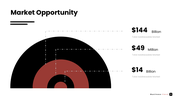
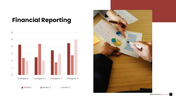
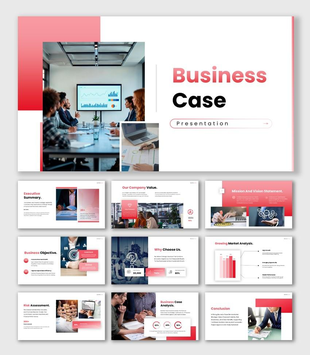
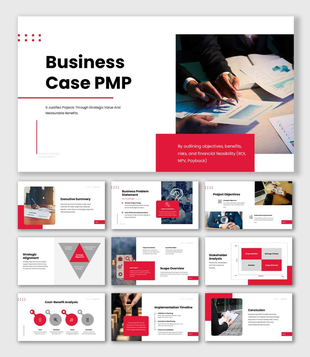
Designed with a bold red color theme and fully editable shapes, this presentation makes complex business analysis easy to understand. It includes structured slides for executive summary, company value, mission and vision, business objectives, market analysis, competitive advantage, financial projections, risk assessment, business case analysis, and conclusion. Clean charts, infographics, and comparison layouts help you present ROI, cost-benefit analysis, revenue forecasts, and growth strategy with clarity.

As a presentation designer, I created this template to balance confidence and simplicity. The red accents highlight key numbers and strategic insights, while the organized flow guides your audience step by step through the problem, solution, and expected results. It is perfect for business leaders, startup founders, corporate managers, consultants, MBA students, and project teams who need a persuasive and data-driven business proposal presentation.

Download it today and transform your ideas into a powerful, decision-ready presentation that builds trust and drives action.


Features of this template

  • 100% customizable slides and easy to download.
  • The slides contain 16:9 and 4:3 formats.
  • Easy to change the colors quickly.
  • Highly compatible with PowerPoint, Google Slides, and Canva templates.

You May Also Like These PowerPoint Templates