30+ Business Case Presentation Templates
Struggling to explain ROI? Use a business case layout that separates one-time vs recurring costs, measurable benefits, key assumptions, and payback timing—so reviews focus on decisions, not confusion.
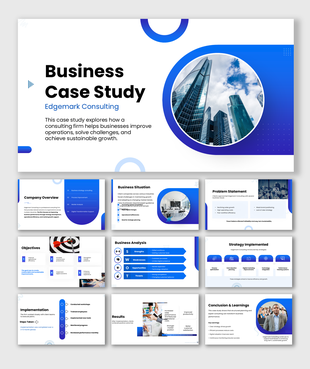
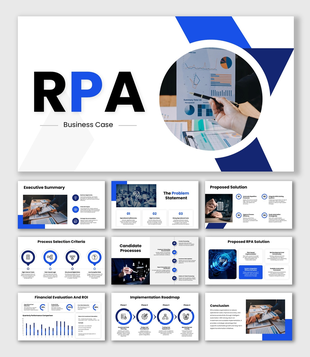
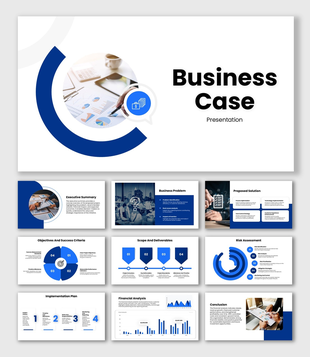
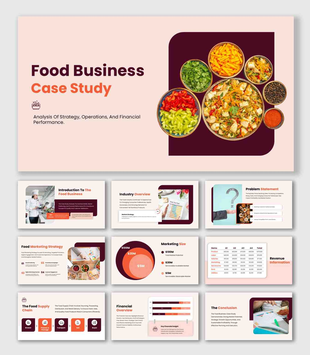
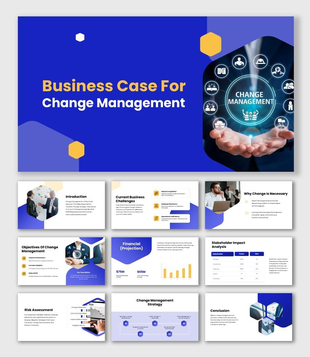
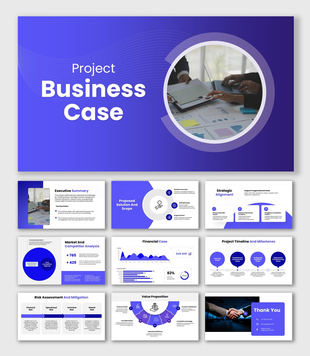
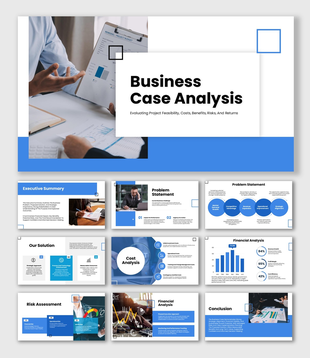
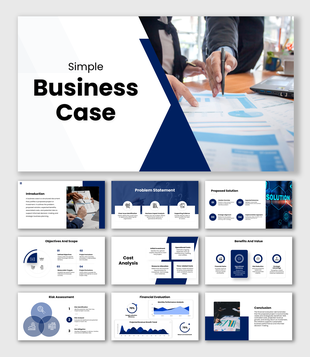
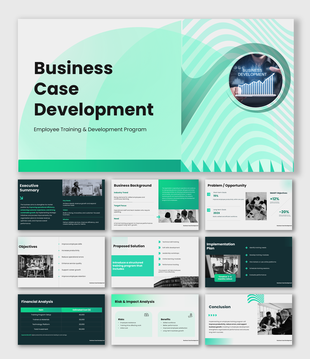
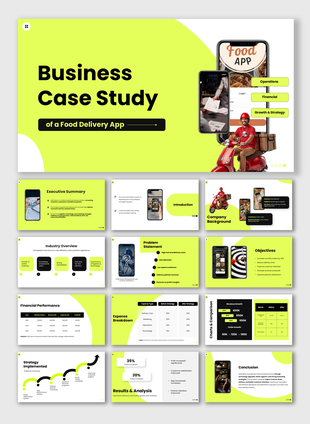
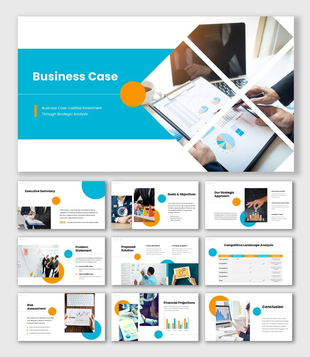
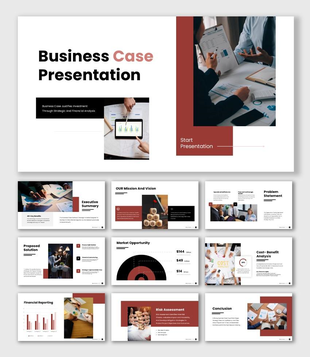
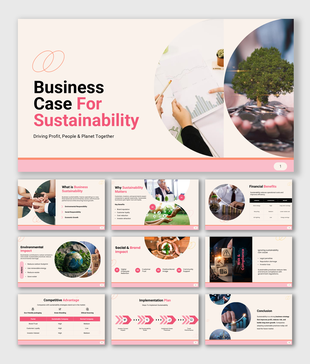
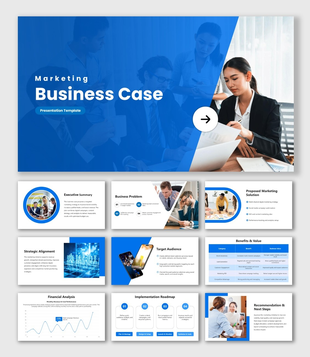
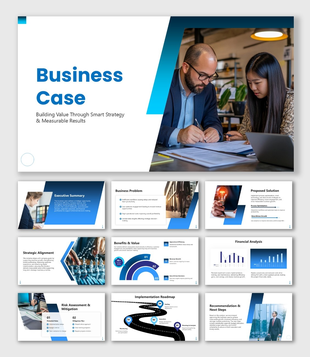
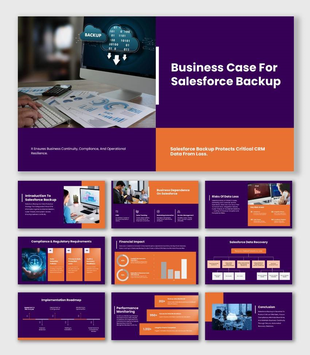
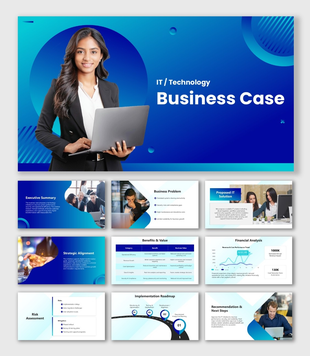
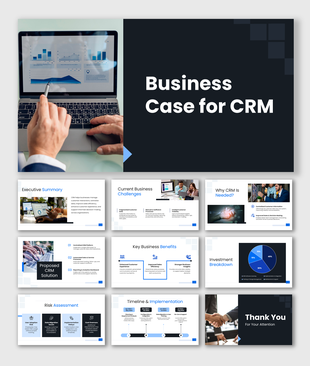
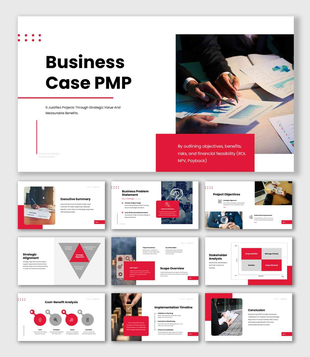
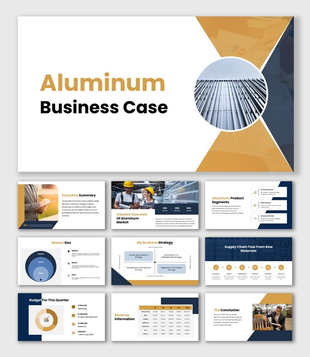
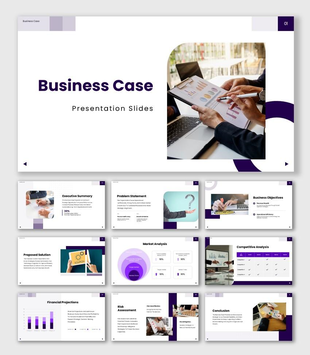
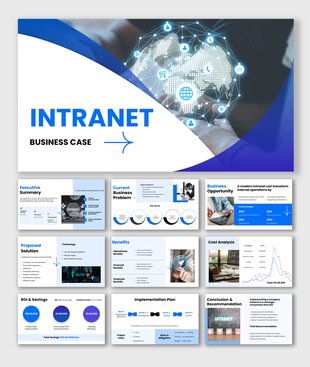
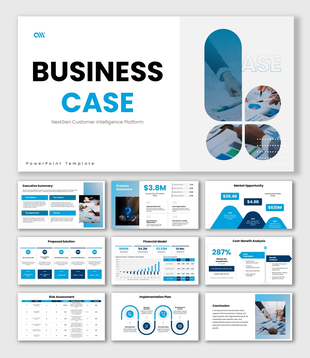
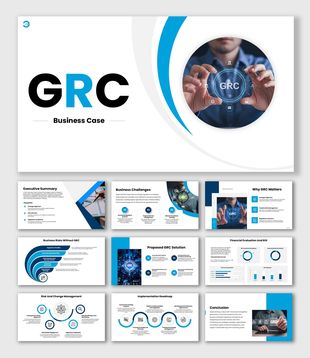
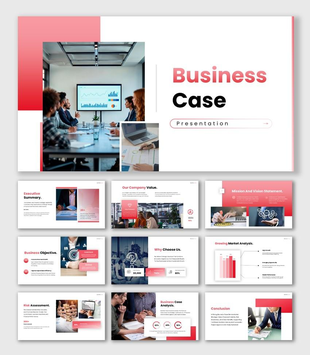
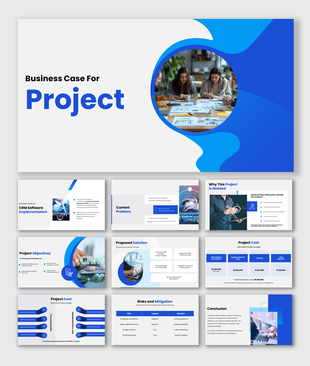
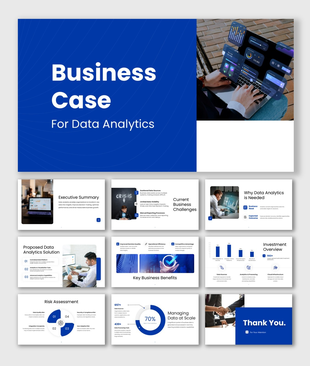
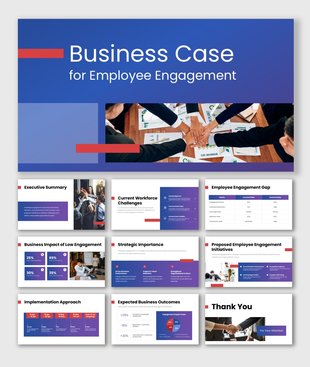
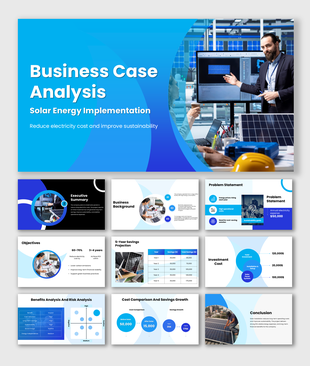
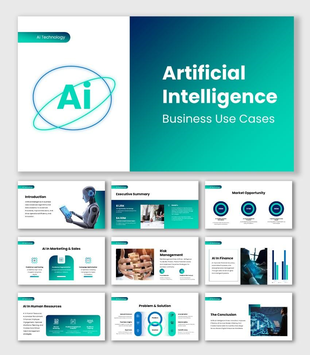
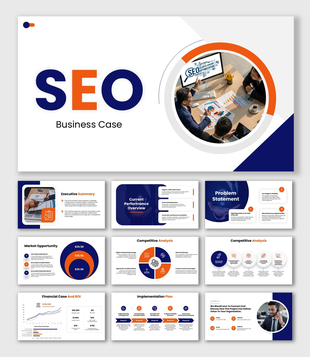
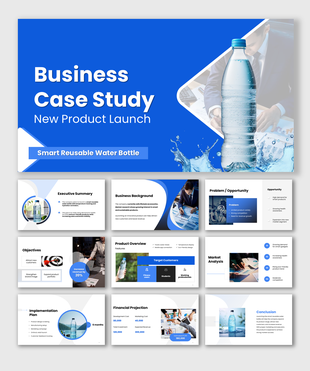
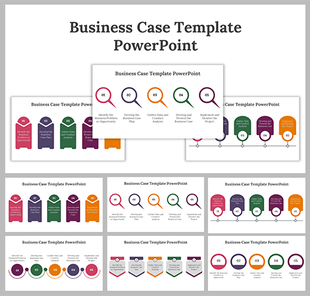
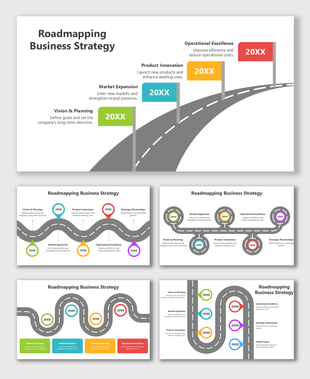
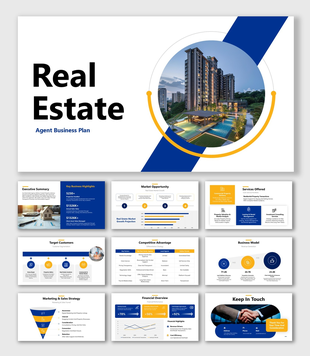
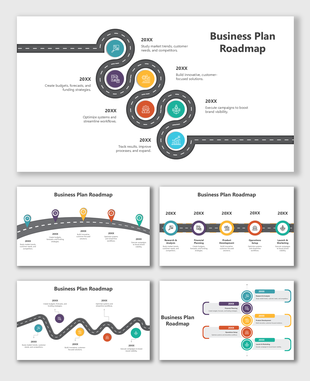
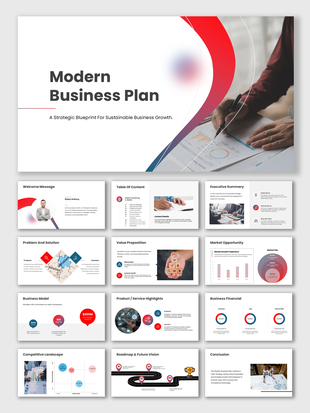
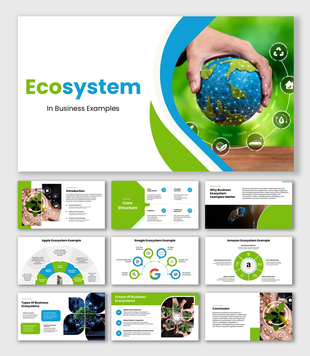
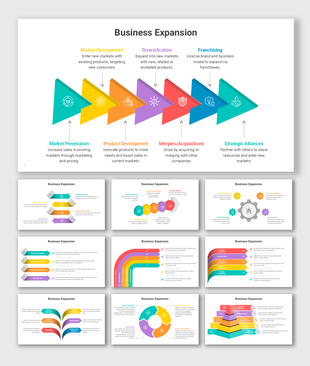
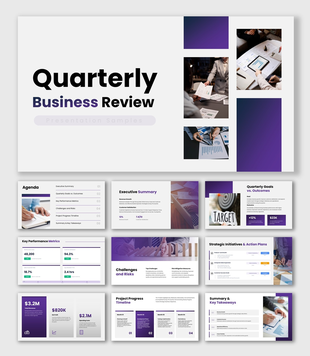
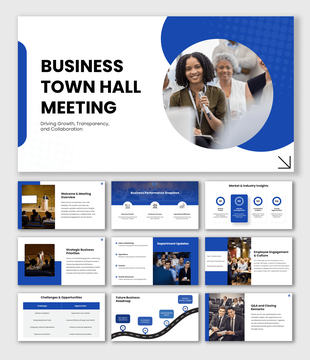
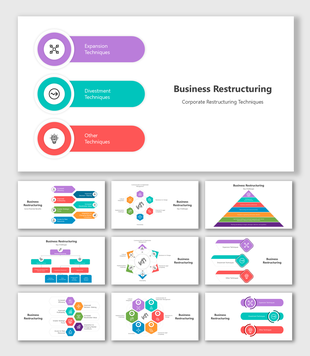
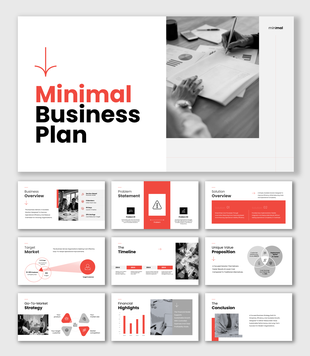
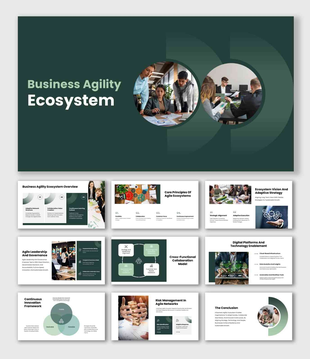


Find the Right Business Case PowerPoint Template for Your Decision
A business case presentation has one job: get a spending or project decision approved. These business case templates sit inside our Strategy and Business Plan PowerPoint Templates collection and are built for the moment when leadership must say yes, no, or not yet.
Choose a business case deck based on what you are asking for:
- 01Funding for a new tool, system, or technology.
- 02Approval to start a project with a fixed budget and timeline.
- 03Support for a change, people, or sustainability initiative.
- 04A comparison of options before choosing one direction.
Open the preview before downloading. The right business case template is the one whose slide order answers your reviewers' questions in sequence—not the one with the most slides.
What Every Business Case Presentation Must Answer
Decision-makers ask the same four questions: what problem are we solving, what will it cost, what do we get back, and what happens if we do nothing. Check that the preview has room for:
- ·Problem statement and its current cost
- ·Options, including "do nothing"
- ·One-time and recurring costs
- ·Measurable benefits
- ·ROI and payback period
- ·Key assumptions
- ·Risks and mitigation
- ·Implementation timeline
- ·Recommendation and decision request
For a new business rather than a single investment, a full business plan deck from the Strategy and Business Plan collection is the better fit.
When You Need a General Business Case Template
Start with the Business Case Template or the Simple Business Case deck for any internal proposal. If this is your first business case, the Business Case Example and Business Case Analysis Sample show how each section reads once filled in.
When You Need a Technology or IT Business Case
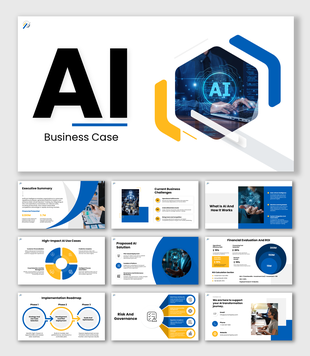
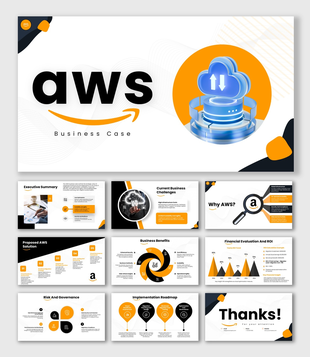
Technology proposals face the hardest questions on cost and payback. The AI Business Case and AWS Business Case decks place ROI charts, roadmaps, and risk slides up front. Other designs cover CRM, data analytics, RPA, GRC, 5G, intranet, and SEO investments, so you don't have to adapt a generic layout.
When You Need a Project or Change Business Case
PMOs can use the Project Business Case and Business Case PMP decks to justify scope, budget, and timeline before kick-off. HR and transformation teams can use the change management, Employee Engagement, and Sustainability business case designs to turn softer benefits into measurable impact. To show milestones after approval, add a Strategic Roadmap PowerPoint Template.
Replace the Sample Numbers Before You Present
Every figure in a business case template is a placeholder. Reviewers will test your numbers, so run this final check:
- ✓Separate one-time costs from recurring costs.
- ✓List assumptions—adoption rate, pricing, timeline—on their own slide.
- ✓Show the cost of doing nothing.
- ✓Cite sources for market and benchmark figures.
- ✓Check that totals and ROI agree across slides.
- ✓End with one clear ask: amount, approval, and date.
A business case that ends on a summary slide instead of a decision request leaves the next step undefined.
Add Supporting Slides Only Where They Are Needed
Use it when
Cost, ROI, or payback data needs more space than the main deck gives.
Financial PowerPoint Templates
Use it to
Weigh internal strengths and external risks behind each option.
SWOT Analysis PowerPoint Templates
Use it to
Show the approval flow or process the proposal will change.
Flowchart PowerPoint Templates
Generate a Business Case Draft with AI.
The SlideEgg AI section can create a 10–12-slide business case draft. Describe the investment, the audience, and the decision you need.
AI speeds up the first draft, but the numbers and recommendation must come from your team.
Treat the AI draft as an outline:
- →Replace generated figures with real costs.
- →Add your own assumptions and sources.
- →Remove slides that don't support the ask.
Make the Final Choice Based on the Decision
Shortlist two or three business case templates, compare their slide order, and pick the one needing the fewest changes. All designs are editable in PowerPoint and Google Slides. For more planning layouts, browse all Strategy and Business Plan PowerPoint Templates.
Business Case Templates: FAQs
What is a business case presentation?
A business case presentation explains why an investment or project deserves approval. It covers the problem, available options, costs, benefits, risks, and a final recommendation.
What slides should a business case template include?
A complete business case template includes a problem statement, options comparison, cost breakdown, ROI and payback, key assumptions, risks, implementation timeline, and a clear decision request.
What is the difference between a business case and a business plan?
A business case justifies one investment or project. A business plan describes how an entire company will operate and grow. For full plans, browse our Strategy and Business Plan PowerPoint Templates.
Are these business case templates free to download?
The collection includes both free and premium designs. Check the Free label on each template card before downloading.
Can I edit these business case templates in Google Slides?
Yes. Every business case template here is editable in both PowerPoint and Canva, including charts, tables, icons, and colors.
How do I show ROI in a business case?
Separate one-time and recurring costs, list measurable benefits, state your assumptions, and show the payback period on a chart. Use Financial PowerPoint Templates if you need more space for numbers.
How many slides should a business case presentation have?
Most business case decks work well with 10 to 15 slides. Keep detailed calculations in an appendix so the main flow stays focused on the decision.
Why should a business case include a "do nothing" option?
Showing the cost of doing nothing helps reviewers see the risk of delay. It also makes your recommendation read as a fair comparison rather than a sales pitch.
Which business case template is best for IT or technology projects?
Choose a technology-focused design such as the AI Business Case or AWS Business Case. These place ROI charts, roadmaps, and risk slides up front.
Can I create a business case presentation with AI?
Yes. SlideEgg AI can generate a 10–12-slide business case draft from your description. Replace the generated figures with your real costs, benefits, and sources before presenting.