Editable Benchmarking Diagram PowerPoint Template Slide






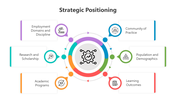


Categorize Your Captions With This Template:
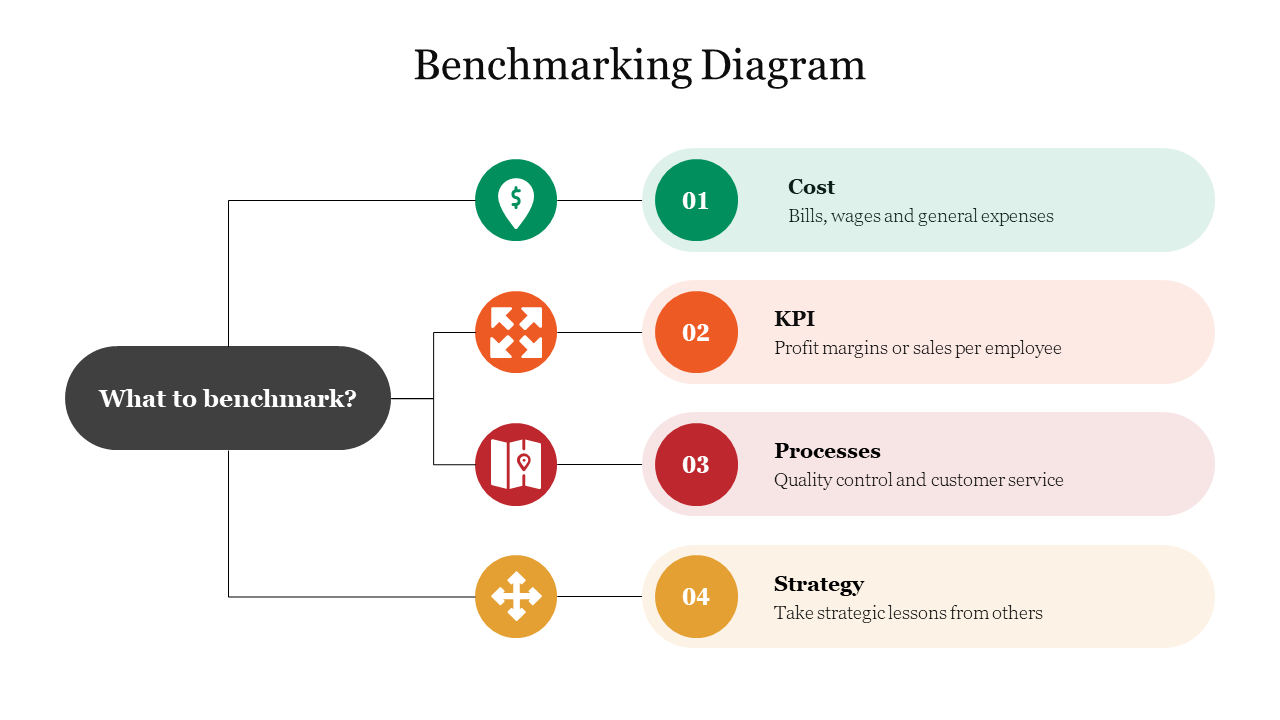
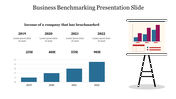
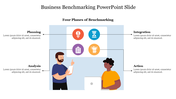
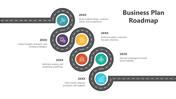
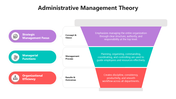
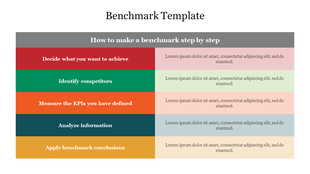
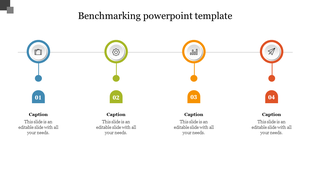
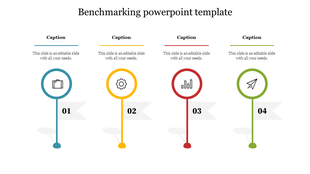
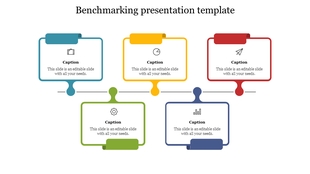
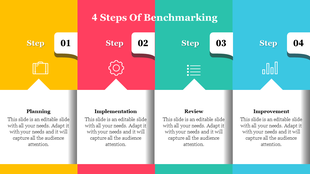
Make a connective representation of your business ideas and insights with your audience flawlessly. There are ready-made captions entered for you to make your hectic workload simple. The four nodes and their shapes pull your audience's attention at ease. Each color is filled inside each node to make your slides look attractive. You can explain elaborately about what is benchmark with this template
The connective line presented to share your points is the highlighting aspect of this template. Invest your money in this Benchmarking Diagram template to earn a lot of benefits for your slides.
Features Of This Template:
- 100% customizable slides and easy to download.
- Slides are available in different nodes & colors.
- The slides contained 16:9 and 4:3 format.
- Easy to change the slide colors quickly.
- Well-crafted template with instant download facility.
- One of the best templates from SlideEgg.
- Crisp and clear font styles.



You May Also Like These PowerPoint Templates
Showing20 of69,218 templates