Traffic Lights PowerPoint Presentation Template Designs
Nodes
Colors









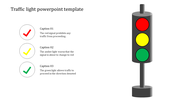
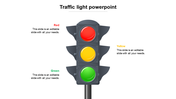
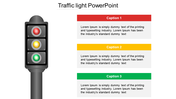
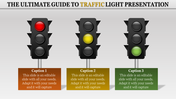
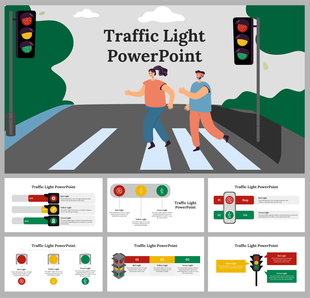
Innovative Cartoon Slide On Traffic Light Theme
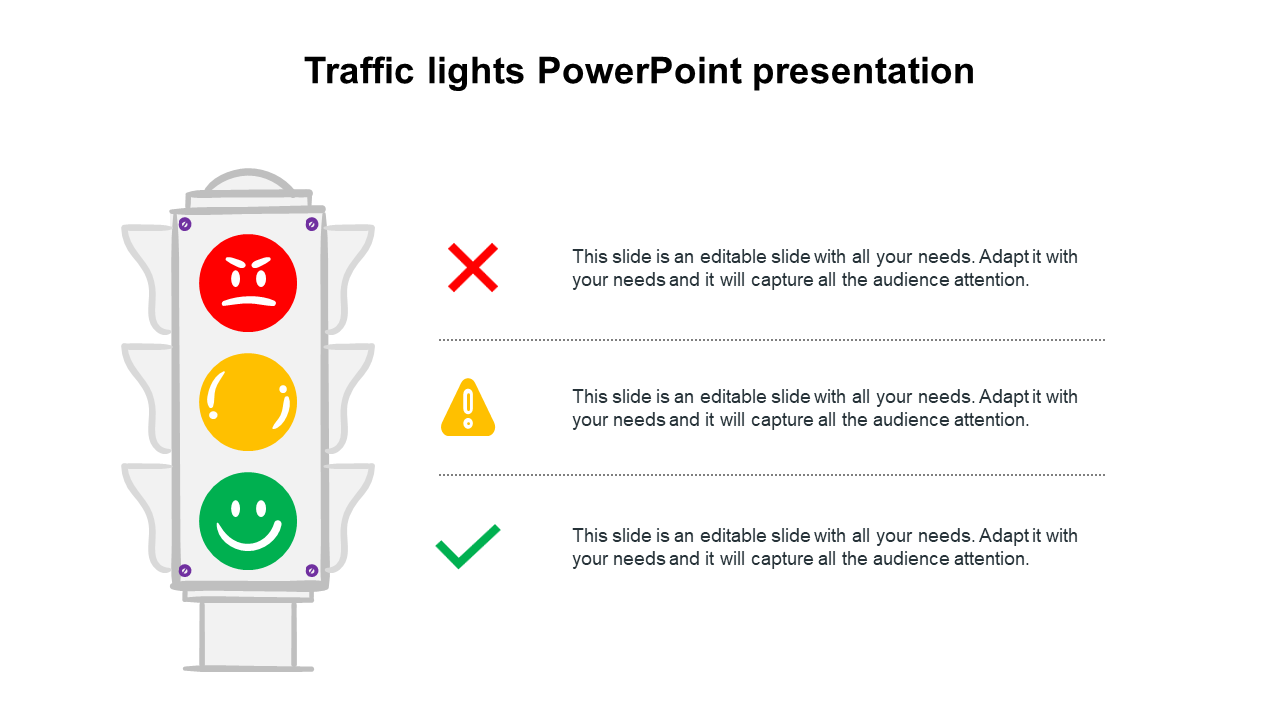
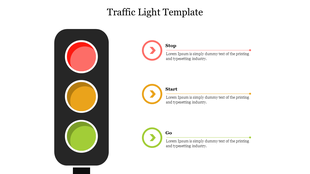
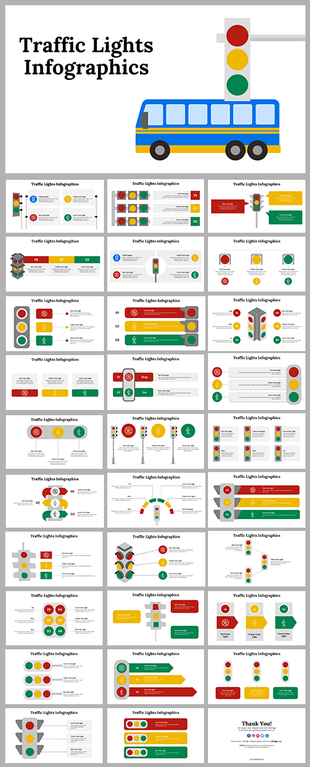
The first electric traffic light was designed by Lester Wire from the USA in 1912 with two signals, red and green. The first traffic light was installed in London near the building of the British Parliament on December 10, 1868, and was controlled manually. Our attractive traffic lights PowerPoint slide will assist you if you would like to make fascinating presentations about traffic lights. It has a cartoon illustration of a traffic light with three signals indicating good, bad, and warning. Using this creative slide, you can also explain the dos and don'ts to the kids. Download this fully editable slide right now!
Features of the template
- 100% customizable slides and easy to download.
- Slides are available in different nodes & colors.
- The slide contains 16:9 and 4:3 formats.
- Easy to change the colors of the slide quickly.
- Well-crafted template with an instant download facility.
- Creatively designed slide for kids.
More Collections for Traffic Lights PowerPoint Presentation Template
Recommended based on this template.








Similar Templates to Traffic Lights PowerPoint Presentation Template


Showing20 of69,218 templates