Stunning Traffic Diagram Template For Presentation Slide
Nodes
Colors

Stunning Traffic Diagram Template For Presentation Slide
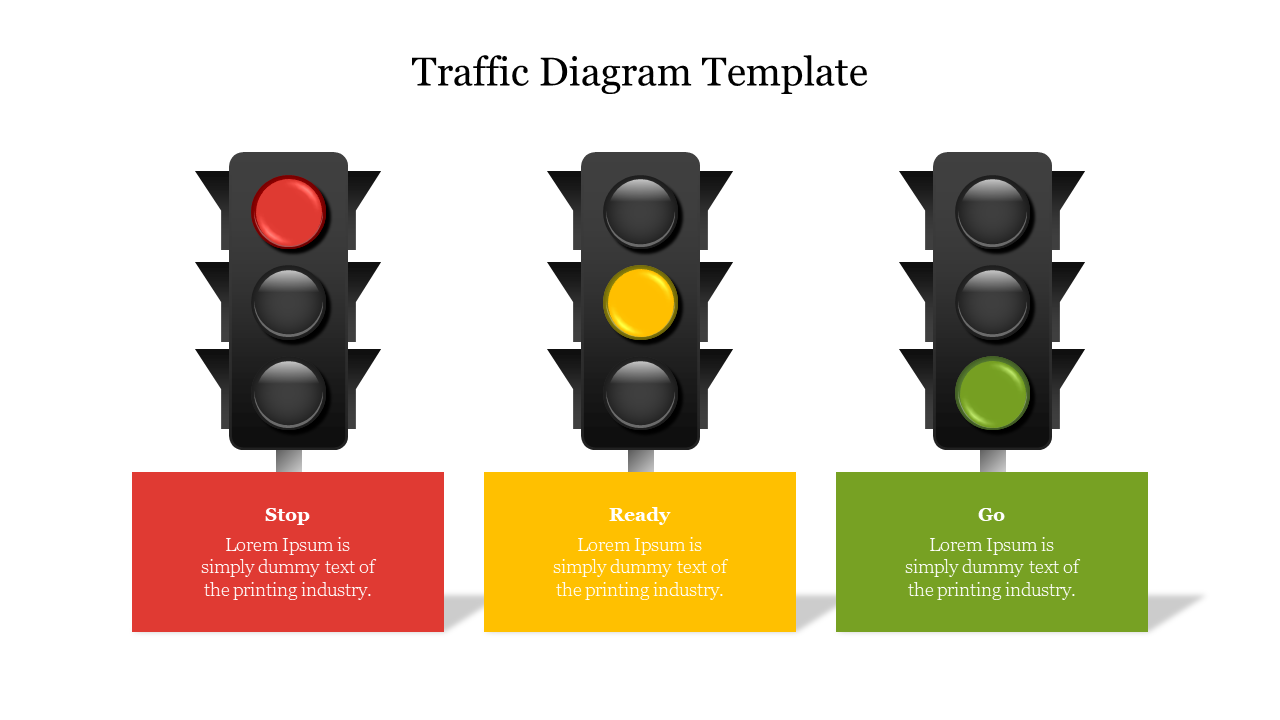
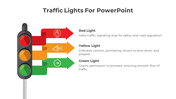
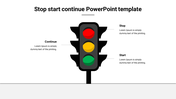
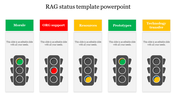
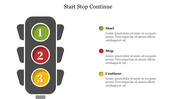
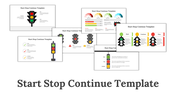
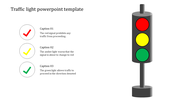
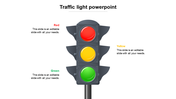
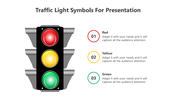
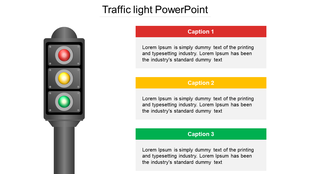
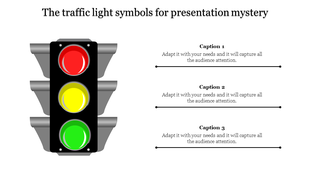
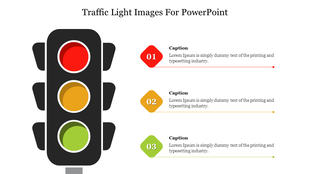
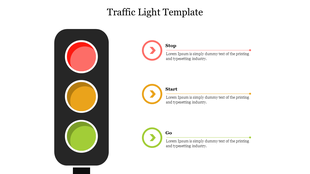
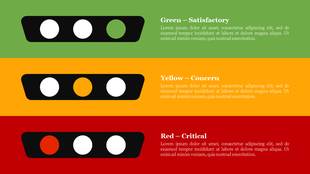
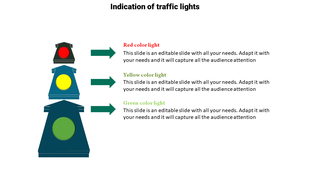
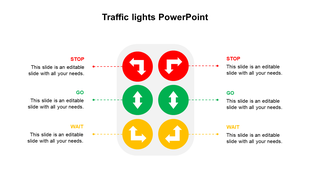
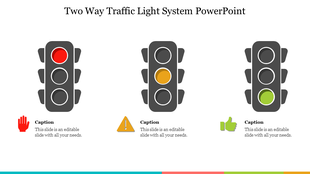
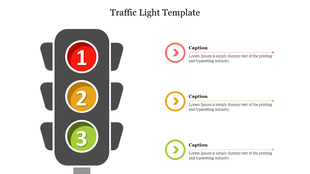
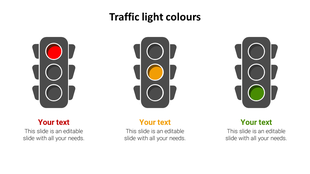
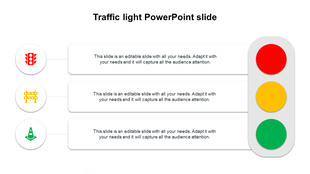
If you plan to make a presentation about traffic lights, you can use this Traffic Light Colors PowerPoint Template. Use this traffic light PPT in your presentation to compare three different ideas or concepts and the text to suit your needs. You can even add text boxes and other details to make your traffic light presentation look more professional.
About the template
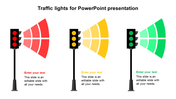
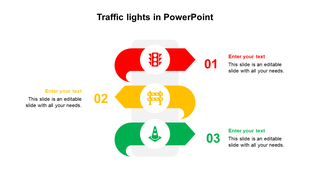
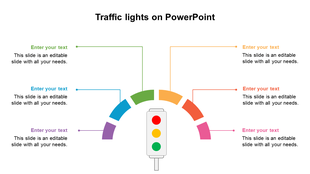
The Traffic Light Colors PowerPoint Free traffic lights comparison for PowerPoint. Design illustration of three vertical traffic signals with red, yellow, and green lights. Editable graphics with text and icon placeholders. It is advantageous to present a traffic jam, traffic signs, road safety, etc. It also includes text blocks to present your notes. It comes with fully editable shapes that you can easily resize and change to your liking. Grab it now!
Features of this template:
1. 100% customizable slides and easy to download.
2. Slides available in different nodes & colors.
3. The slide contained 16:9 and 4:3 format.
4. Easy to change the slide colors quickly.
5. Well-crafted template with instant download facility.
6. It is a creative slide to make excellent presentations.
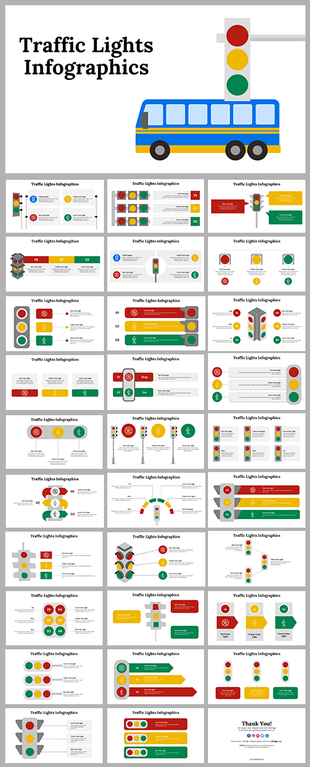
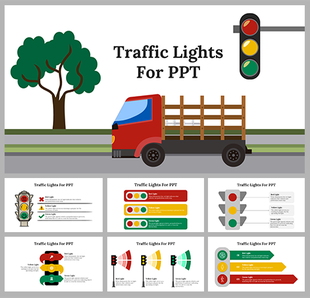
More Collections for Stunning Traffic Diagram Template
Recommended based on this template.








Similar Templates to Stunning Traffic Diagram Template

Showing20 of69,218 templates