Inventive Timeline Presentation Template with Four Nodes Slides
 Canva
Canva

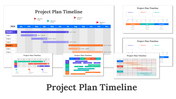
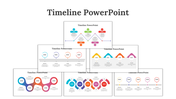
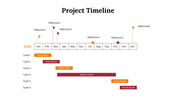

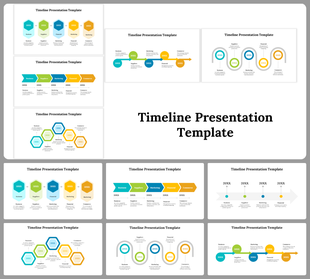
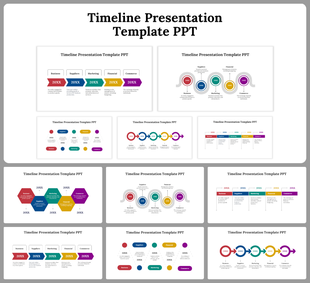
Timeline Presentation Templates and Google Slides
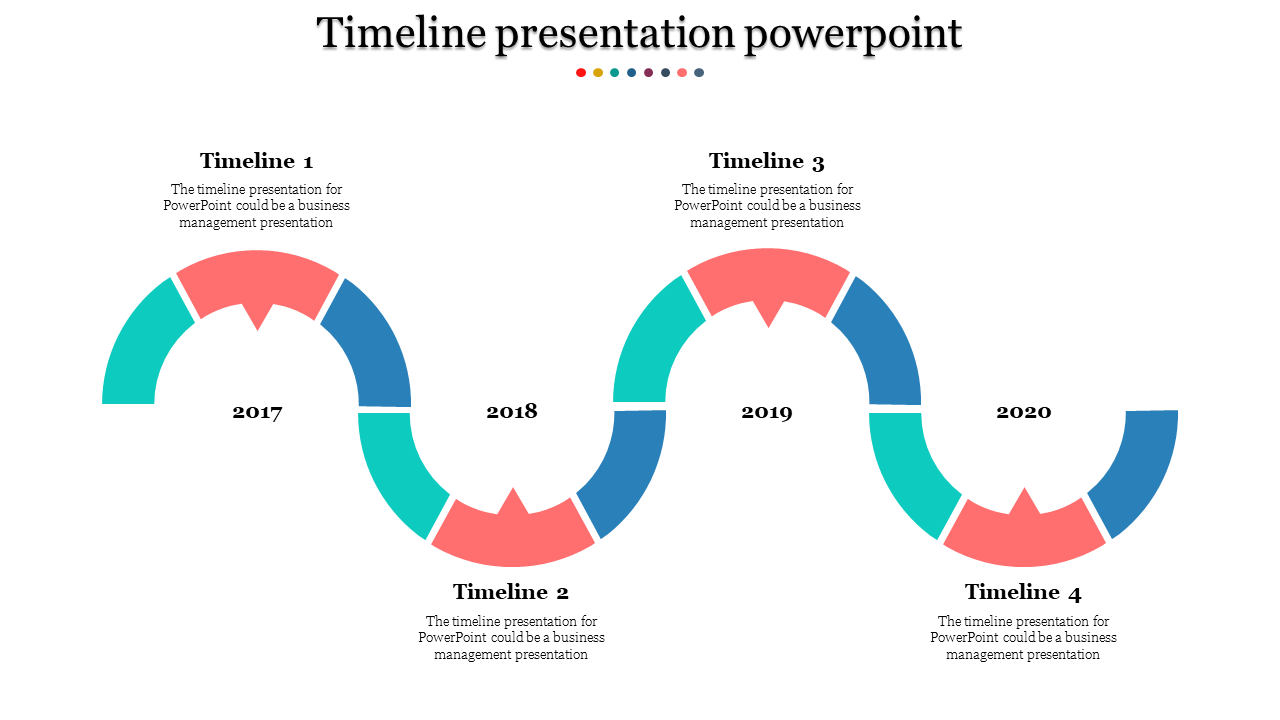
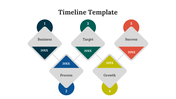
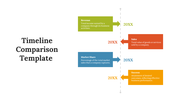
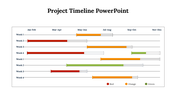
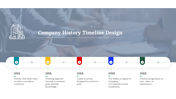
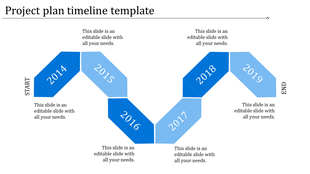
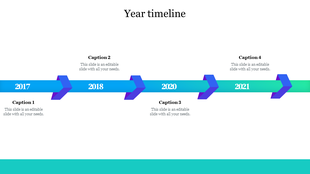
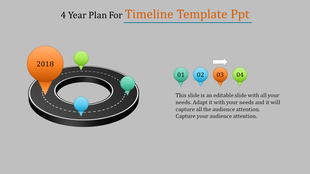
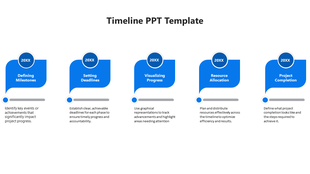
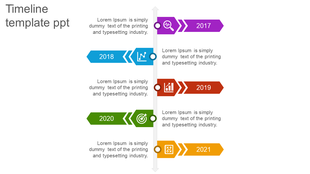
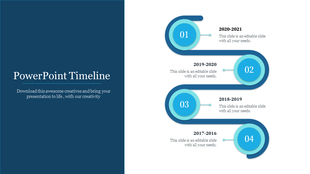
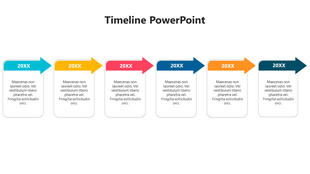
Crafting a timeline presentation in PowerPoint offers a dynamic way to showcase progress or historical events, blending creativity with professionalism. With a focus on curve design and employing four nodes, the timeline exudes a sleek, modern aesthetic. Professional shades and colors elevate the visual appeal, ensuring engagement and comprehension in both creative and business presentations. To make a timeline in PowerPoint, start by selecting a suitable template or drawing the timeline manually, then add dates, descriptions, and graphics to each node. Humanizing the process involves infusing your unique story or journey into the timeline, making it relatable and captivating for your audience. Whether illustrating project milestones or company history, a well-crafted timeline presentation captivates attention and effectively communicates your narrative.
Features of the template
- 100% customizable slides and easy to download.
- Slides are available in different nodes & colors.
- The slide contained 16:9 and 4:3 formats.
- Easy to change the slide colors quickly.
- Well-crafted template with instant download facility.








You May Also Like These PowerPoint Templates


Showing20 of69,218 templates