Structured Timeline Presentation PowerPoint for Planning
Free
Nodes
Colors
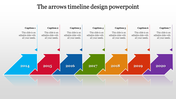
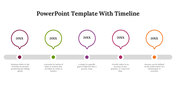
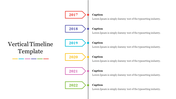
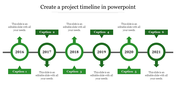
Timeline Presentation Template
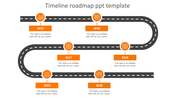
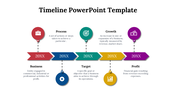
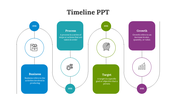
Looking for a great way to make your timeline? You have found the right PowerPoint template for it. The versed template is in a modern style, and its design is unobtrusive so that it combines well with the content. Here’s what you’ll find:
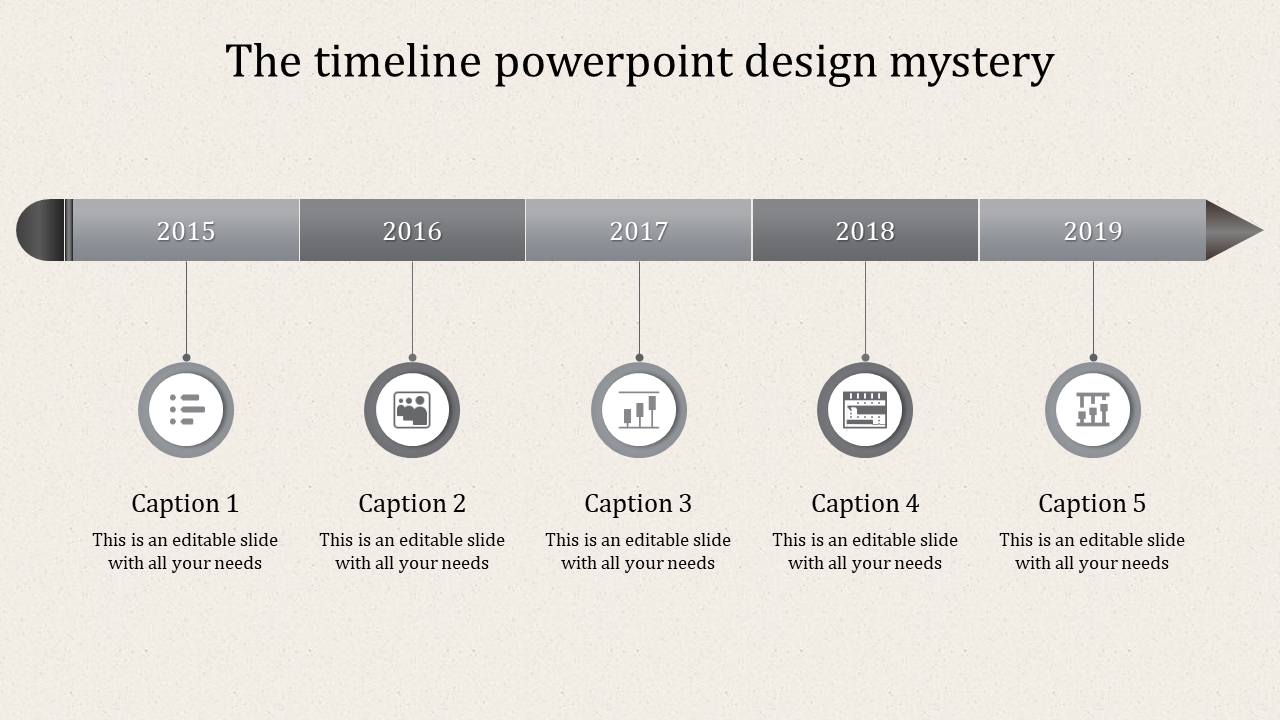
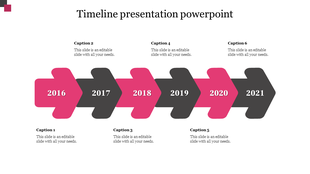
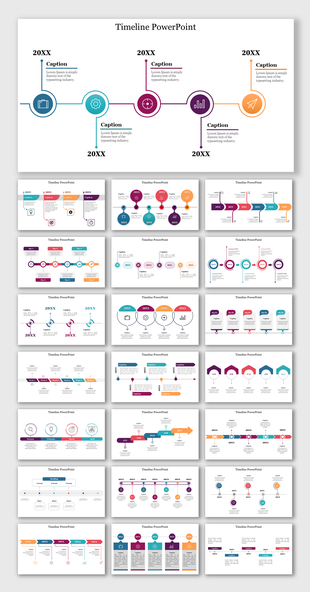
Horizontal Timeline: Years ranging from 2015 to 2019 strike a clean and clear timeline. They all feature a bright-colored stripe across the top and are annually numbered for convenience in highlighting accomplishments, events, or the advancement of a project.
Editable Captions: Under each year, there are elements to which you can add captions in an editing-friendly format. These boxes provide a way to explain the context, descriptions, or key points of interest as to each of the milestones that have been identified. These captions are extremely versatile and can be easily used whether you’re analyzing the past or future, or discussing your success.
Who Can Benefit?
Professionals: Engage clients, partners, or even bosses and coworkers by showcasing eye-catching timelines during meetings, project reviews, or planning sessions.
Students: Ensure perfect results for your class presentations by making your information more vivid and compelling. Your design can be unique and make the watchers interested in the information provided.
Don't hesitate to download our timeline Presentation template today!
Features of the template:
- Slides are available in 4:3 & 16:9
- Get slides that are 100% customizable and easy to download
- Highly compatible with PowerPoint and Google Slides
Explore Related Collections
Recommended based on this template.

You May Also Like These PowerPoint Templates
Showing20 of69,218 templates