Business Timeline Milestones PowerPoint Template

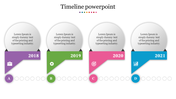

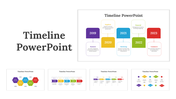
Multicolor Timeline Milestones Presentation Template
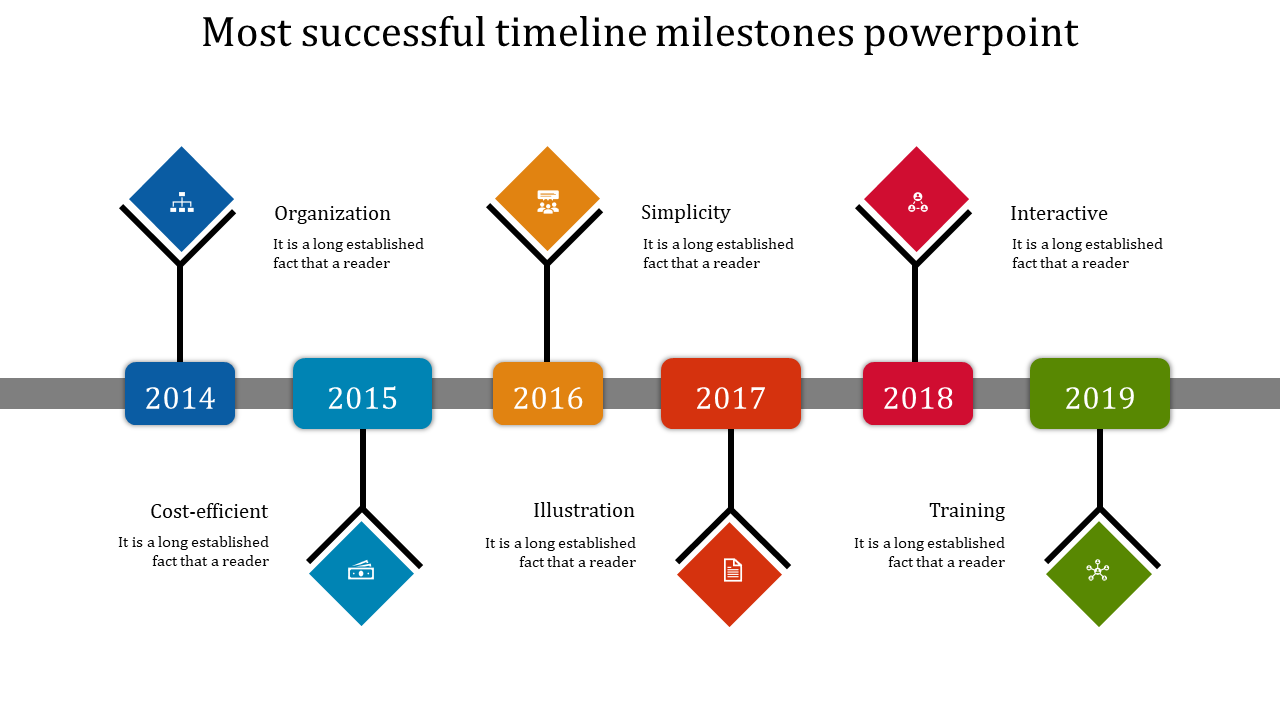
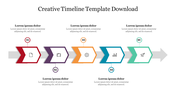
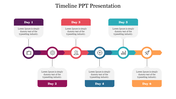
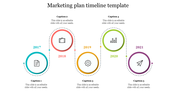
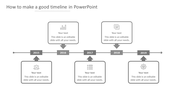
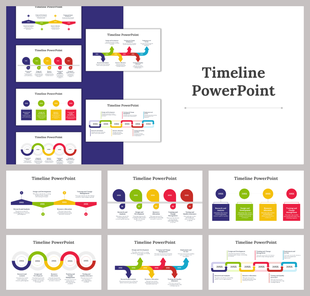
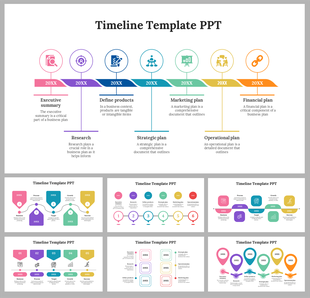
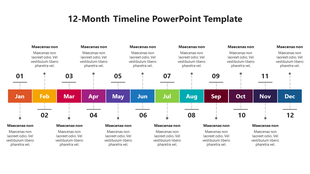
Enhance your business presentations with our Multicolor Timeline Milestones PowerPoint Presentation template. Spanning from 2014 to 2019, this template provides a comprehensive overview of your company's key achievements and milestones over the years. With six nodes representing each year, it offers a visually appealing and organized way to showcase your progress and accomplishments. The vibrant multicolor theme adds a touch of creativity and liveliness to your slides, capturing the attention of your audience and keeping them engaged throughout your presentation. Whether you're outlining project timelines, highlighting significant events, or tracking company growth, this template is the perfect tool for effectively communicating your business journey.
Features of this template:
- 100% customizable slides and easy to download.
- Slides available in different nodes & colors.
- The slide contained 16:9 and 4:3 format.
- Easy to change the slide colors quickly.
- Well-crafted template with instant download facility.


You May Also Like These PowerPoint Templates
Showing20 of69,218 templates