Horizontal Timeline PowerPoint Template And Google Slides
Free
Nodes
Colors
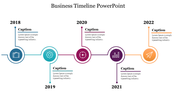
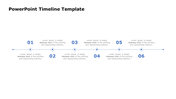
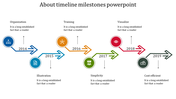
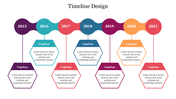
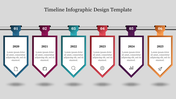
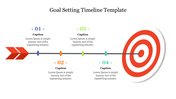
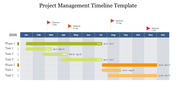
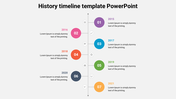
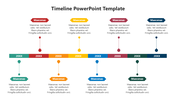
Customizable Timeline Design PPT Presentation
Consider this: You're presenting your product's development journey, but your current timeline is a confusing mess. Charts are cluttered, dates are buried, and your audience is lost. Enter this game-changing template!
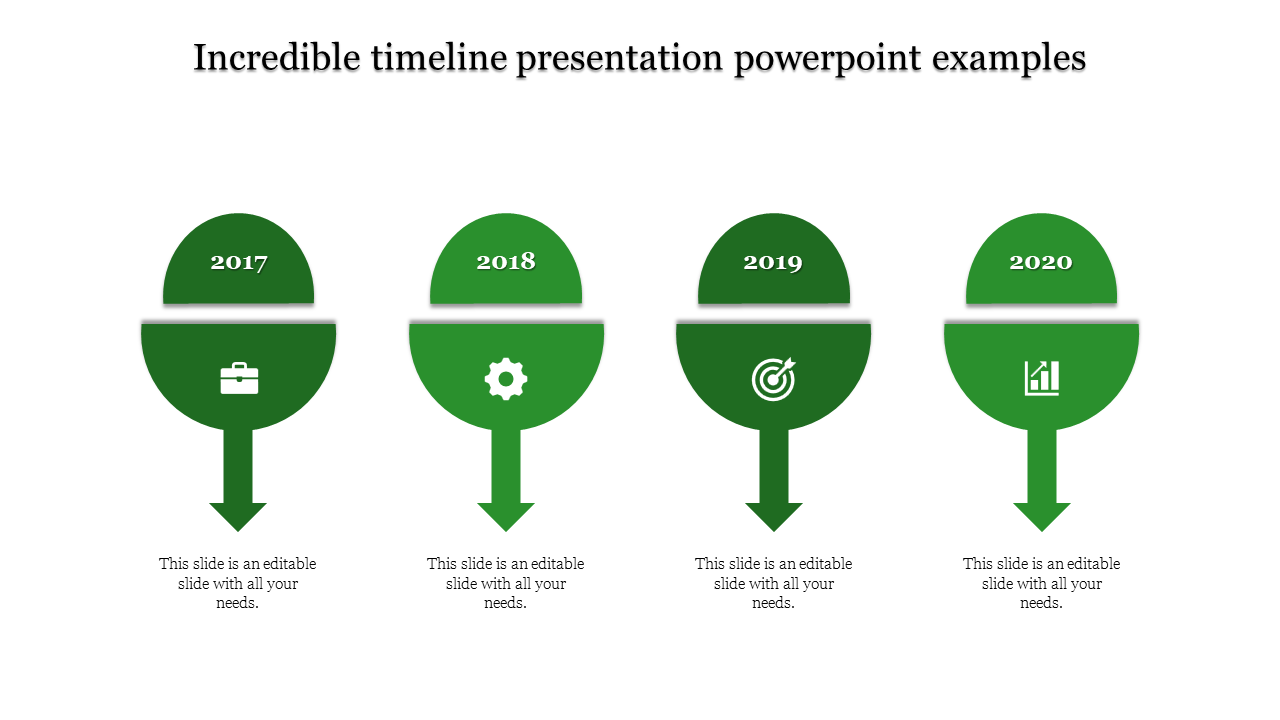
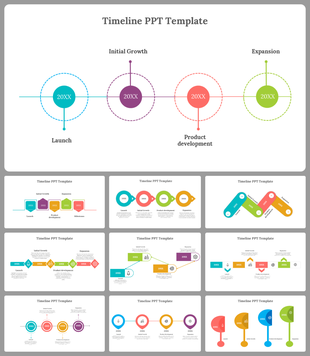
This isn't your average timeline. It boasts a clean, horizontal layout with four color-coded nodes that pop against a crisp white background. Think of each node as a mini-spotlight for a key development stage. Add catchy captions, clear titles, and concise descriptions to tell your product's story with flair.
This timeline design PPT template is your secret weapon for showcasing your product's evolution.
Here's how it helps you shine:
Visual Storytelling Power: Impress potential investors or wow your team by visually illustrating your product's journey. From initial concept to launch day, each node becomes a milestone marker, keeping your audience engaged.
Focus on the "Why": Don't just list dates – explain the "why" behind each development stage. Use the text area to highlight challenges overcome, key decisions made, or exciting pivots that shaped your product.
Clear Communication is King: Forget confusing jargon. This template encourages clear, concise communication. Your audience will walk away with a crystal-clear understanding of your product's development path.
Stop wrestling with design software and start captivating your audience! This user-friendly template takes the stress out of creating timelines.
Features of the template
- 100% customizable slides and easy to download.
- The slides contain 16:9 and 4:3 formats.
- Easy to change the colors quickly.
- It is a well-crafted template with an instant download facility.
- It is a 100% pre-designed slide.
- The slide holds vibrant colors.
Explore Related Collections
Recommended based on this template.

You May Also Like These PowerPoint Templates
Showing20 of69,218 templates