Effective Task PPT PowerPoint Presentation Slide
Nodes
Colors


Amazing PowerPoint Presentation Slides For Management
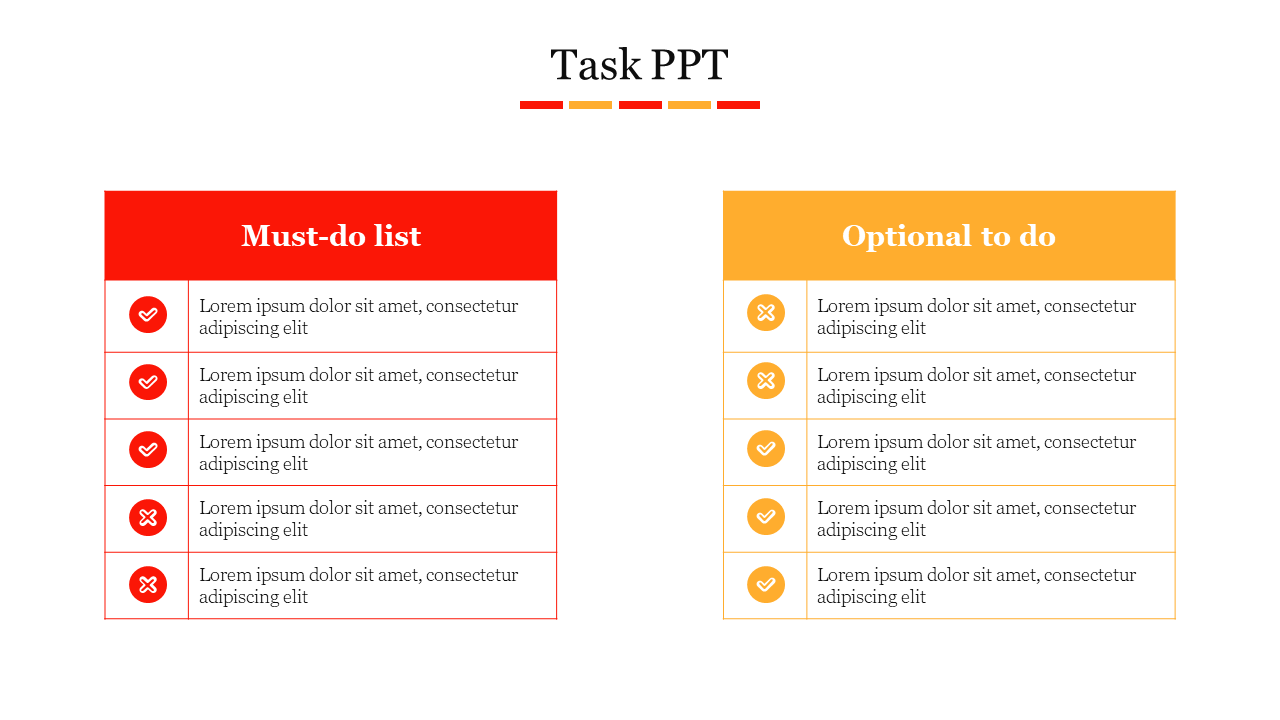
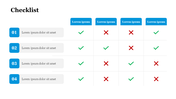
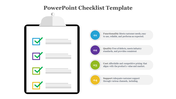
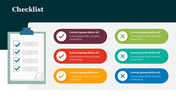
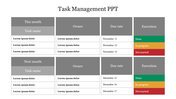
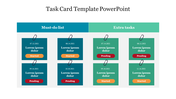
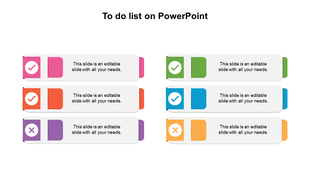
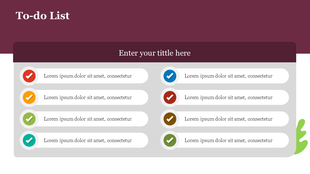
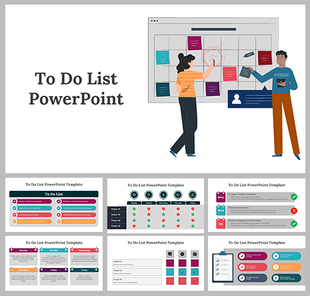
Download this Task PPT presentation template for creating powerPoint presentation slides for the tasks to be completed. This Task PPT presentation template comes with two colorful nodes, each with six sub-nodes. By using this PPT presentation template, you can create two sets of tasks or schedules for your team. You can create a must-do tasks column as well as optional tasks column using this PPT template. This helps you to separate the different tasks and makes your employees focus on what is really necessary.
This type of PowerPoint presentation template is highly customizable and easily editable.
Features of this template:
- 100% customizable slides and easy to download.
- Slides available in different nodes and colors.
- The slide contained 16:9 and 4:3 format.
- Easy to change the slide colors quickly.
- It is a well-crafted template with an instant download facility.
- Saves time.
- Easy accessible and use.
More Collections for Effective Task PPT PowerPoint Presentation Slide
Recommended based on this template.


Similar Templates to Effective Task PPT PowerPoint Presentation Slide

Showing20 of69,218 templates