STP PowerPoint Presentation Template And Google Slides
Nodes
Colors



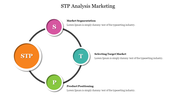
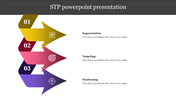
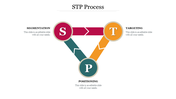
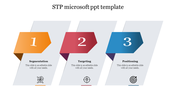
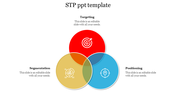
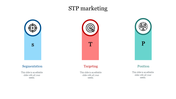
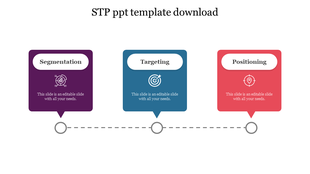
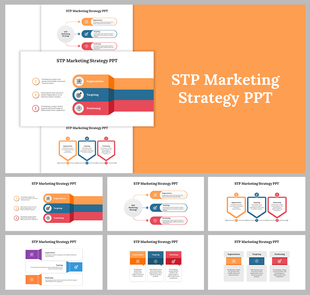
Creative STP Marketing Model Template With Three Nodes
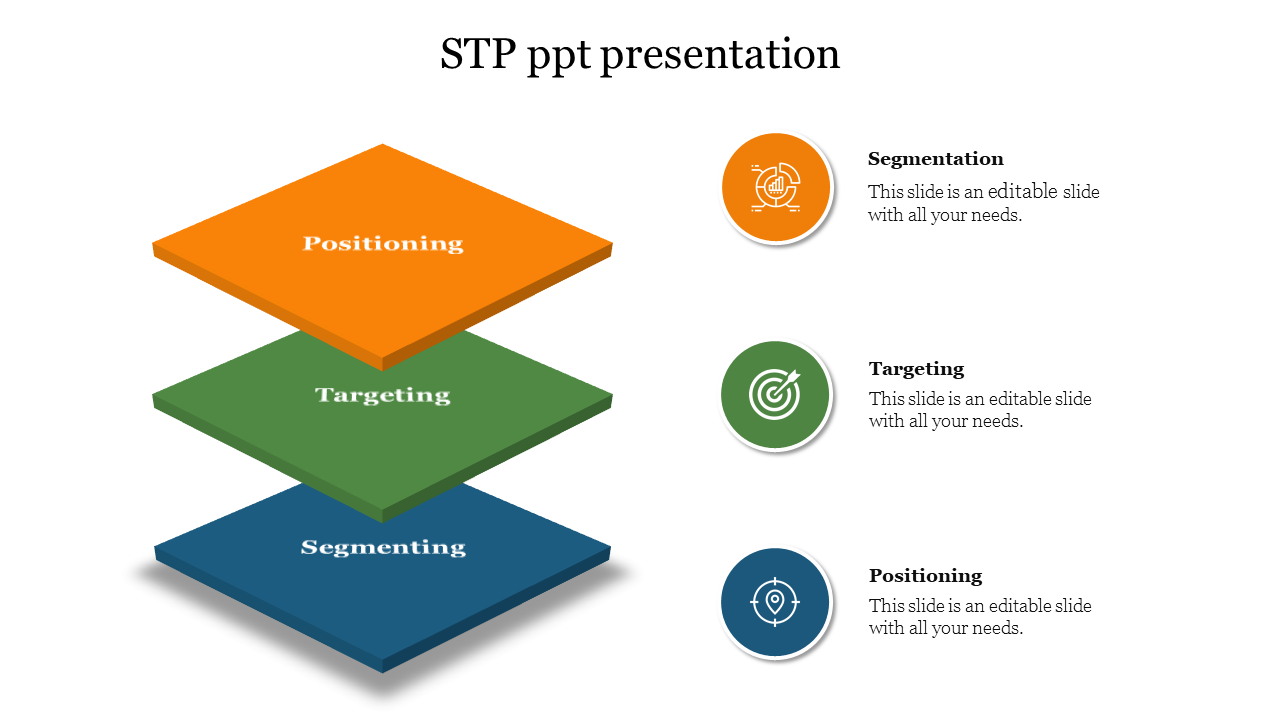
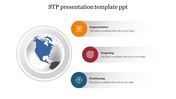
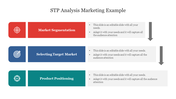
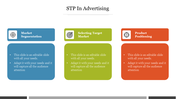
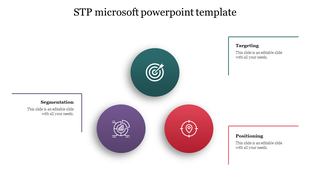
We like you to invite the audience to attend this modern STP PPT Presentation to explain how to boost conversions and revenue. STP marketing strategy focuses on commercial effectiveness, selecting the most practical segments for a business, and then developing a positioning strategy. It has three icons and 3D shapes in which you can present modern-day marketing methods. Also, the color theme we used in this slide makes the audience stick with your presentation. Get this slide and customize it per your ideas.
Features of the template
- 100 % customizable slides and easy to download
- Slides are available in different nodes & colors.
- This PowerPoint has three nodes.
- The slide contained 16:9 and 4:3 formats.
- It comes with a 3D theme.
- Easy to change the slide colors quickly.
- It is a well-crafted template with an instant download facility.
- It is designed with a stunning theme design.
More Collections for STP PowerPoint Presentation Template
Recommended based on this template.

Similar Templates to STP PowerPoint Presentation Template

Showing20 of69,218 templates