Creative Spelling Bee PPT Presentation and Google Slides
Editable Spelling Bee Template
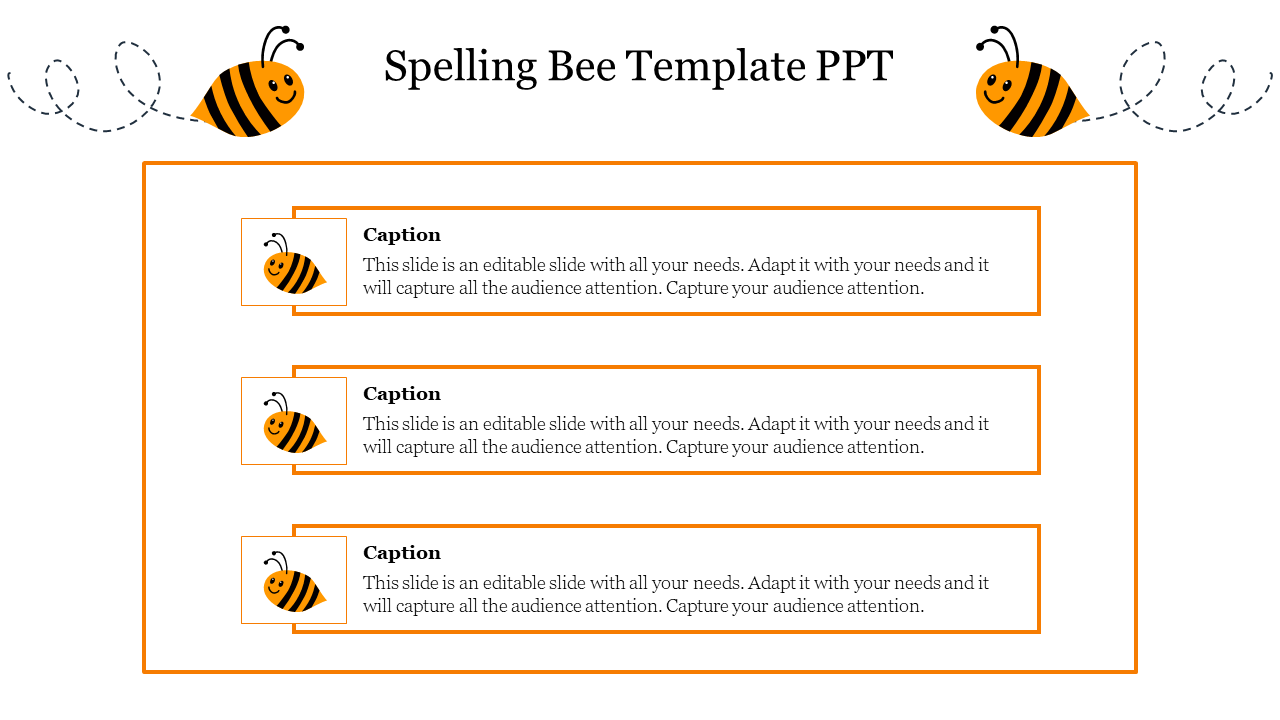
Make your next vocabulary challenge unbelievable fun with this Creative Spelling Bee PowerPoint Template. Designed to capture the attention of young learners, this education slide features two adorable cartoon bees with dotted flight paths buzzing across the header. The body of the slide offers a clean, organized layout with three distinct text containers, each highlighted by a bright orange border and a matching bee icon. It is the perfect visual backdrop for announcing competition rules, displaying difficult words, or listing the top three finalists.
Key Features of the slide
- The "Visual Skin" for Vocabulary: Use this slide as a playful frame for ChatGPT or Gemini lesson plans. Ask your AI to "generate 3 spelling rules for 5th graders" and paste the output directly into the pre-formatted text boxes for an instant classroom aid.
- Playful Vector Graphics: Includes high-quality vector illustrations of smiling bees and flight trails that add energy to the presentation without distracting from the content.
- Structured List Layout: The three-tier design is ideal for breaking down information into manageable chunks, such as "Round 1," "Round 2," and "Final Round," or "Easy," "Medium," and "Hard" word lists.
Strategic Use Cases
- School Competitions: Display the official rules or rounds of a spelling bee event clearly on a large screen.
- Classroom Learning: Introduce new vocabulary words or spelling tips in an engaging, thematic format.
- Award Ceremonies: Use the three text boxes to highlight the 1st, 2nd, and 3rd place winners of the competition.
FAQs
- Is this included in the subscription? Yes, this premium template is available for instant download as part of our professional subscription plans.
- Can I change the bee colors? Yes, the bee illustrations and the orange borders are fully editable vectors. You can change the colors to match your school's mascot or theme.
- Does this work in Google Slides? Absolutely. The file is optimized for seamless performance in PowerPoint, Google Slides, and Canva.
- Is the text layout fixed? No, the text boxes are independent shapes. You can duplicate them to create a list of 4 or 5 items if needed.










You May Also Like These PowerPoint Templates
Showing20 of69,218 templates