Orange Color Project Follow Up PPT And Google Slides
Best Project Follow Up PowerPoint Template
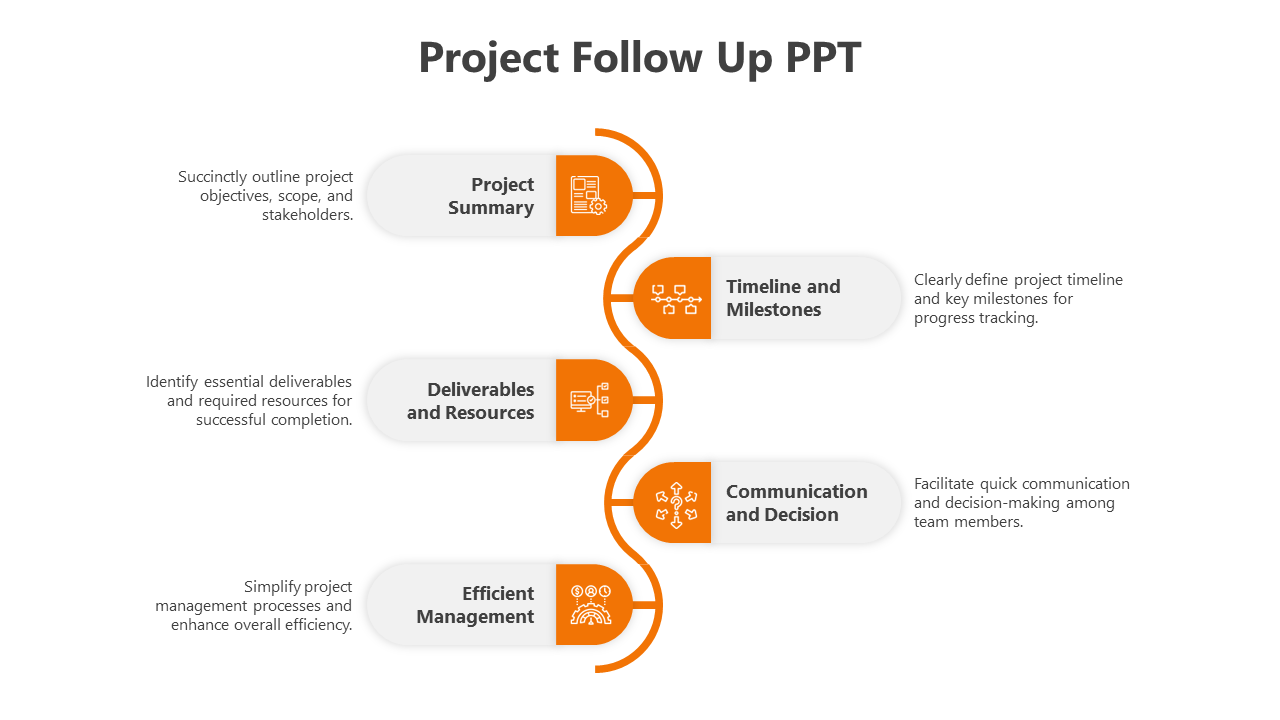
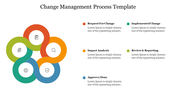
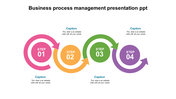
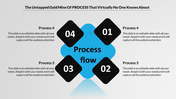
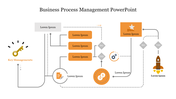
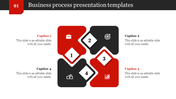
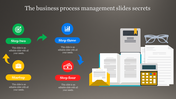
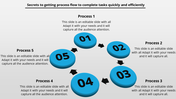
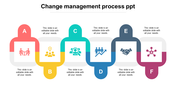
Project follow-up refers to the process of monitoring and evaluating the progress of a project after its initiation and during its execution phase. It involves tracking key performance indicators, assessing milestones, identifying deviations from the project plan, and taking corrective actions to ensure the project stays on track and achieves its objectives within the defined constraints of time, budget, and scope. Effective project follow-up helps in detecting issues early, mitigating risks, optimizing resource utilization, and ensuring successful project completion. Our Project Follow-Up PowerPoint template offers a comprehensive toolkit for project managers, team leaders, and stakeholders to conduct efficient project reviews and follow-up meetings. With editable slides featuring visual representations of project metrics, status updates, and action items, users can facilitate effective communication and decision-making during follow-up sessions. The template is fully customizable, allowing users to tailor content to specific project requirements and organizational preferences. This template features five options and an engaging orange color theme. Benefits include improved project transparency, streamlined communication, and enhanced accountability. Download now to elevate your project follow-up processes and drive project success.
Features of this template
- 100% customizable slides and easy to download.
- The slide contains 16:9 and 4:3 formats.
- Easy to change the colors of the slide quickly.
- Highly compatible with PowerPoint and Google Slides.










You May Also Like These PowerPoint Templates






Showing20 of69,218 templates