100+ Free November Month Special Days PPT And Google Slides | Page 2
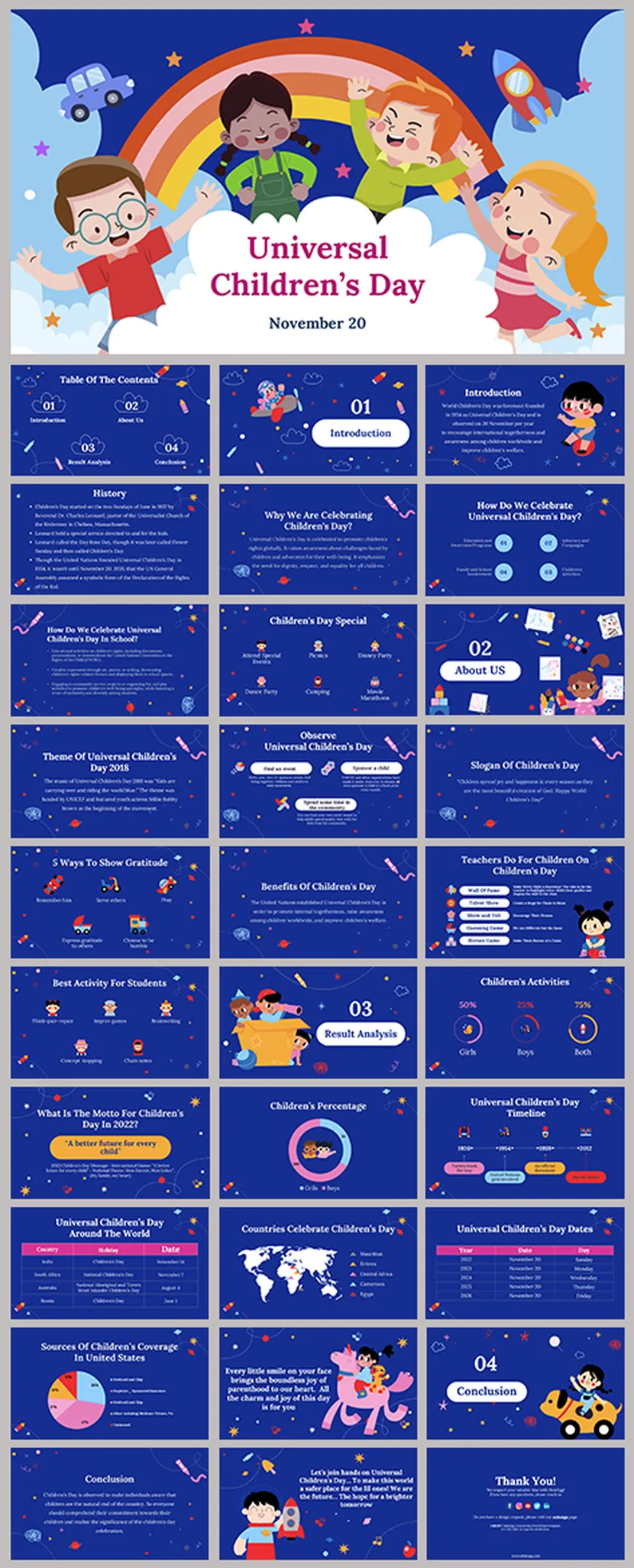
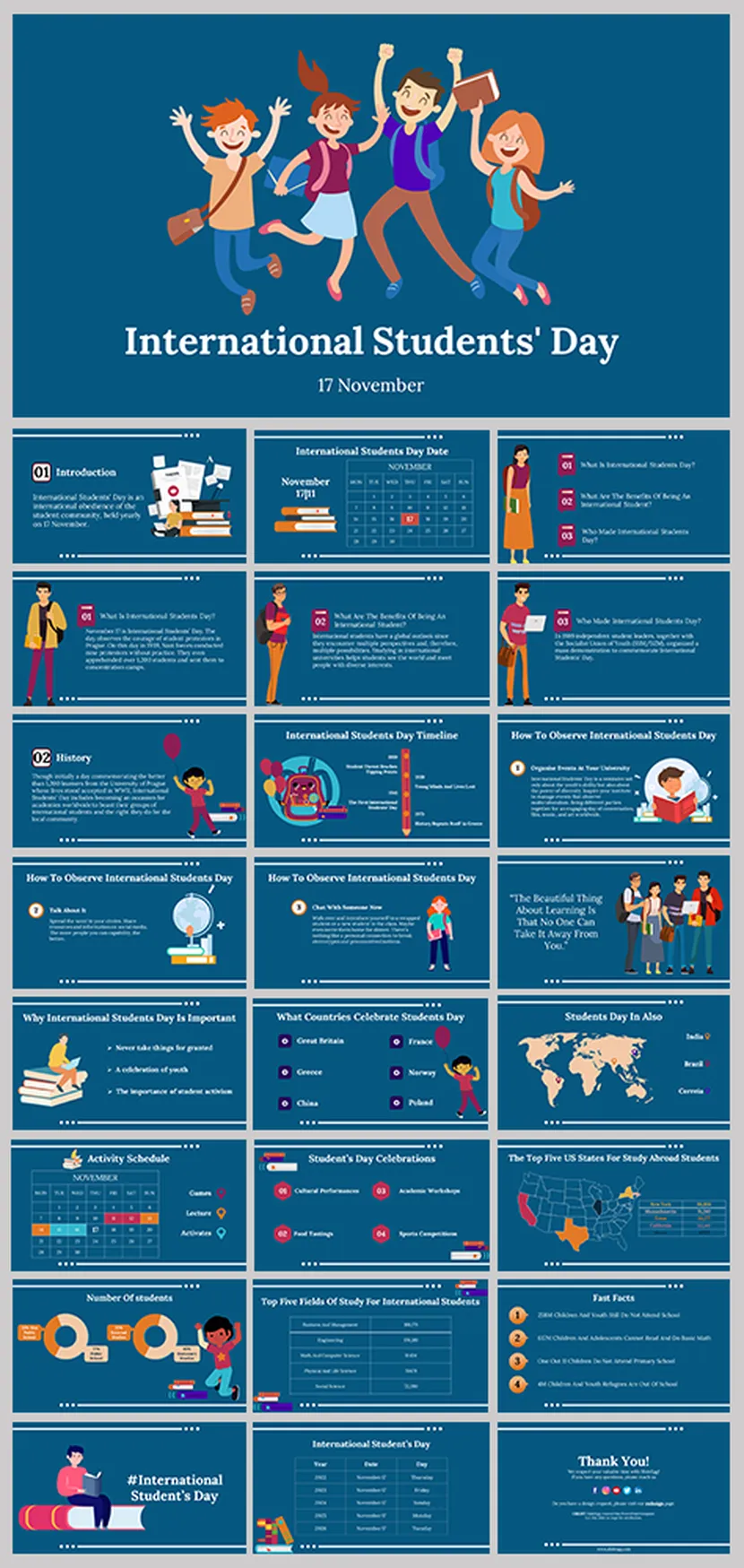
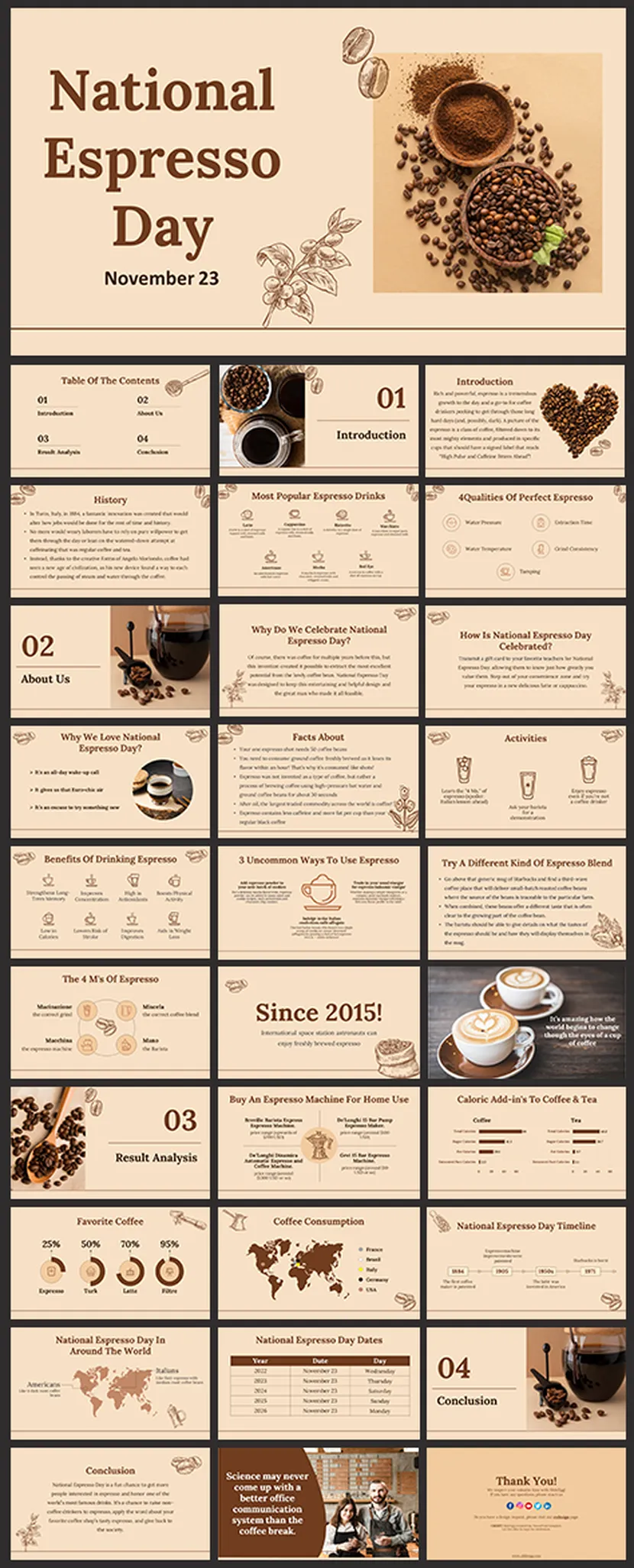
Some dates ask for a quiet moment, others for cake. Whatever your November calendar holds, from Universal Children's Day to National Espresso Day, these 100+ free and premium November special days templates help you present it well. Open them in PowerPoint, Google Slides or Canva, change the text and colors, and share your presentations in minutes.
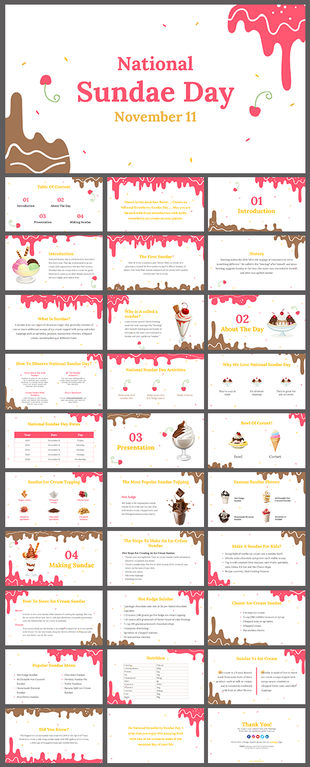

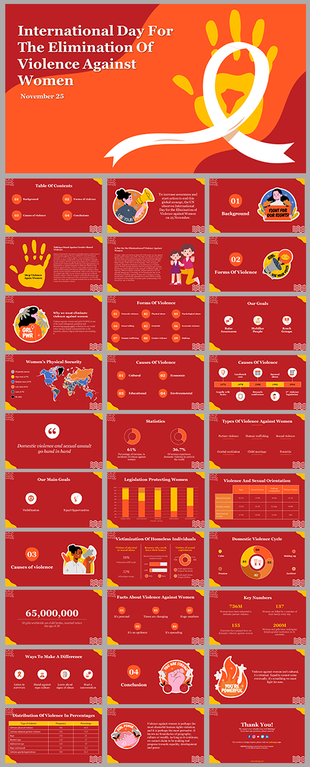
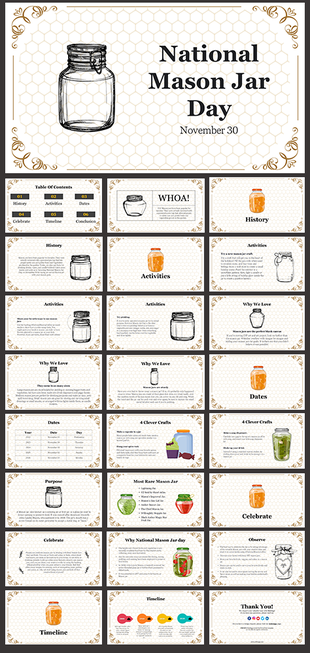


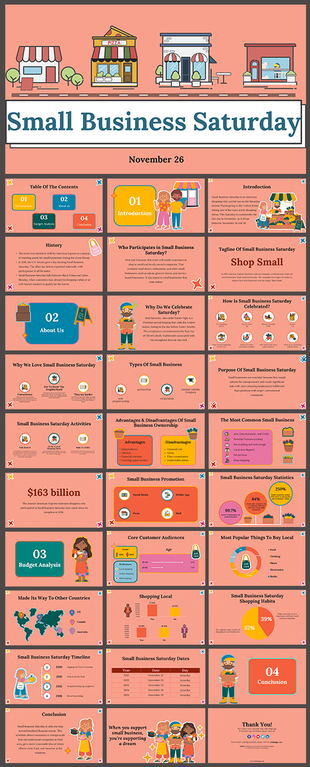
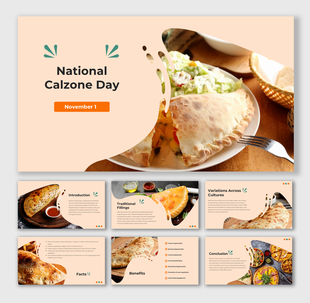
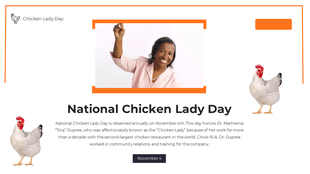
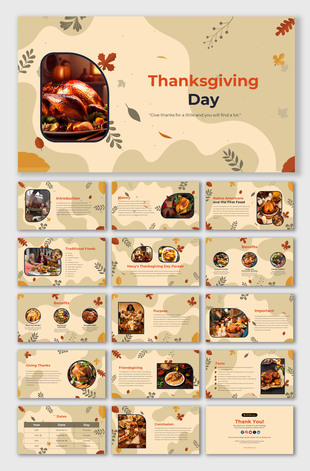
Showing96 of108
Make Every November Date Count with Special Days PowerPoint and Google Slides
November is crowded in the best way. One week you are planning a Children’s Day assembly, the next you are raising awareness for World COPD Day or pitching a Black Friday sale. SlideEgg has 100+ November special days PowerPoint templates and Google Slides themes, so there is a ready-made deck for almost every date on the calendar.
Scroll down to see what falls when, pick the group that fits your audience and grab a design you can edit in minutes.
November at a Glance
Six stretches of the month worth planning for.
Many observances shift by country and by year, so treat this as a starting map and confirm your own date before you present.
Remember and Reflect
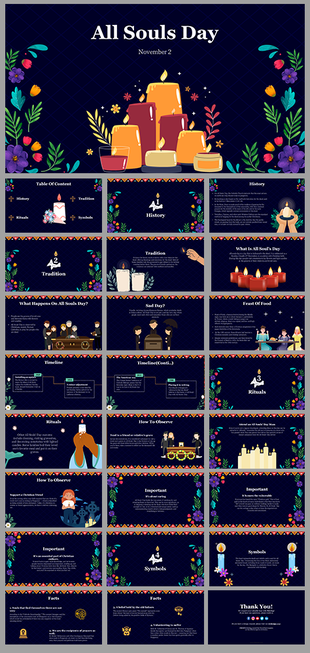
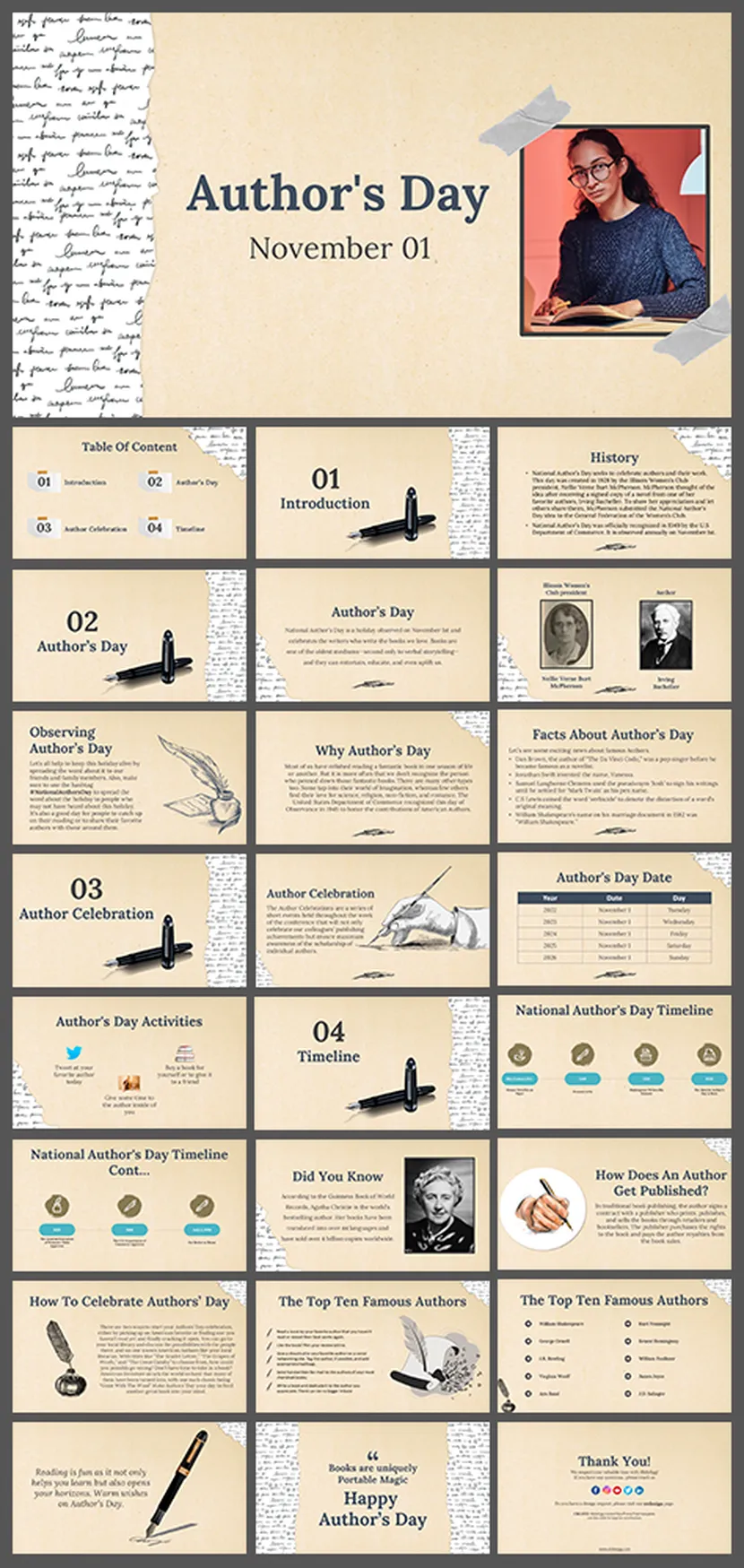
The month opens with World Vegan Day, Authors’ Day and the Day of the Dead.
Science and Nation
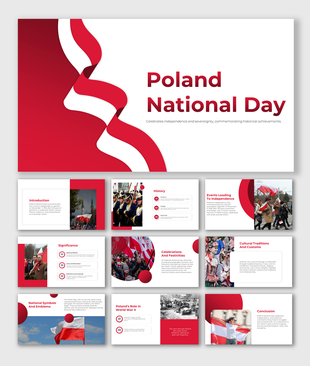
World Science Day for Peace and Development lands on the 10th, then Poland National Day on the 11th.
Children and Students
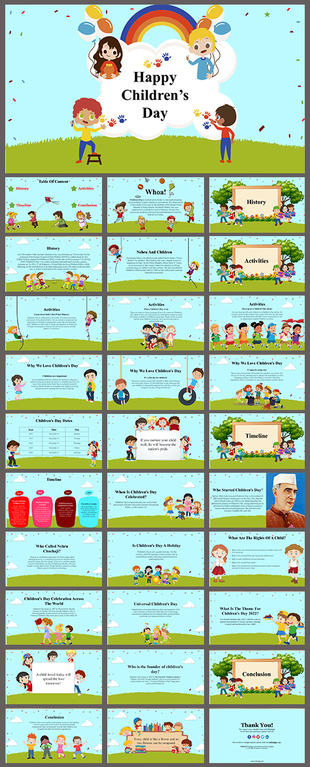
Children’s Day (India) on the 14th, the International Day for Tolerance on the 16th and International Students’ Day on the 17th.
The Busy Week
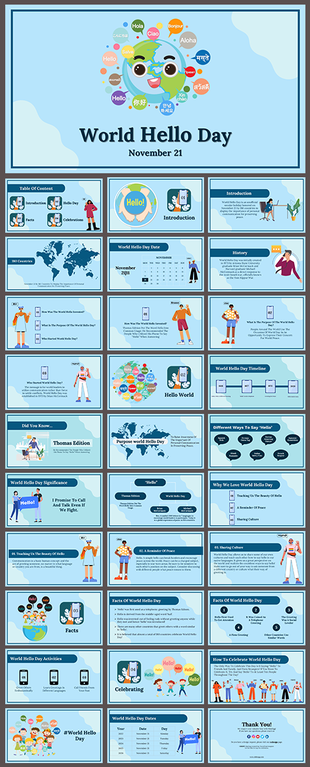
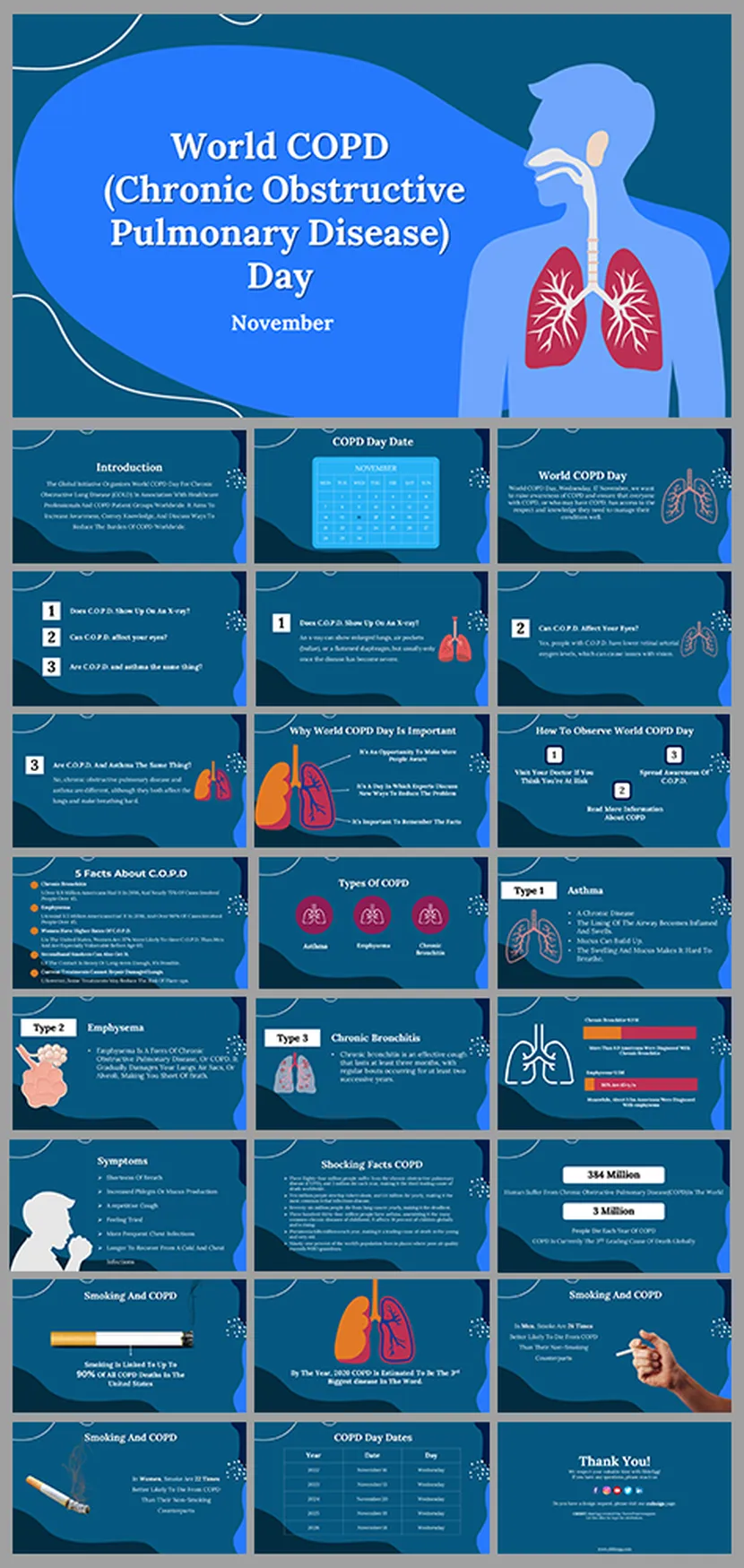
World COPD Day on the 18th, International Men’s Day on the 19th, Universal Children’s Day on the 20th and World Television Day on the 21st.
Culture and Coffee
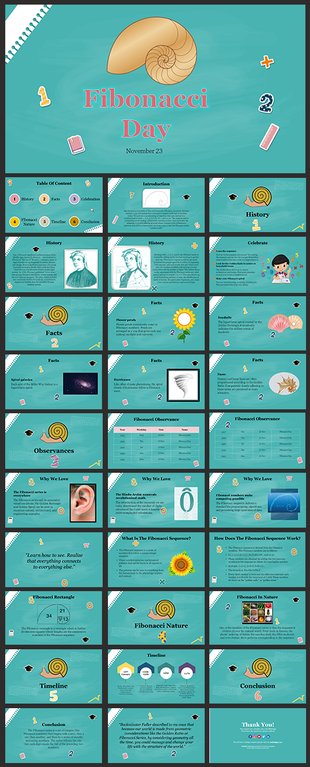
Lebanon Independence Day on the 22nd, then Fibonacci Day and National Espresso Day on the 23rd.
Gather, Shop, Repeat
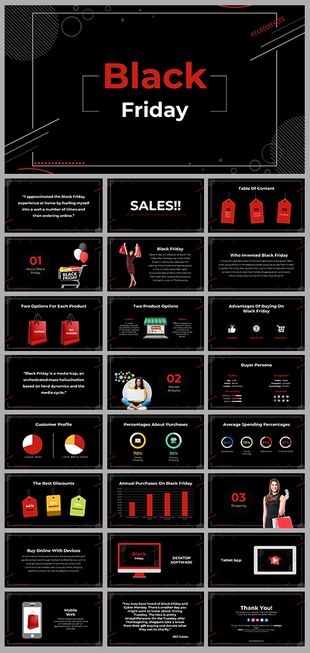
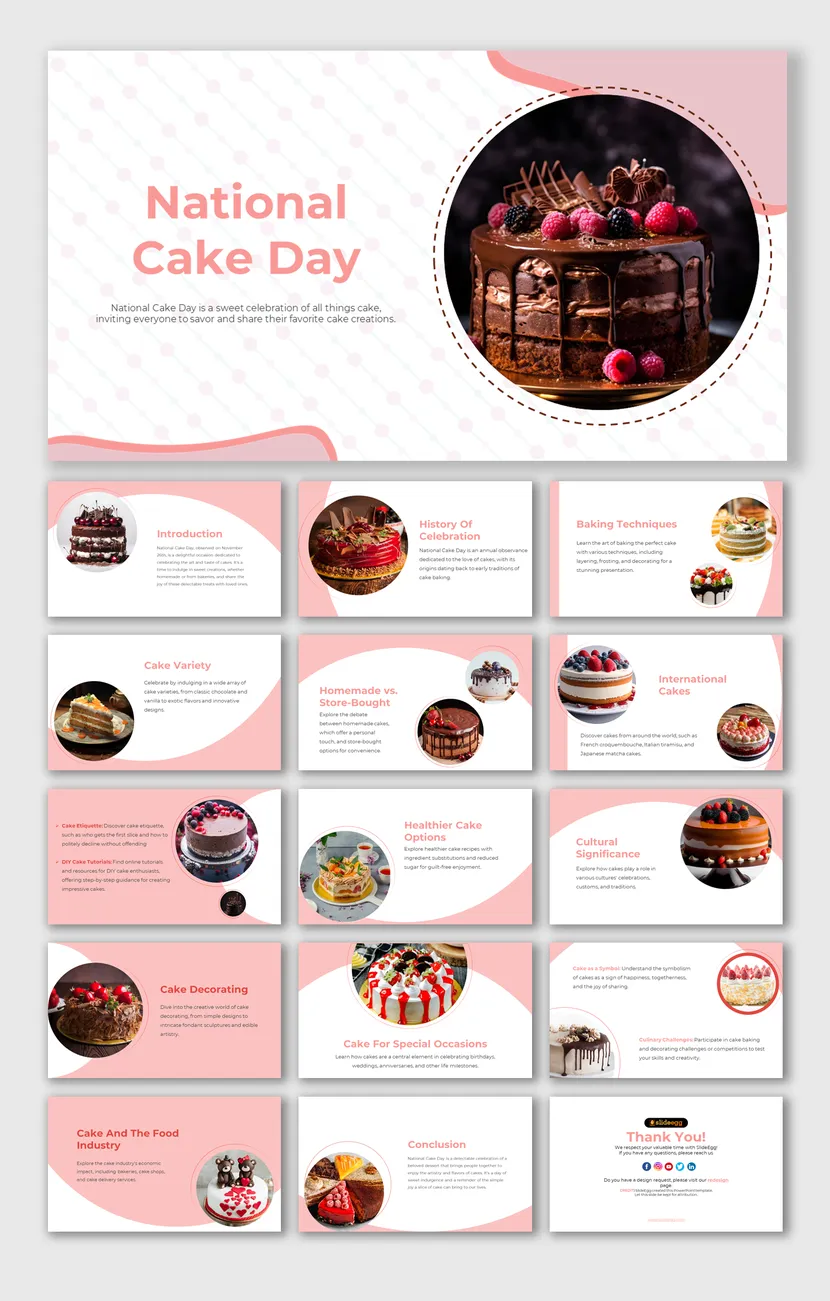
Thanksgiving and National Cake Day on the 26th, Black Friday on the 27th and Cyber Monday on the 30th.
Pick Your Kind of Special Day
Three groups cover most of what people present in November.
Start with the group closest to your audience, then browse the full grid above for more.
Looking for Something More Specific?
Keep the Season Going
Once November wraps up, these collections carry you forward.
Festival lights, holiday parties and game nights follow close behind, and these category pages have the slides for them.
Slide Ideas for Any Special Day Presentation
Six slides you can borrow, whatever the occasion.
Staring at a blank slide the night before an event is nobody’s idea of fun. Start with these six and trim the list to fit your day.
Before the Big Day
Six quick checks for a smooth special day presentation.
A few minutes of prep keeps your message clear and your audience with you.
Key Benefits of SlideEgg’s November Special Days Templates
November Month Special Days Templates: FAQs
Which November special days do these templates cover?
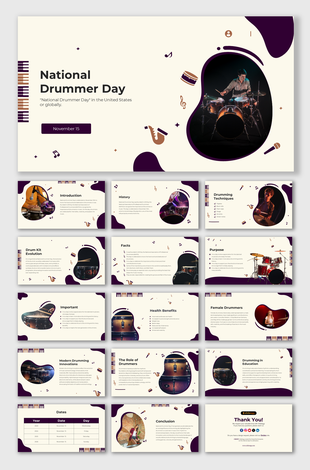
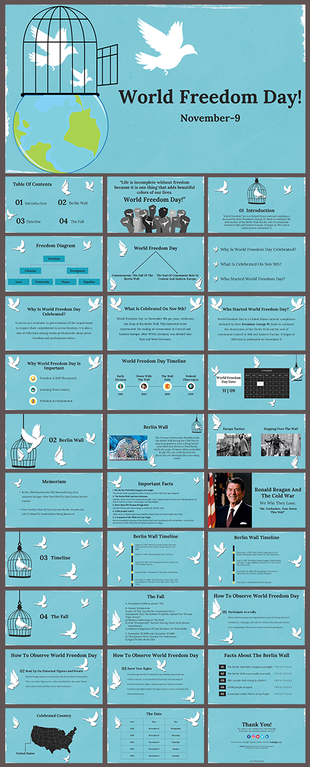
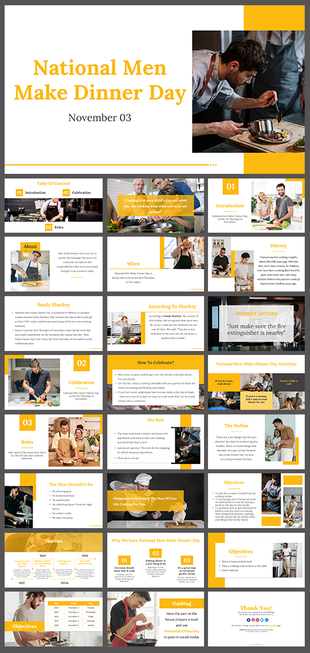
The collection has 100+ templates across awareness, national, food and global observances. Examples include National Adoption Month, Election Day, Universal Children's Day, World Science Day, Day of the Dead, International Men's Day, World Toilet Day, National Cake Day and World Vegan Day.
Are there free November special days PowerPoint templates?
Yes. Look for the Free badge on a card to download at no cost. The rest are premium, and both kinds can be edited in PowerPoint, Google Slides and Canva.
Are these templates available for Google Slides and Canva?
Yes. Every template works in PowerPoint, Google Slides and Canva, so you can open it in whichever tool your class or team already uses.
What should I include in a November special day presentation?
Start with the date and a short introduction, then add the history, a few key facts and ways to celebrate. Close with a quiz or activity and a thank-you slide. Many templates already include Table of Contents, Introduction and History layouts.
Can I use these for awareness days and classroom presentations?
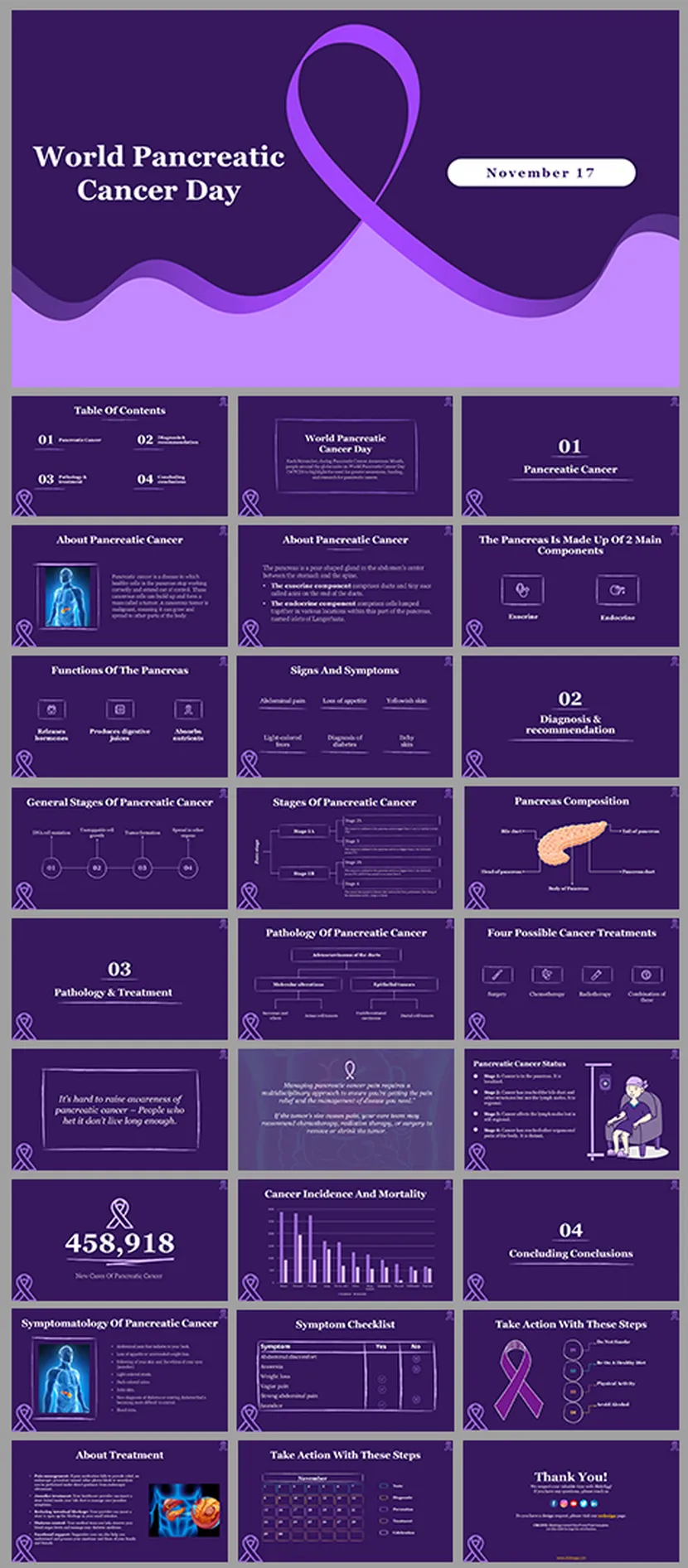
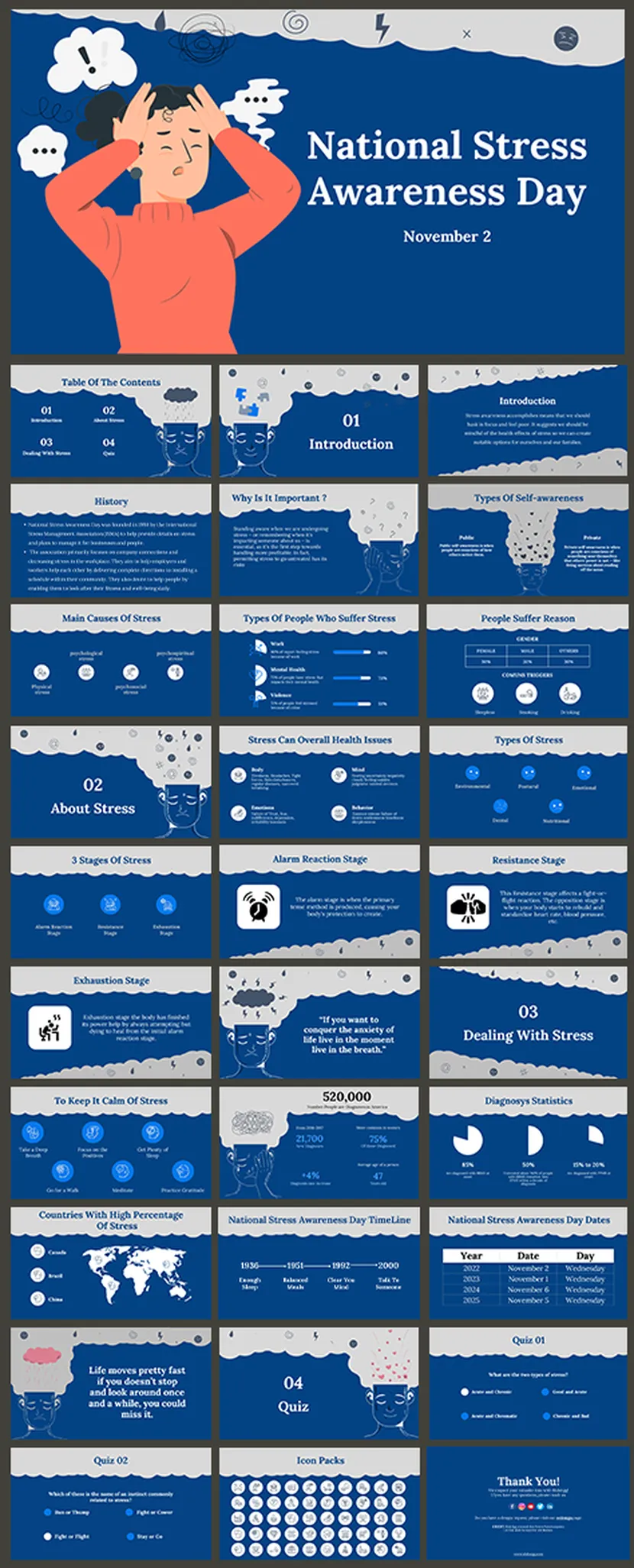
Yes. Days such as World Pancreatic Cancer Day, National Stress Awareness Day and Universal Children's Day suit school assemblies, health talks and lessons. The layouts are clean enough for students to read from the back of the room.
Can I use them for social media and content calendars?
Yes. Use a few slides as the base for posts or carousels in Canva, or screenshot them from PowerPoint or Google Slides. Food days like National Cake Day and National Espresso Day work well for brand content.
Can I edit the text, images and colors?
Yes. Every element is editable in PowerPoint, Google Slides and Canva. You can change the text, swap the photos and icons, and recolor the theme. No design skills are needed.
How do I make an awareness day presentation more engaging?
Open with one strong fact or a personal story. Use one idea per slide and keep the visuals large. Add a short poll or quiz, and finish with one clear action the audience can take.
Which November days work for workplace presentations?
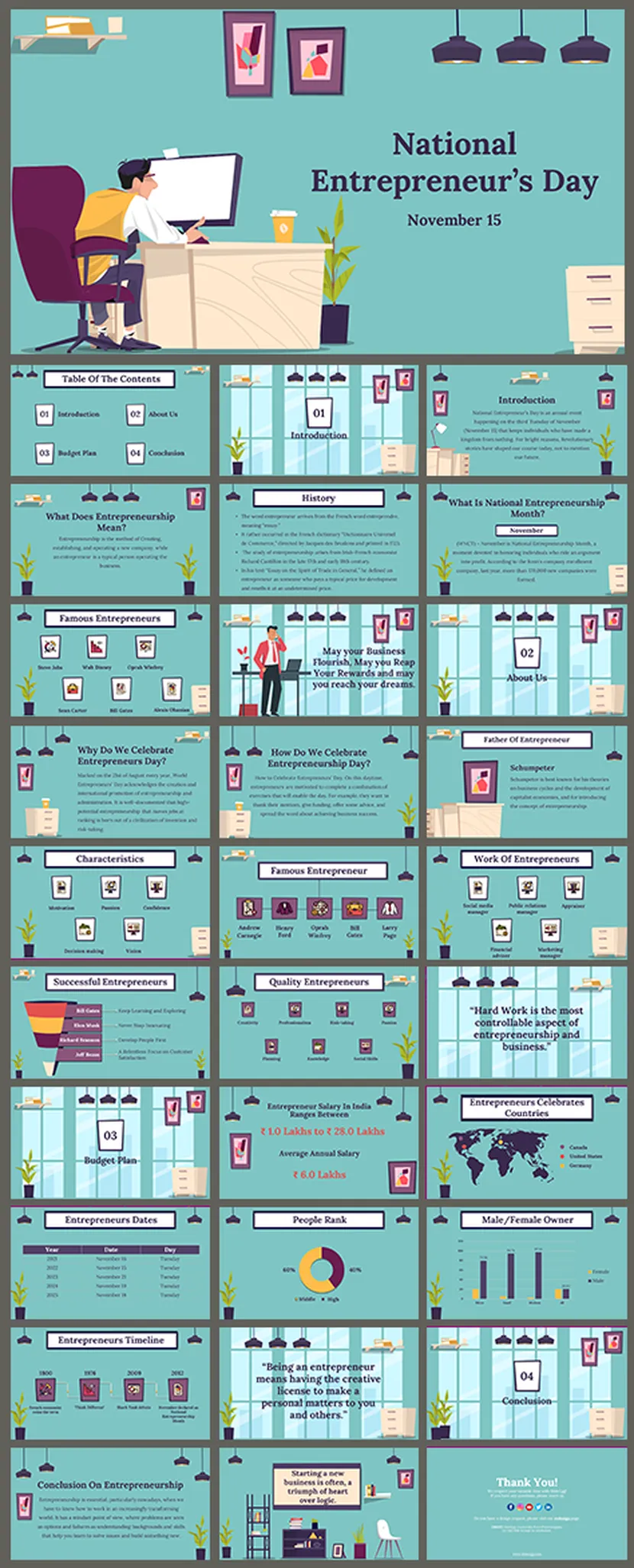
National Entrepreneurs Day, National Philanthropy Day, International Men's Day and National Stress Awareness Day suit team meetings, culture sessions and wellness campaigns.
Do the templates include event dates, and should I confirm them for the year?
Most templates show the date and the event background. Some observances move each year, such as Election Day and Thanksgiving-week dates. Check the current date before you present and update the slide if needed.