300+ Free Halloween Presentation Templates | Page 6
Browse 300+ editable Halloween presentation templates for PowerPoint, Google Slides and Canva in spooky, scary and cute styles, ready for Halloween on Saturday, October 31, 2026. Use them for classroom lessons, party plans, trivia games and seasonal promotions. Filter by Free, download a design, then edit the text, colors and images in minutes.
Showing288 of349


Halloween PowerPoint templates 2026 at a glance
SlideEgg's Halloween collection is a set of editable slide designs, from dark graveyard scenes to bright cartoon pumpkins. Each design opens directly in PowerPoint, Google Slides and Canva. Some are free to download and the rest come with a SlideEgg Premium plan.
Teachers, office teams, party hosts and small shops use them for lessons, schedules, quiz games and seasonal offers. Halloween 2026 falls on Saturday, October 31.
What you get in the collection
Beyond decoration. Layouts built to carry real content.
Editable objects
Text, shapes, icons and colors can each be changed without special software.
Single slides or full decks
The tabs above the grid, Relevant, Mostly Downloaded, Single Slides, Free, Decks, narrow the list quickly.
Working layouts
Many designs include agendas, timelines, comparisons, quotes and picture frames, so the deck can carry real content and not only decoration.
A range of moods
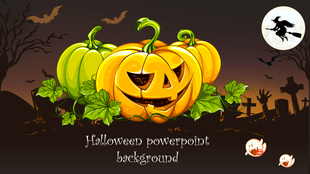
Dark graveyard scenes sit beside bright cartoon ghosts and quiet, minimal themes.
Game boards
Jeopardy and Family Feud designs turn slides into an activity.
Free and Premium designs
Look for the Free label on a card, or open the Free tab. The rest of the collection comes with SlideEgg Premium.
Choose a style: spooky, scary, horror or cute
Let the audience decide the style. A horror look that suits an adult trivia night will frighten a first-grade class, and a cartoon look can feel out of place in a sales review.
Spooky
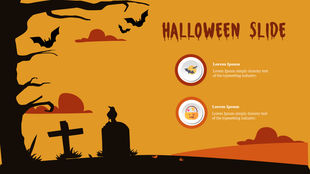
Office parties, general talks, school events. Look for purple and orange palettes, moon, bats and bare trees.
Scary and horror
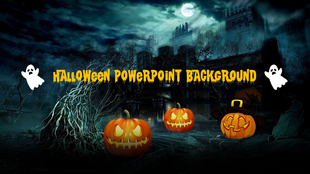
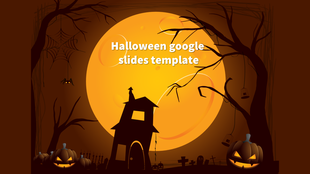
Adult events, trivia nights, haunted-house themes. Look for dark backgrounds, graveyards, castles and red accents.
Cute and cartoon
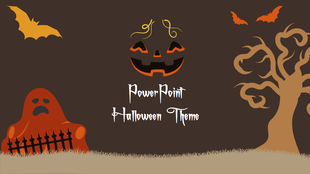
Kids, early classrooms, family events. Look for bright pumpkins, friendly ghosts, candy and large text areas.
Clean and professional
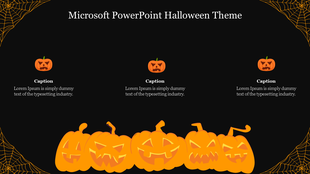
Sales updates, campaign reviews, workplace meetings. Look for a dark or neutral base with small seasonal icons.
Aesthetic and minimal
Personal projects, social posts, creative portfolios. Look for muted colors, simple icons and quote layouts.
Animated
Video-call openers and social posts. Look for moving bats, flickering candles and looping backgrounds.
Halloween presentation ideas for school, work and events
Six real use cases, matched to real templates.
Classrooms and kids
A short lesson on where Halloween comes from, why people carve pumpkins, or how other countries mark the day. Use big pictures, one sentence per slide, and finish with a guessing game.
Education templates →Work meetings
A five-minute seasonal opener, a costume vote, trivia round or guess-the-pumpkin-carver slide, keeps a meeting light without eating into the agenda.
Parties and community events
A welcome slide, program, contest categories and potluck sign-up, with a quiet looping background while guests arrive.
Seasonal offers for small businesses
A bold header for sale announcements, with data slides kept plain so numbers stay readable.
Halloween sale banner →Safety talks
A short deck on costumes, routes, candy checks and what to do if someone gets lost.
Halloween safety PowerPoint →Video calls and virtual meetings
Set a Halloween mood on Zoom or Teams calls without touching a single slide. Swap in a themed virtual background instead.
Teams Halloween backgrounds →Popular Halloween templates
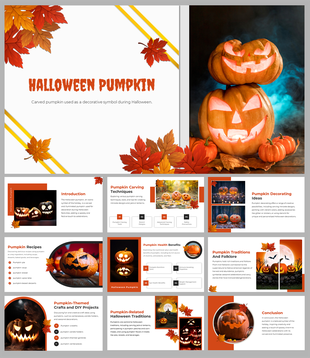
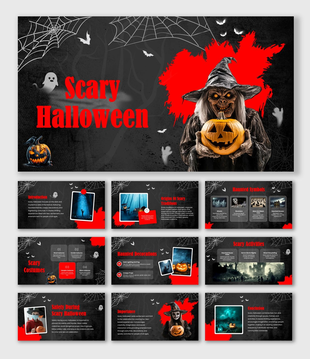
Three designer picks across the style range above.
Backdrops and slide layouts
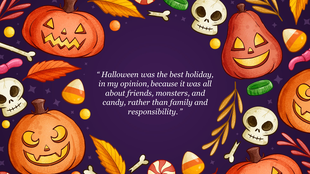
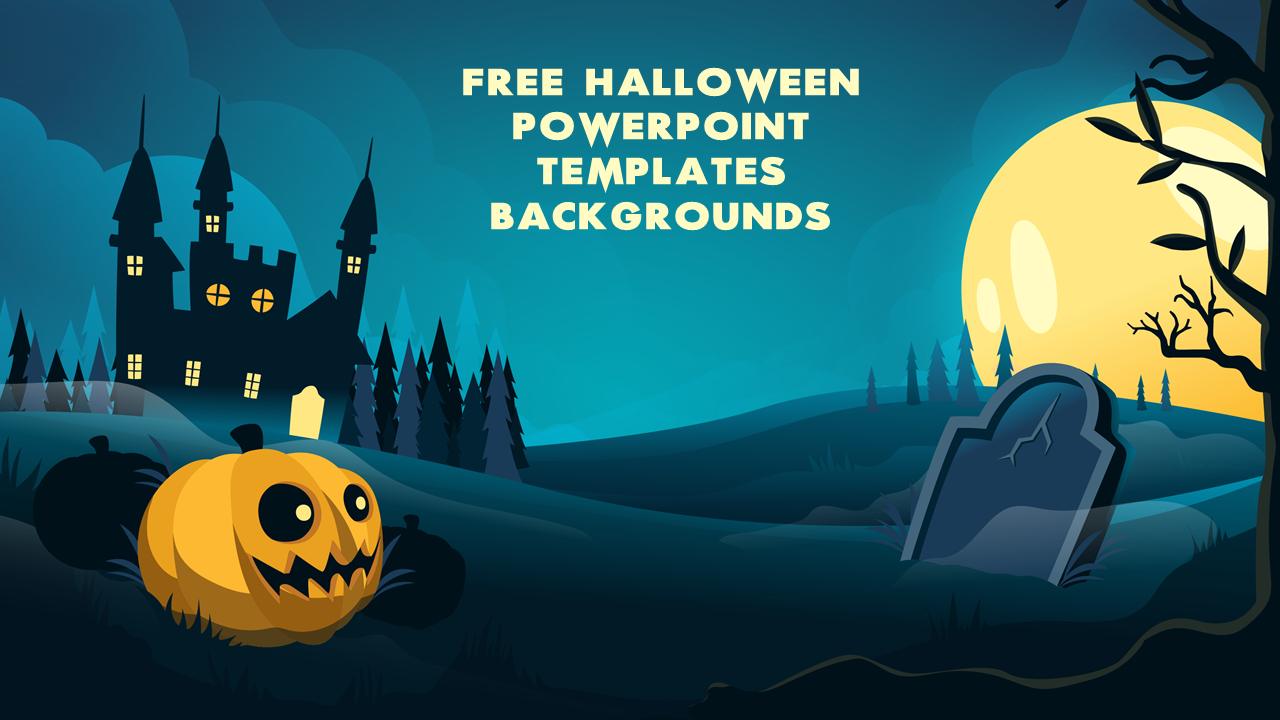
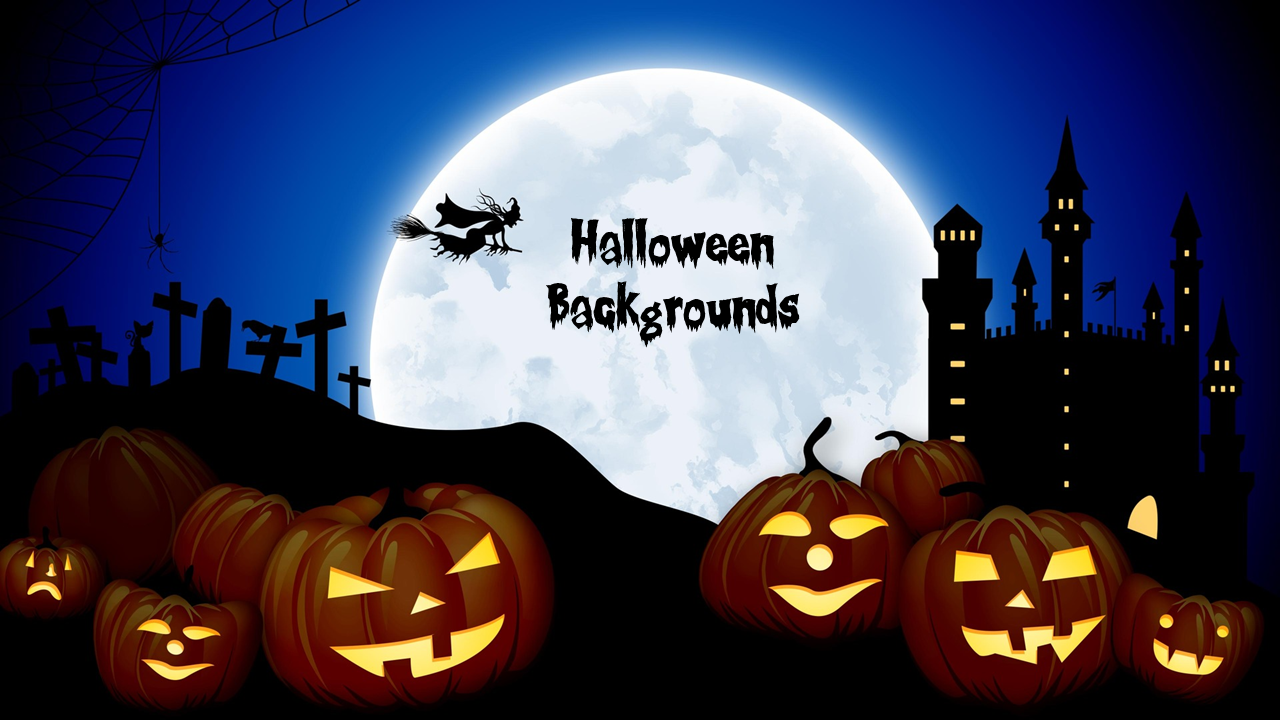
If you only want a backdrop, pick any design and delete the content slides, or keep one layout and use it as your master.
How to customize a Halloween template
Works the same way in PowerPoint, Google Slides, or Canva. The templates open directly, with no need to upload to Drive first.
Pick a style for your audience
Match the theme to the room using the style guide above.
Download the file
Choose the format that matches your tool.
Open it in your tool
PowerPoint, Google Slides or Canva. Try the free Halloween Google Slides template as an easy first try.
Replace the sample text
Write short headlines and keep each slide to one main point.
Change colors and images
Edit the theme colors so the whole deck updates at once.
Add motion carefully
A fade, or the Morph transition in recent PowerPoint versions, is plenty. Avoid rapid flashing animations.
Using Keynote on a Mac? Try the Halloween Keynote template.
Interactive slides: games, quizzes and animation
Static slides explain, but games get people involved.
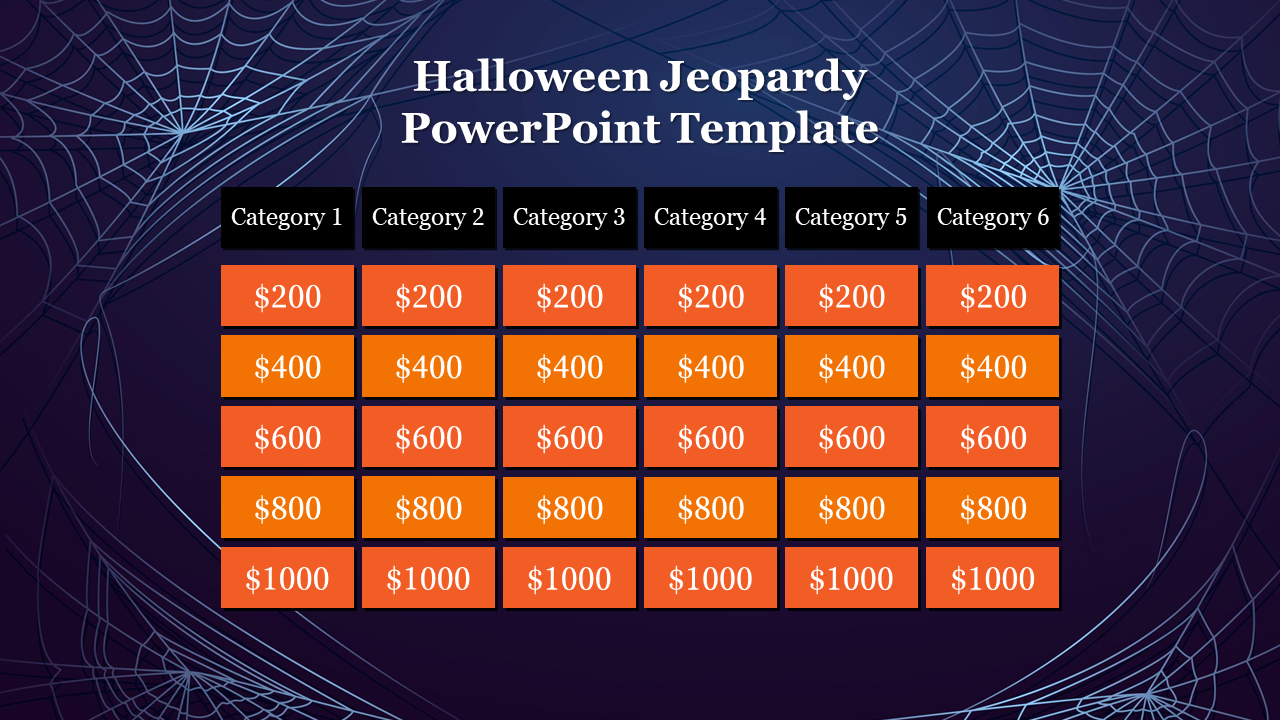
Jeopardy-style board
A ready-made game board for categories and point values.
Halloween Jeopardy template →Family Feud board
Suits team events and classrooms, with every player given a job: answering, scoring or reading questions aloud.
Halloween Family Feud template →Build your own quiz
Link each answer button to the next question and use a simple reveal animation so answers stay hidden until you're ready.
Interactive presentation tools →Key Halloween template terms, defined
A ready-made slide design with seasonal artwork, a color palette and placeholder layouts.
A PowerPoint effect that smoothly animates objects moving between two slides.
The ancient Celtic festival marking the end of summer that Halloween traces back to.
The night before All Saints' Day; the origin of the name "Halloween."
A complete, multi-slide presentation, as opposed to a single standalone slide.
The accessibility limit on rapid flashing content, which can trigger seizures in some people.
Design tips for readable spooky slides
Why use SlideEgg for seasonal presentations
Become an expert with SlideEgg
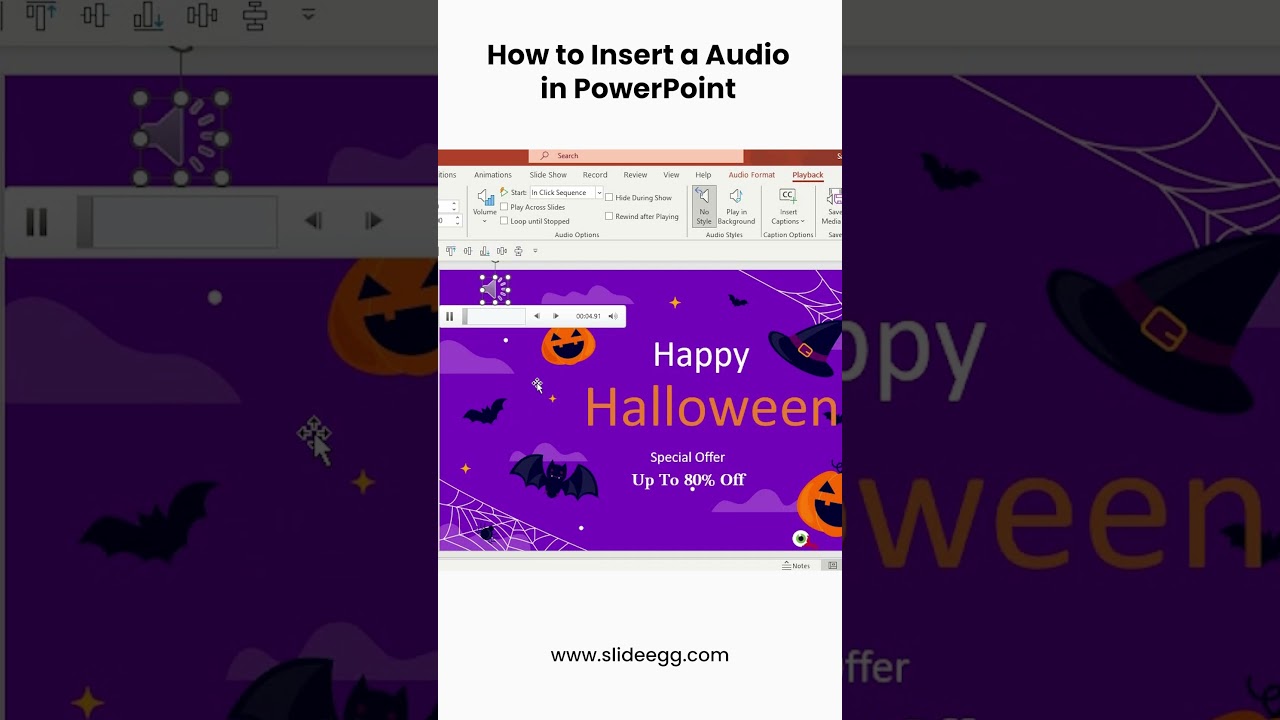
Watch quick, practical walkthroughs and level up your presentation design skills in minutes.

Frequently Asked Questions
What are Halloween presentation templates?
Halloween presentation templates are ready-made slide designs with seasonal artwork such as haunted houses, pumpkins, bats, bare trees and coffins. You replace the sample text and pictures with your own, so the deck looks designed without starting from a blank slide.
What is the best free Halloween PowerPoint template?
The best free Halloween template is the one that fits your audience and is easy to edit. Use the Free tab above the grid, pick a style (cute for kids, spooky for general use, dark for adult events), and compare a few designs before you download.
Where can I get free Halloween templates for PowerPoint and Google Slides?
You can download free Halloween templates from SlideEgg. Look for the Free label on each card, download the file and open it directly in PowerPoint, Google Slides or Canva.
Can I use these Halloween templates in Google Slides or Canva?
Yes. SlideEgg templates open directly in PowerPoint, Google Slides and Canva, so you do not need to upload the file to Drive first. Download a design, open it in the tool you use and edit the text, colors and images there.
Where can I use Halloween presentation templates?
Use them for classroom lessons, party schedules, costume contests, trivia games, safety talks and seasonal offers. The same designs also work as backdrops for invitations, posters, flyers and video calls.
Who can use Halloween templates?
Anyone planning a Halloween talk or event can use them: teachers and students, office teams, parents and party hosts, community groups and small businesses.
How do I make a Halloween presentation?
Pick a template that suits your audience, download it, and replace the sample text with short headlines. Swap in your own images, change the theme colors, and add a simple fade or Morph transition. Check the deck on the screen you will present on.
How do I make a scary or spooky PowerPoint?
Start with a dark template, then limit yourself to one or two accent colors such as orange and purple. Keep text large and short, add one sound or a subtle fade instead of many effects, and avoid flashing animations. Test the contrast on the screen you will present on.
Can I create a Halloween presentation with AI?
Yes. Use Create with AI at the top of this page or the Craft with AI box below the first templates. Describe your audience, topic and sections, keep the standard 10 to 12 slide deck, and generate a draft. Then edit it like any other presentation and check the facts.
Does PowerPoint have built-in Halloween templates?
PowerPoint offers some seasonal templates through its online template search, and what you see depends on your version and account. A dedicated library gives you more themes, such as cartoon pumpkins, haunted houses and dark graveyard designs, plus Google Slides and Canva options.
What are some ideas for a Halloween-themed presentation?
Good ideas include the history of Halloween, a costume contest plan, a trivia or Jeopardy game, a trick-or-treat safety talk, a seasonal sales promotion and a volunteer chart for a school or office event. Match the style of the template to the audience.
What are fun Halloween activities for a work meeting?
Try a five-minute opener such as a costume vote, a Halloween trivia round or a guess-the-pumpkin slide. For longer events, use one deck for the schedule, contest rules and prizes. Keep the meeting agenda intact and treat the activity as a short break.
What are good Halloween presentation ideas for school or class?
Teachers can use slides on the origins of Halloween, costume and candy vocabulary, a guessing game or a class quiz. Use large pictures, one sentence per slide and a bright cartoon theme for younger students. Add a Jeopardy-style board for review.
How do I animate Halloween slides without making them hard to read?
Use simple effects: a fade, a reveal or the Morph transition in recent PowerPoint versions to move objects between slides. Animate one thing per slide, keep timing short and avoid rapid flashing, which can cause problems for some viewers and is hard to read on a projector.
What is Halloween and why is it celebrated on October 31?
Halloween is observed on October 31, the night before the Christian feast of All Saints, also called All Hallows. It traces back to Samhain, an ancient Celtic festival marking the end of summer, and the two traditions blended over time. In 2026, October 31 falls on a Saturday.