140+ Free Family Feud Presentation Templates
Ready for the face-off? Download free and premium Family Feud PowerPoint templates and Google Slides themes with game rounds, question slides and score displays built in. Reveal the top answers, dodge the strikes and crown a winner in class, at a team meeting, on a holiday or at a party. Edit every question, answer and color. No design skills needed.

















Showing48 of149


Host a Family Feud Game Night with PowerPoint and Google Slides
Family Feud turns a quiet room into a loud, laughing one. SlideEgg has 140+ Family Feud PowerPoint templates and Google Slides themes with game rounds, question slides and score displays already built, so all you add are your own questions and answers.
Browse by event, from classrooms and team meetings to holidays and parties, or start with a topic board such as movie villains, world capitals or 80s hit songs. Every design is editable in PowerPoint, and most also work in Google Slides and Canva.
New to hosting? The next section explains how a round works, and the sample questions further down give you a head start. You do not need design skills or a game show budget, only a screen, two teams and a list of questions your guests can argue about.
How to Play Family Feud on PowerPoint and Google Slides
The format is simple, and the slides handle the reveals.
Two teams guess the most popular answers to a survey question, and the host reveals each answer on screen. Here is the flow most hosts follow, with a sample board to show how it looks.
Split Into Two Teams
Pick a captain for each team and decide who plays first, for example with a quick face-off question. Smaller groups can play as pairs, and larger ones can split into several teams.
Show the Survey Question
Read it aloud, such as "Name something people bring to a picnic." Keep the answers hidden on the board until a team guesses them, so the room stays curious.
Reveal the Answers
Teams guess the most popular answers, and the host clicks each correct one onto the board. Higher-ranked answers earn more points, which keeps comebacks possible.
Track Strikes and Points
Each wrong guess is a strike, and three strikes usually pass the turn to the other team. Correct answers add points, and the score display keeps everyone honest.
Play the Final Round
Finish with a quick round or a bonus question to decide the winner. A short final round keeps the energy high and gives trailing teams a last chance.
Family Feud Templates by Event
Start with the occasion, then open a matching deck.
The same game feels different in a classroom, a boardroom and a living room. Each group below pairs the occasion with three templates to try first, plus a link to the full collection.
School and Classroom
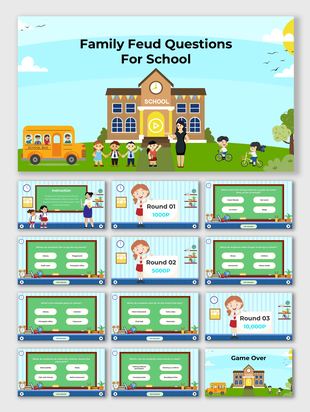
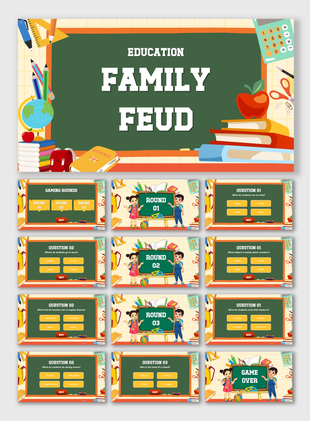
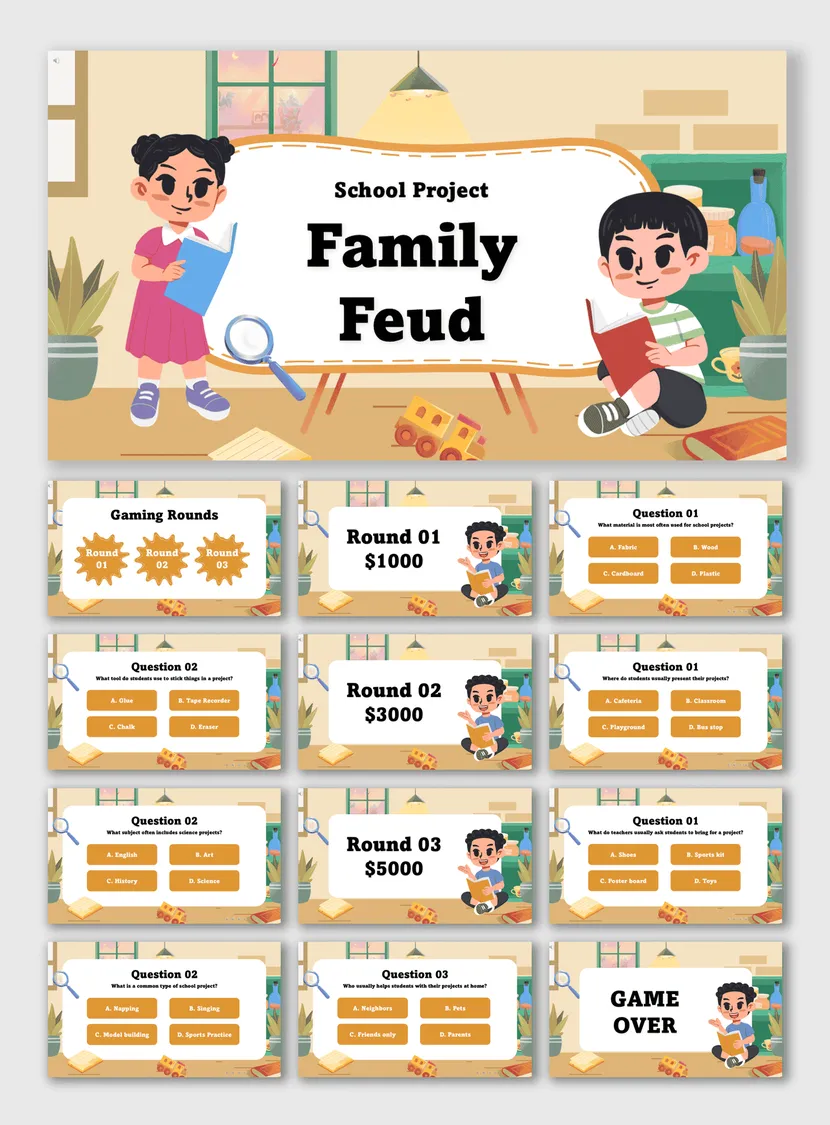
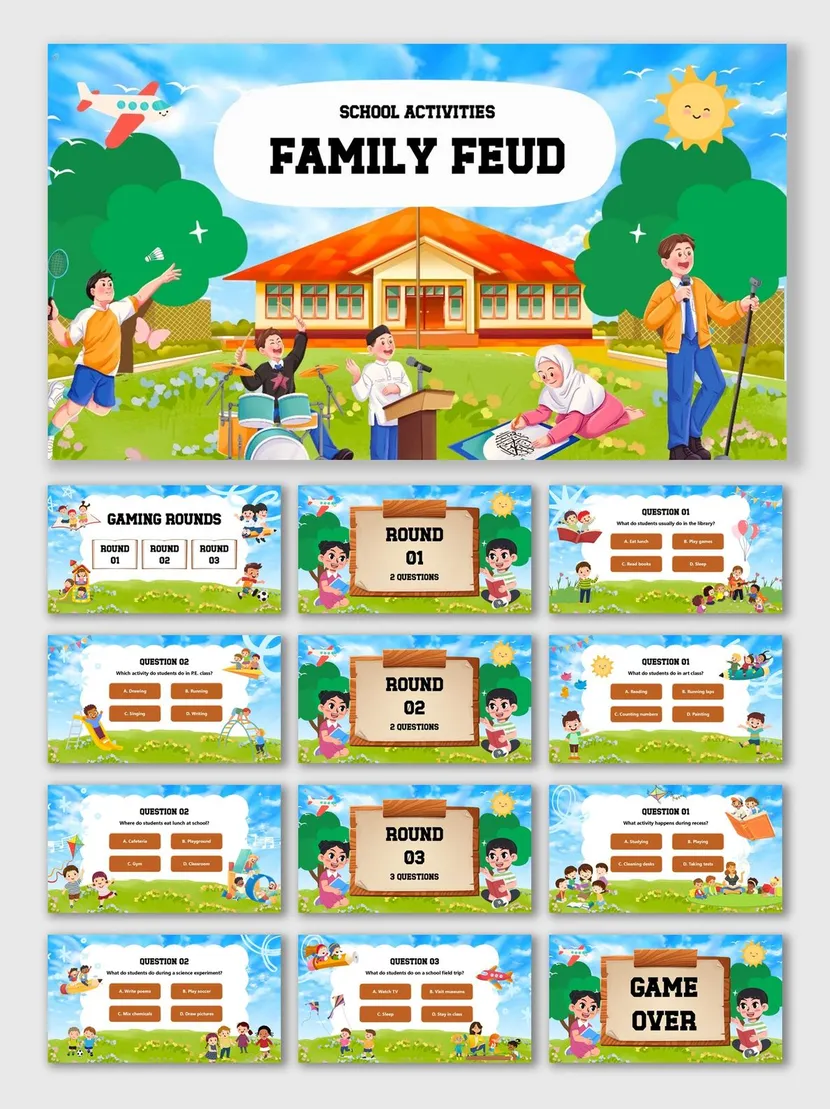
Review a unit, welcome students back or fill the last ten minutes before a break. Subject boards keep every round on topic, and the cartoon styles suit younger classes. Teachers can swap in vocabulary, history facts or class trivia in a few minutes.
Educational Family Feud →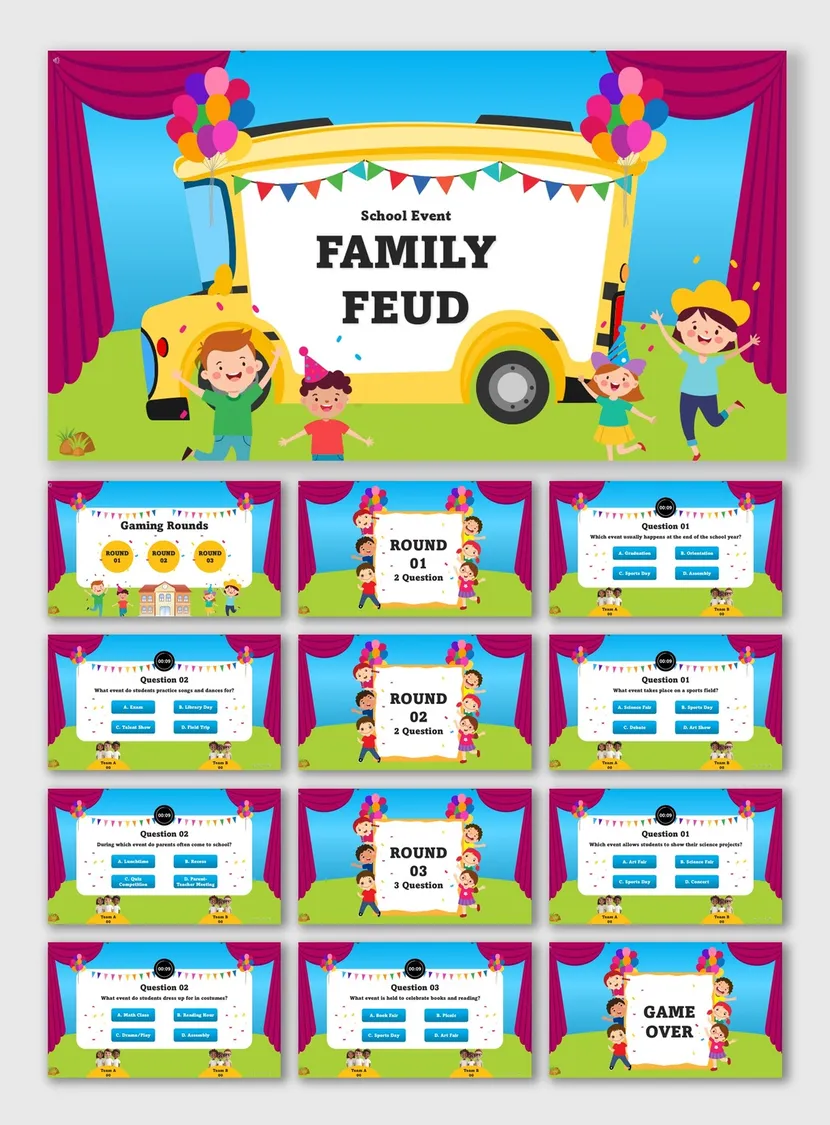
Work and Team Building
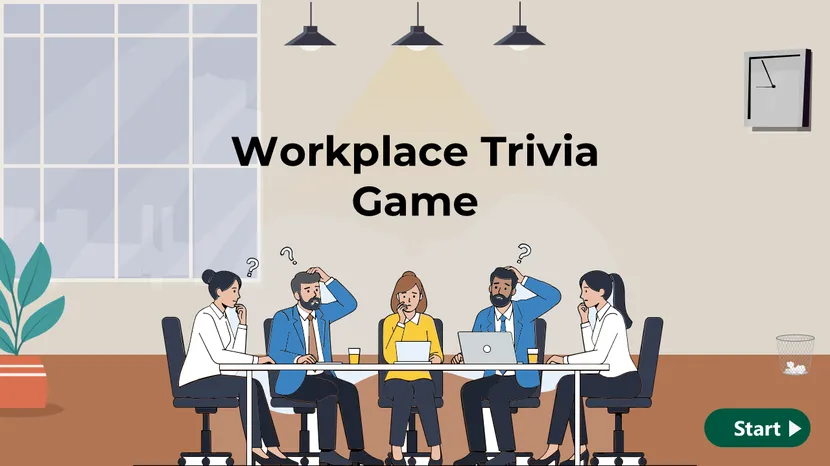
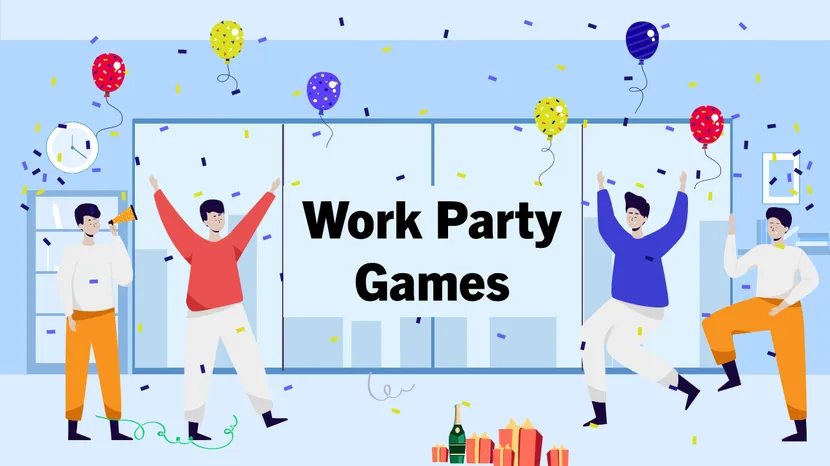
Icebreakers, training recaps and Friday team games. Questions about your company, your industry or office life get the quickest laughs. Corporate designs suit meetings and training days, while the lighter party looks fit offsites and end-of-year events.
Corporate and Team Building Family Feud →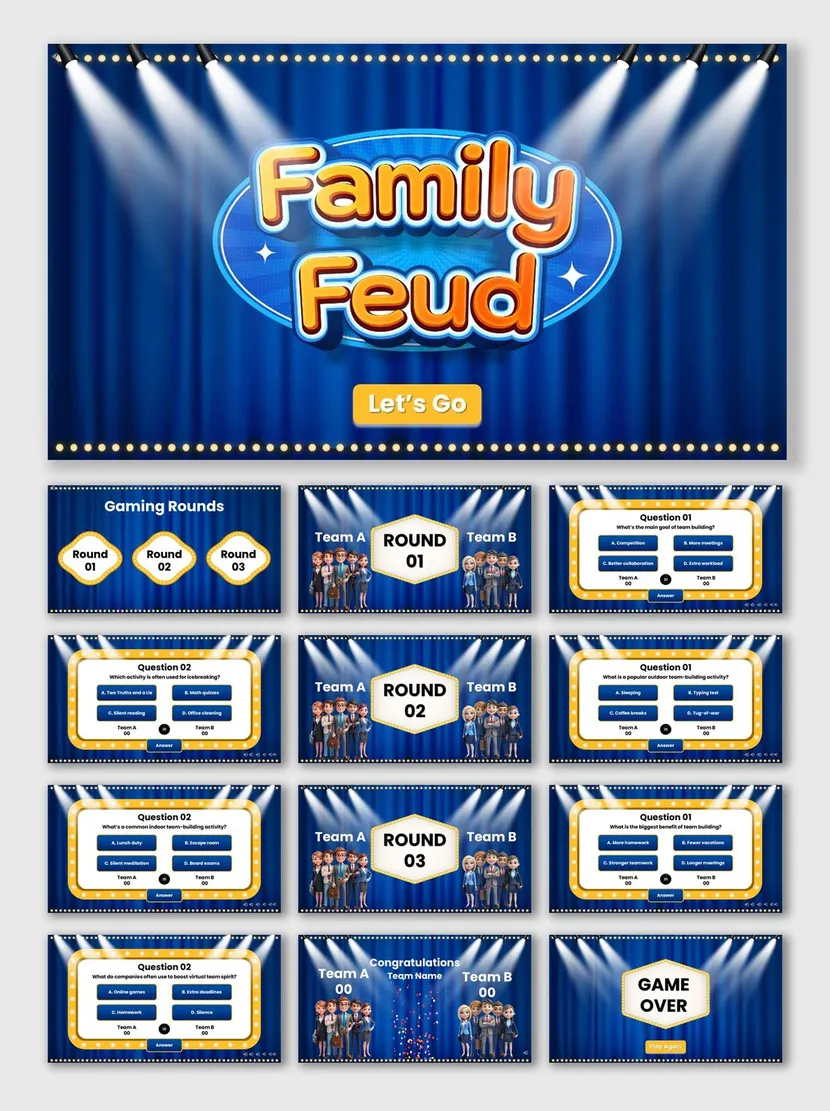
Holidays and Seasons
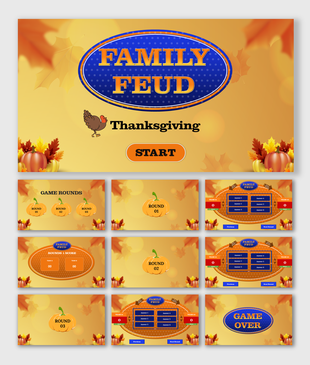
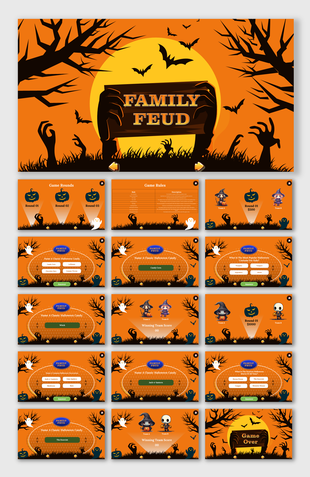
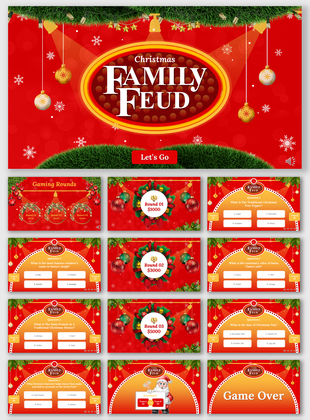
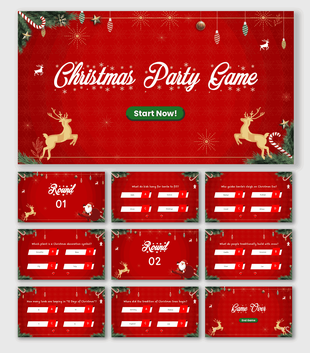
Seasonal boards for Halloween, Thanksgiving and Christmas gatherings, with decorations that match the mood and room for your own questions. Ask about family traditions, favorite foods or songs, and the whole table can join in.
Holiday Family Feud →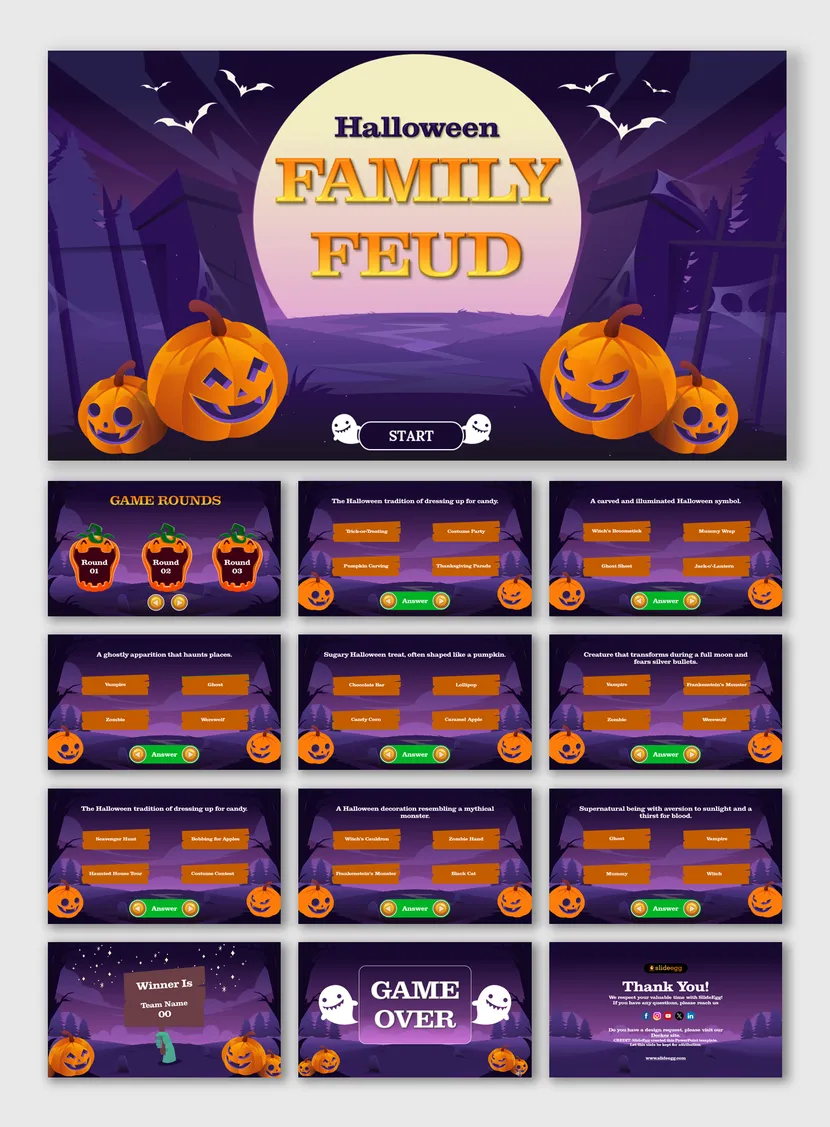

Parties and Celebrations
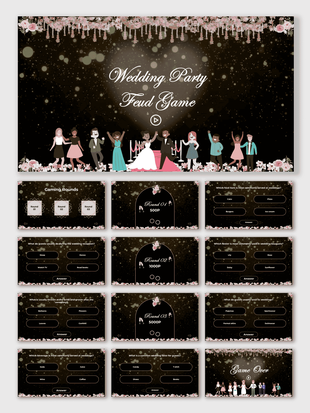
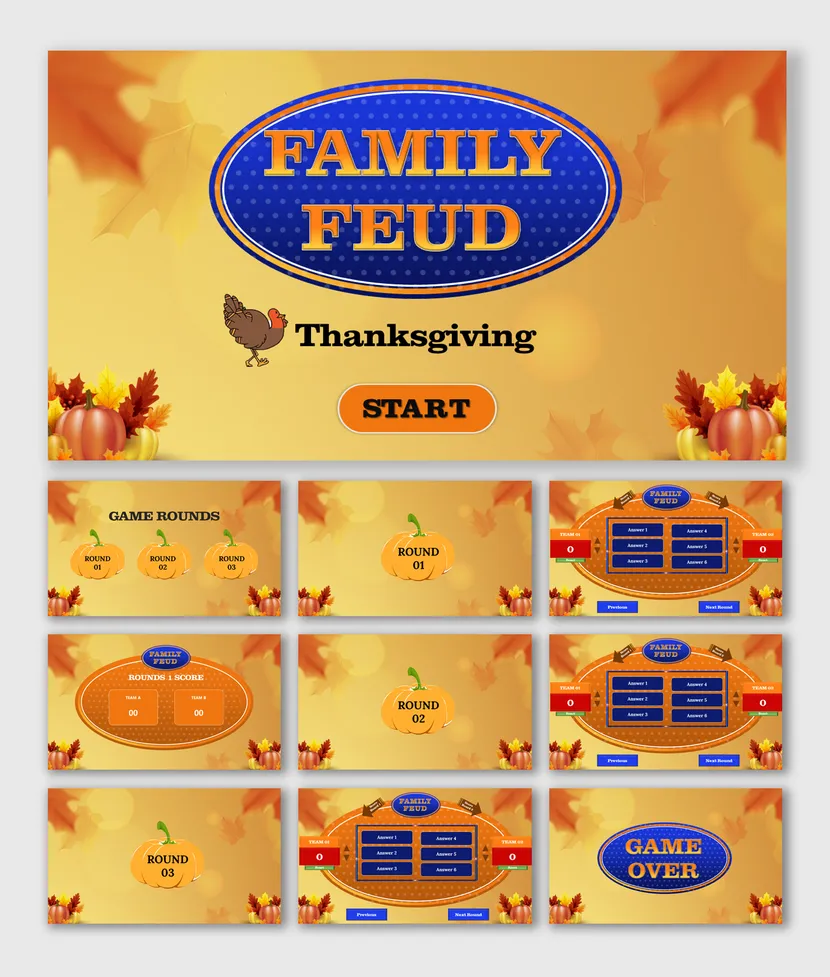
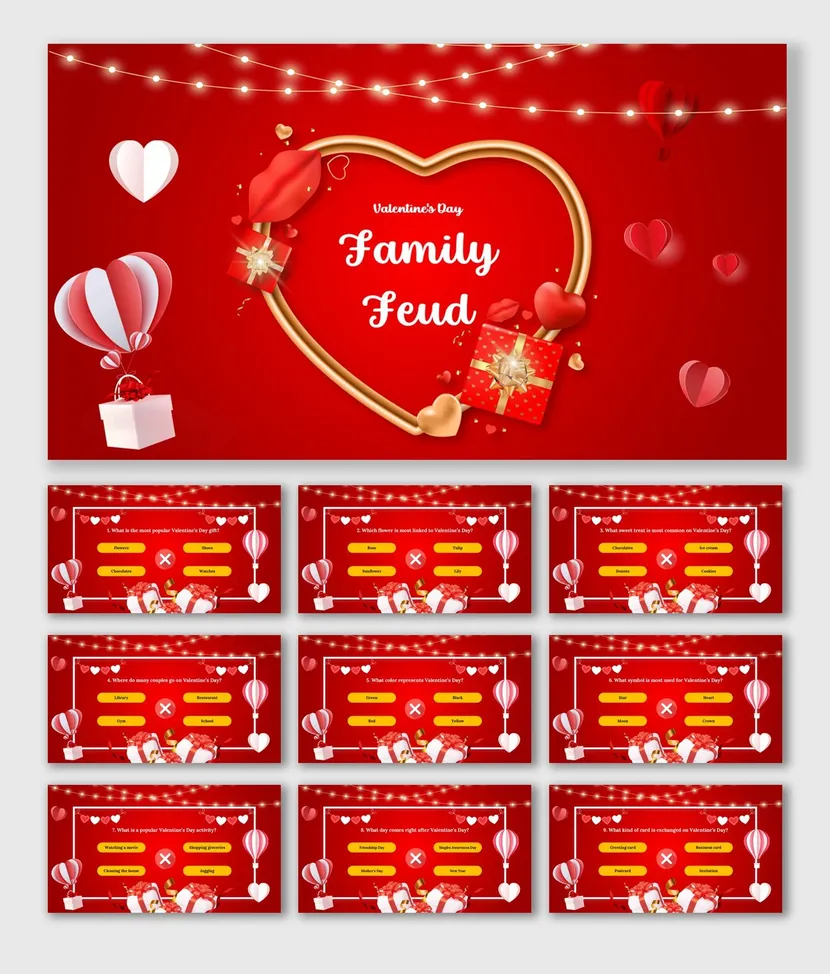
Bridal showers, party nights and love-themed get-togethers. Choose soft florals or a bold stage look to match the mood. Questions about the guest of honor, shared memories or favorite songs make these games personal.
Party and Event Family Feud →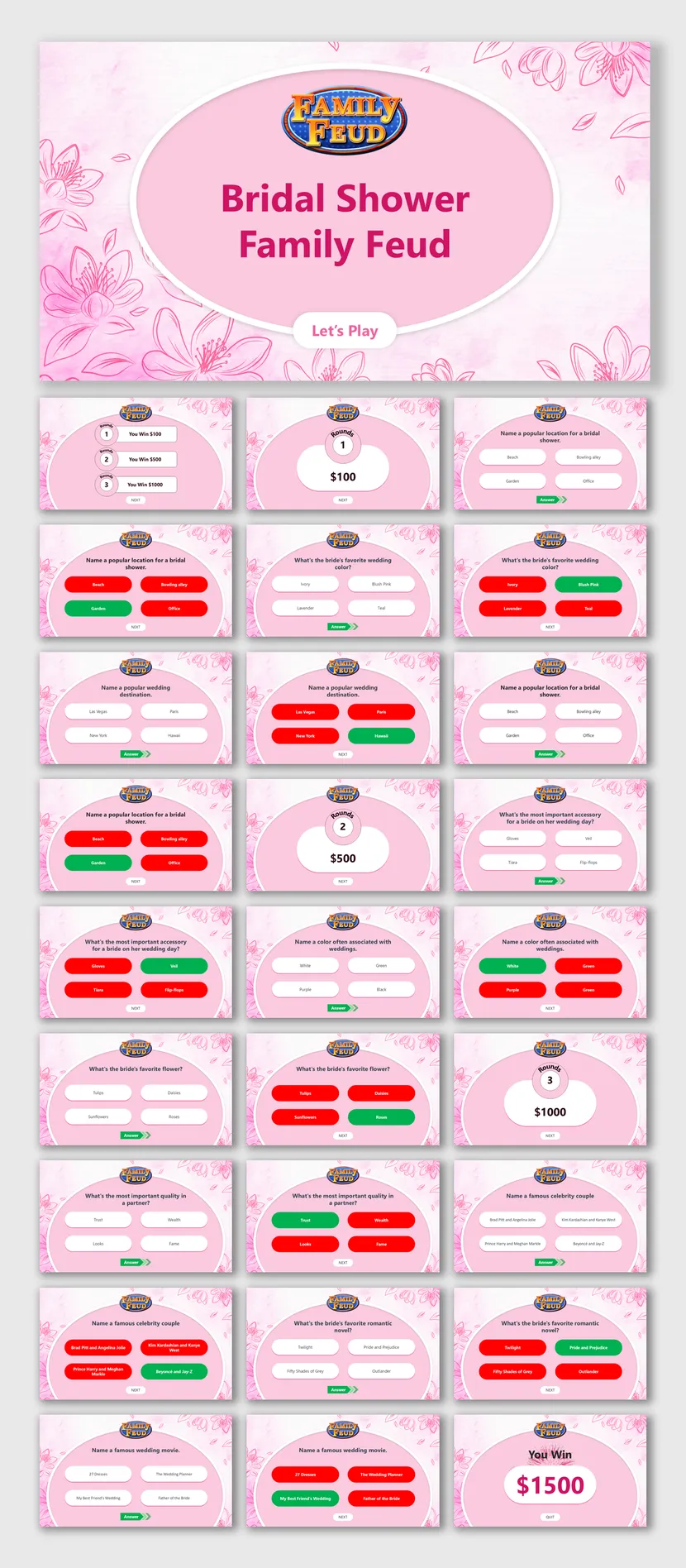

Ready-Made Topic Boards
Each deck is built around one subject, so you can start playing fast.
Not sure what to ask? These decks come built around a single subject, with the look and the rounds already set. Pick a topic your group knows, then edit any slide to fit your own crowd. The best topics are ones everyone has an opinion about, so even quiet players have something to shout out.
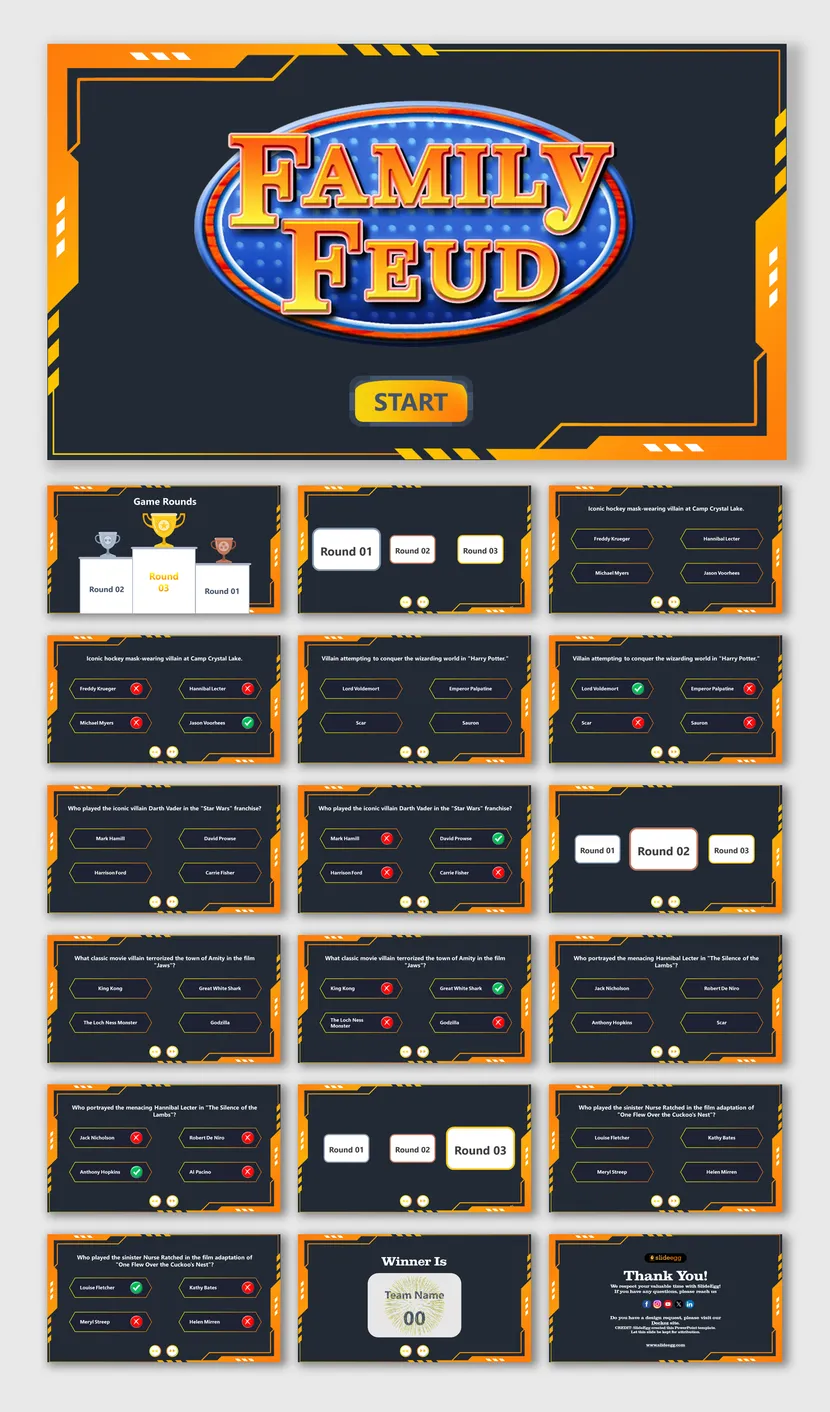
Movie Villains
A cinematic, industrial design with 3 rounds of trivia and visual answer reveals. Works in PowerPoint, Google Slides and Canva. 36 slides.
Movie Villains Family Feud →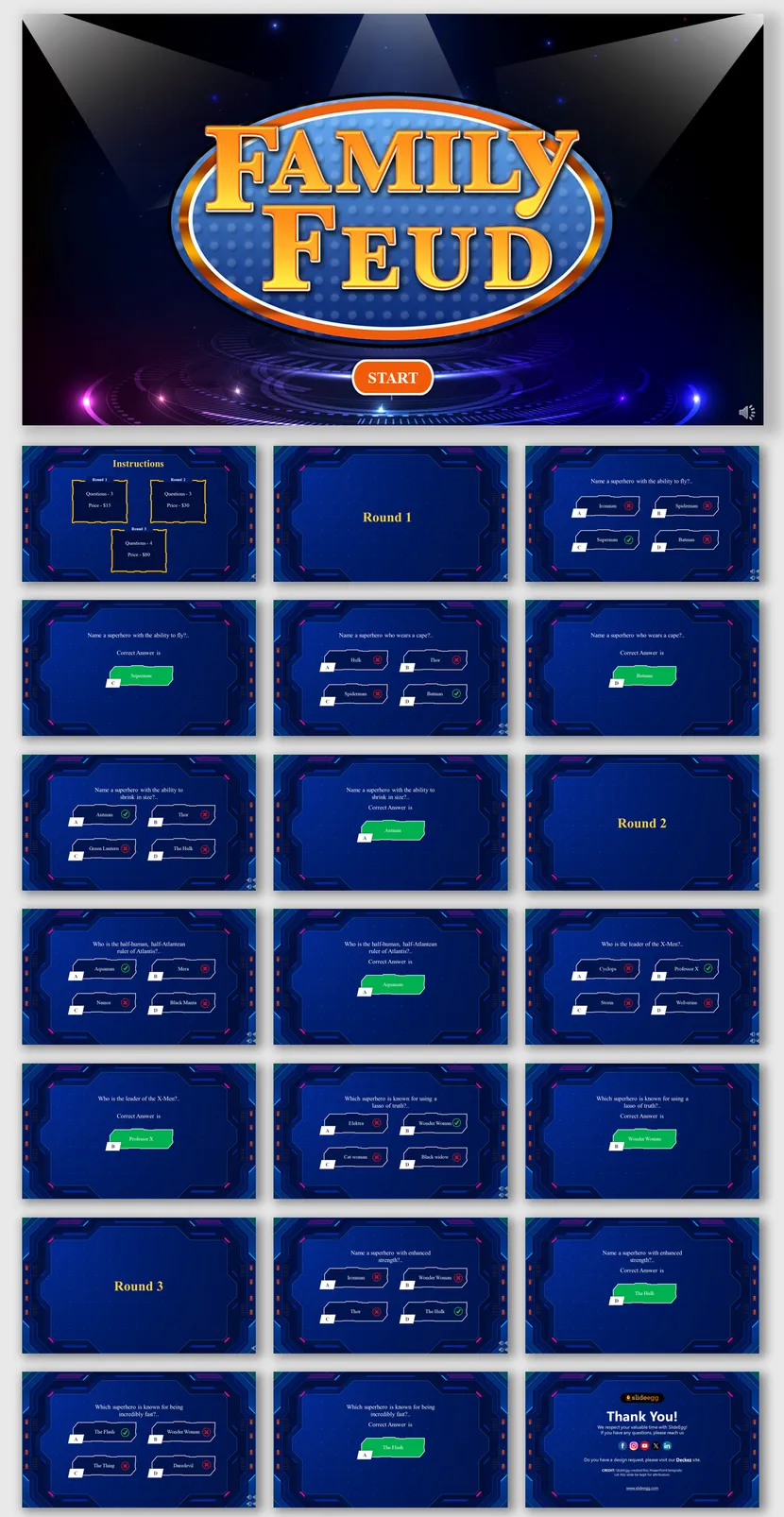
Superheroes
A 31-slide showdown that tests how well players know legendary heroes, built on a glowing stage look.
Iconic Superheroes Family Feud →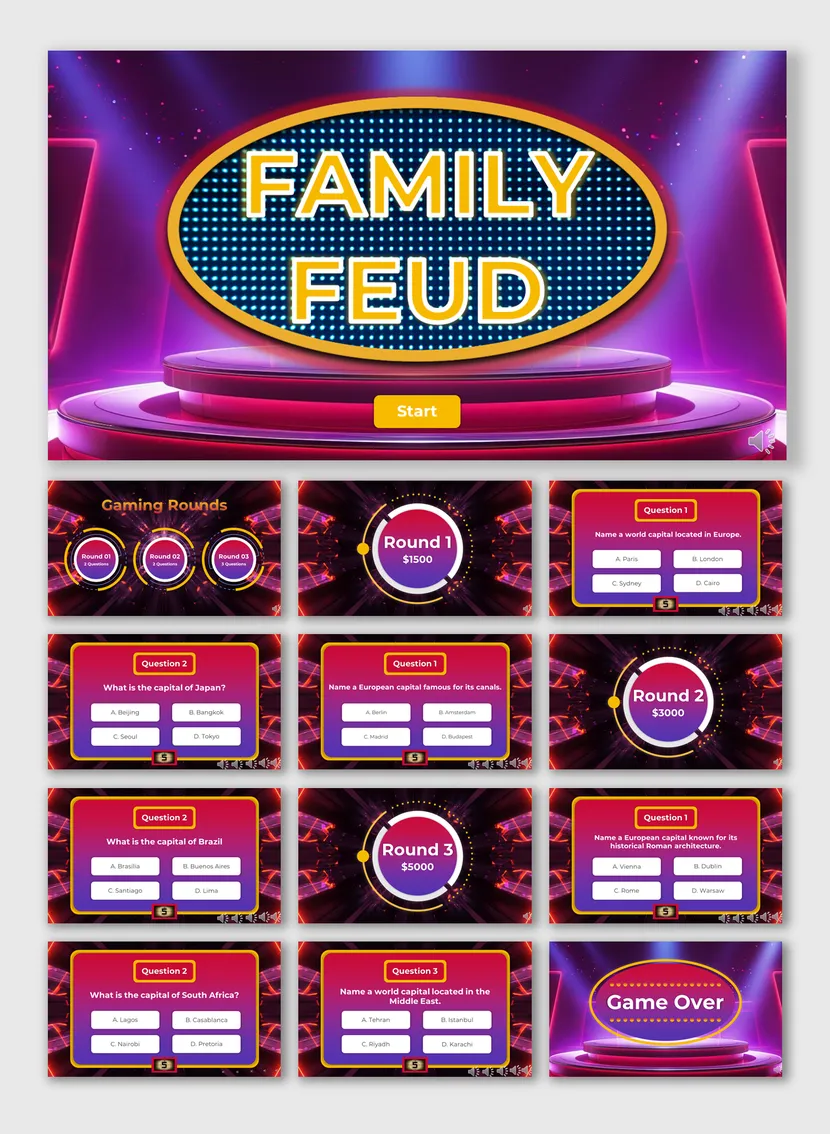
World Capitals
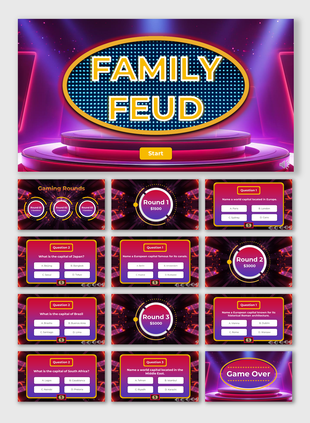
A 19-slide geography game for classrooms and quiz nights, with a magenta stage and a bold title screen.
World Capitals Challenge Family Feud →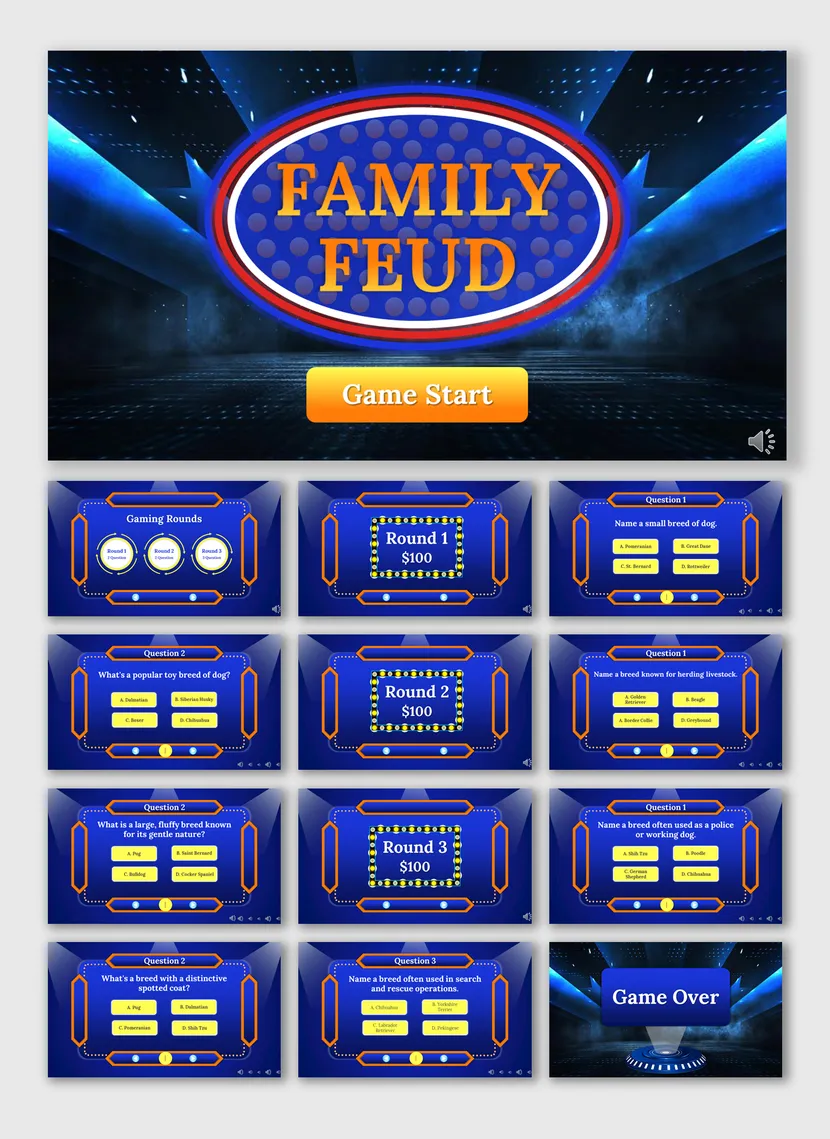
Dog Breeds
A 19-slide board for animal lovers, with a dark blue game show look and a Game Start button.
Dog Breeds Family Feud →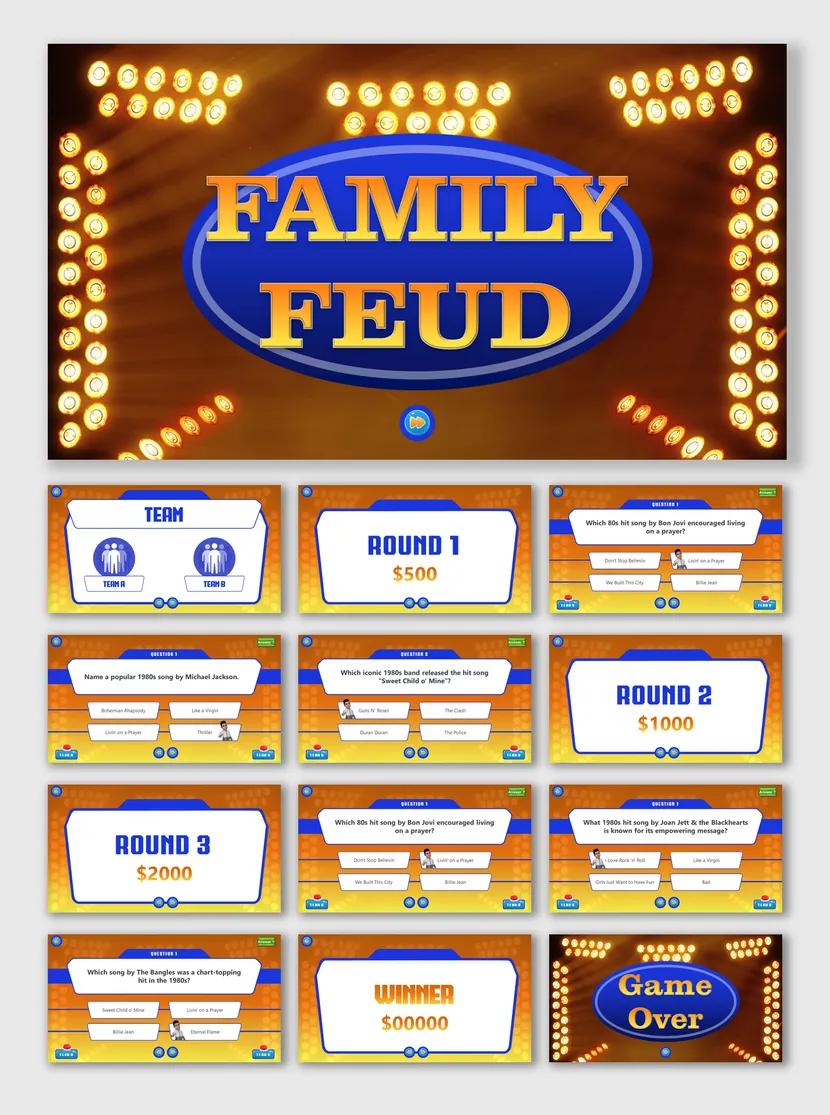
80s Hit Songs
A 20-slide music trivia night with 3 rounds, for fans of Michael Jackson, Queen and Bon Jovi.
80s Hit Songs Family Feud →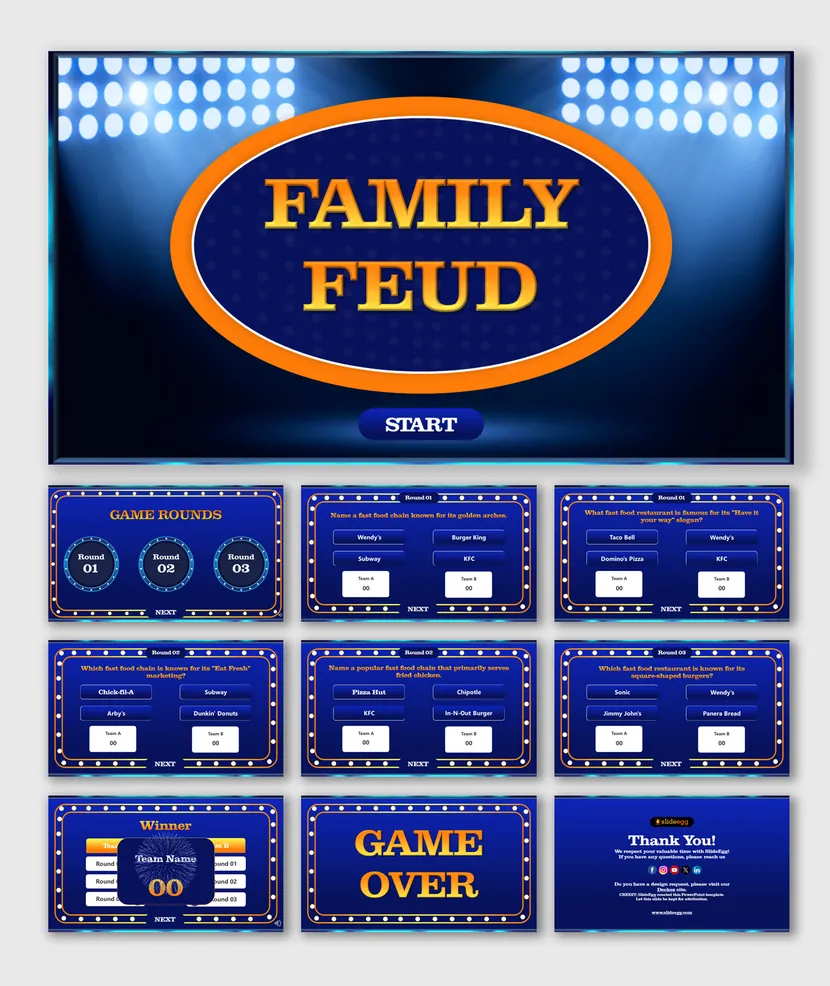
Fast Food Chains
A 17-slide trivia night with 3 rounds, live score tracking and 10 quiz questions.
Fast Food Chain Family Feud →Special Formats for Any Setup
Online games, stage looks and styles you can recolor.
Some games need more than a good-looking title slide. Use these when you host on a video call, want a stage feel or prefer a style you can change. Each one keeps the same round-and-reveal flow, so you can switch looks without relearning how to host.
Game Show Stage with Music
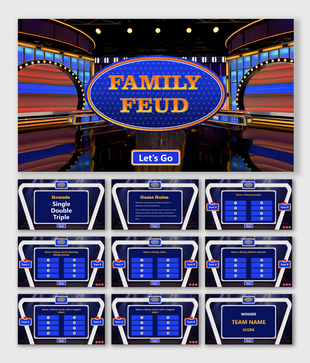
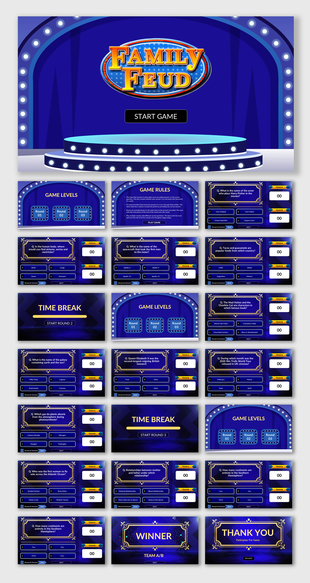
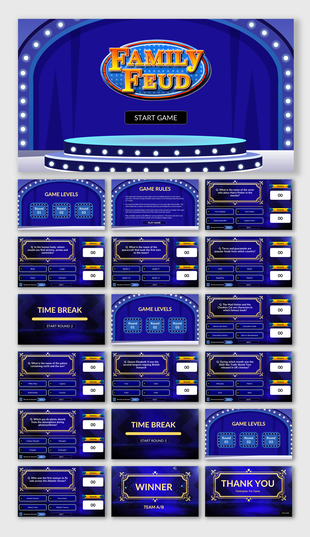
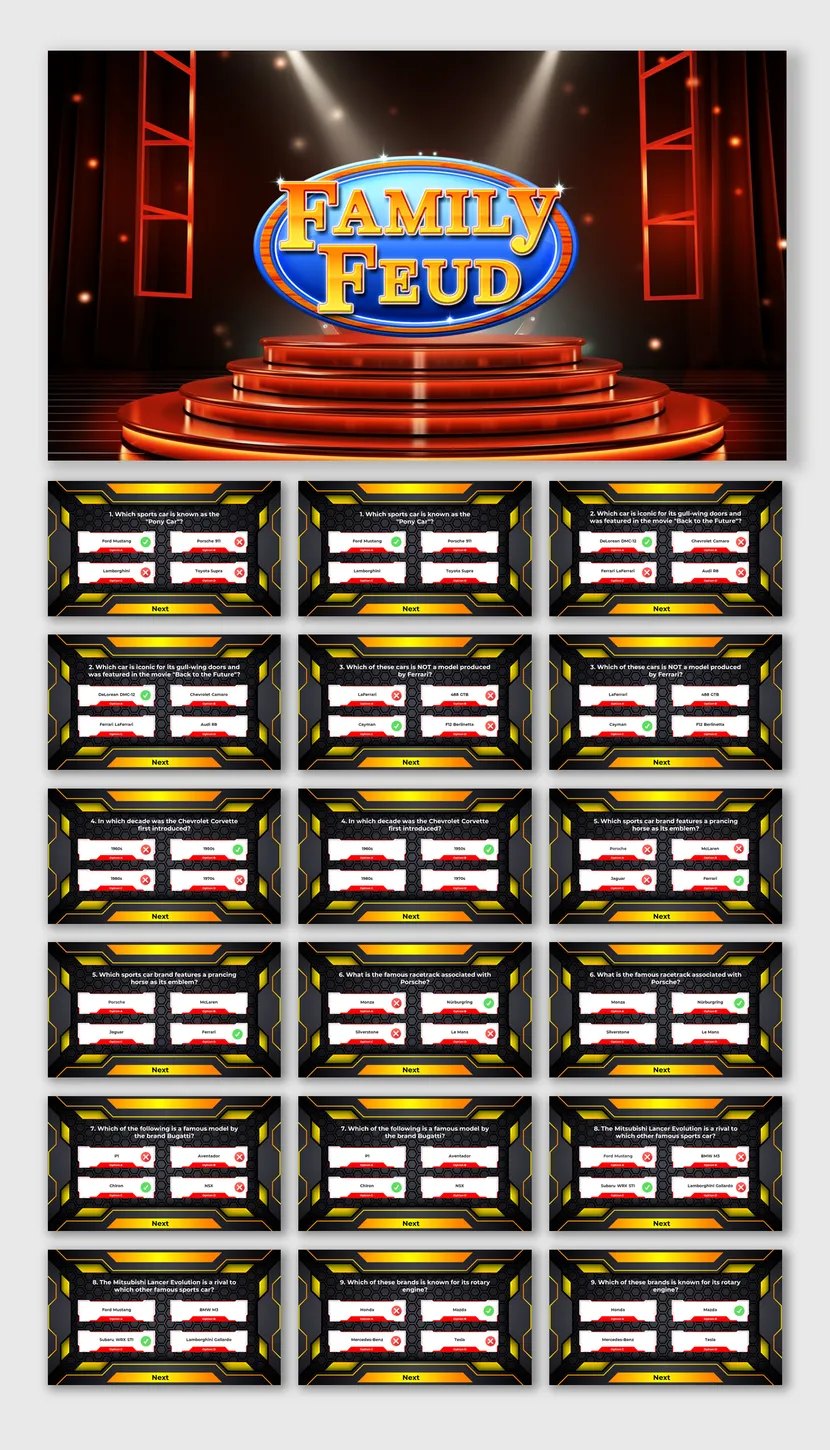
A 26-slide deck with a game show stage design, music and multiple-choice question slides.
Family Feud PowerPoint Template with Music →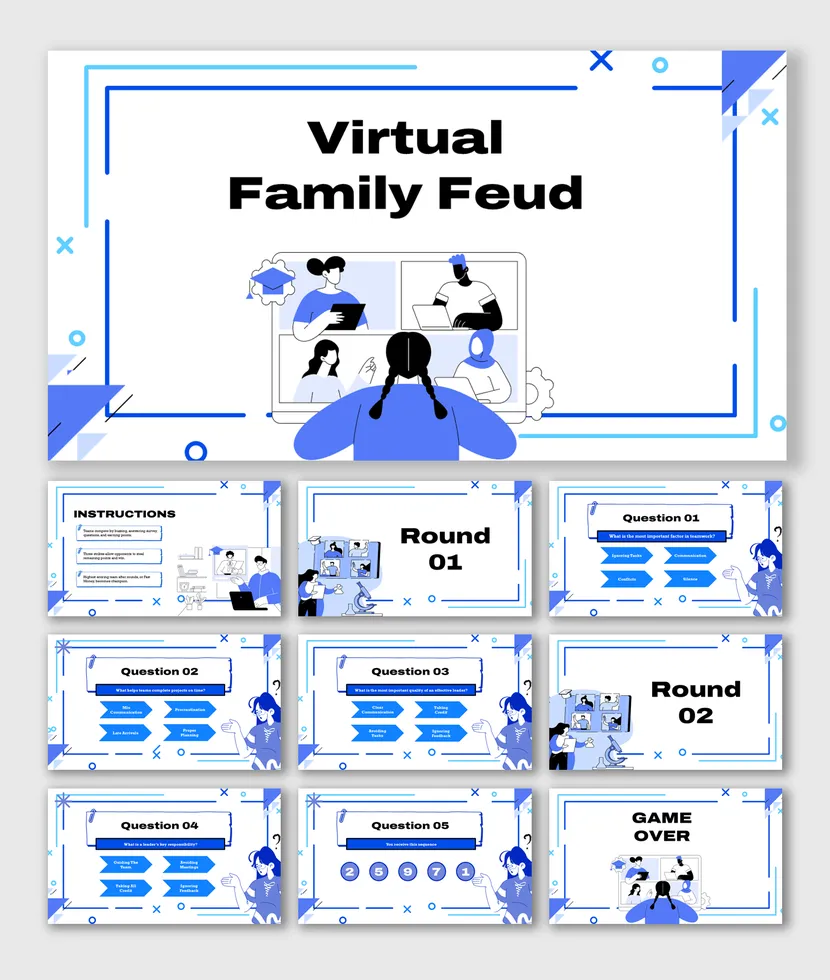
Virtual Family Feud
A 20-slide deck with ready-to-play slides, editable questions and scoreboards, made for Zoom, Teams and Google Meet.
Virtual Family Feud →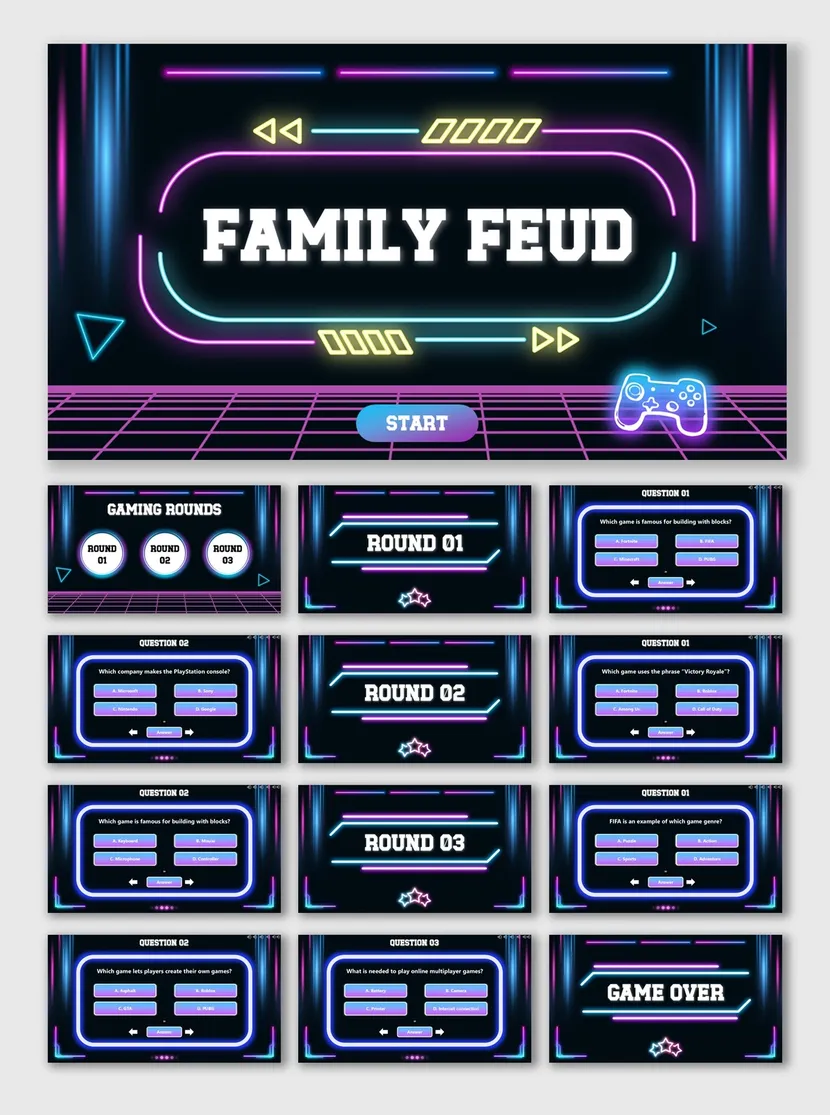
Neon Arcade Style
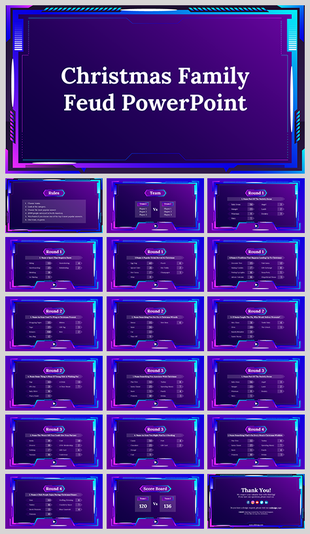
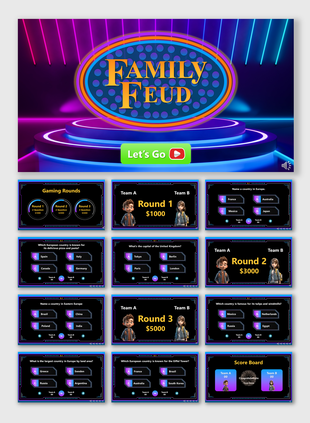
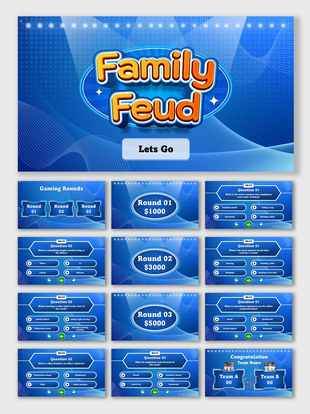
A 21-slide deck with a bold neon theme, gaming rounds, multiple-choice questions, score displays and a game-over slide.
Neon Family Feud Template →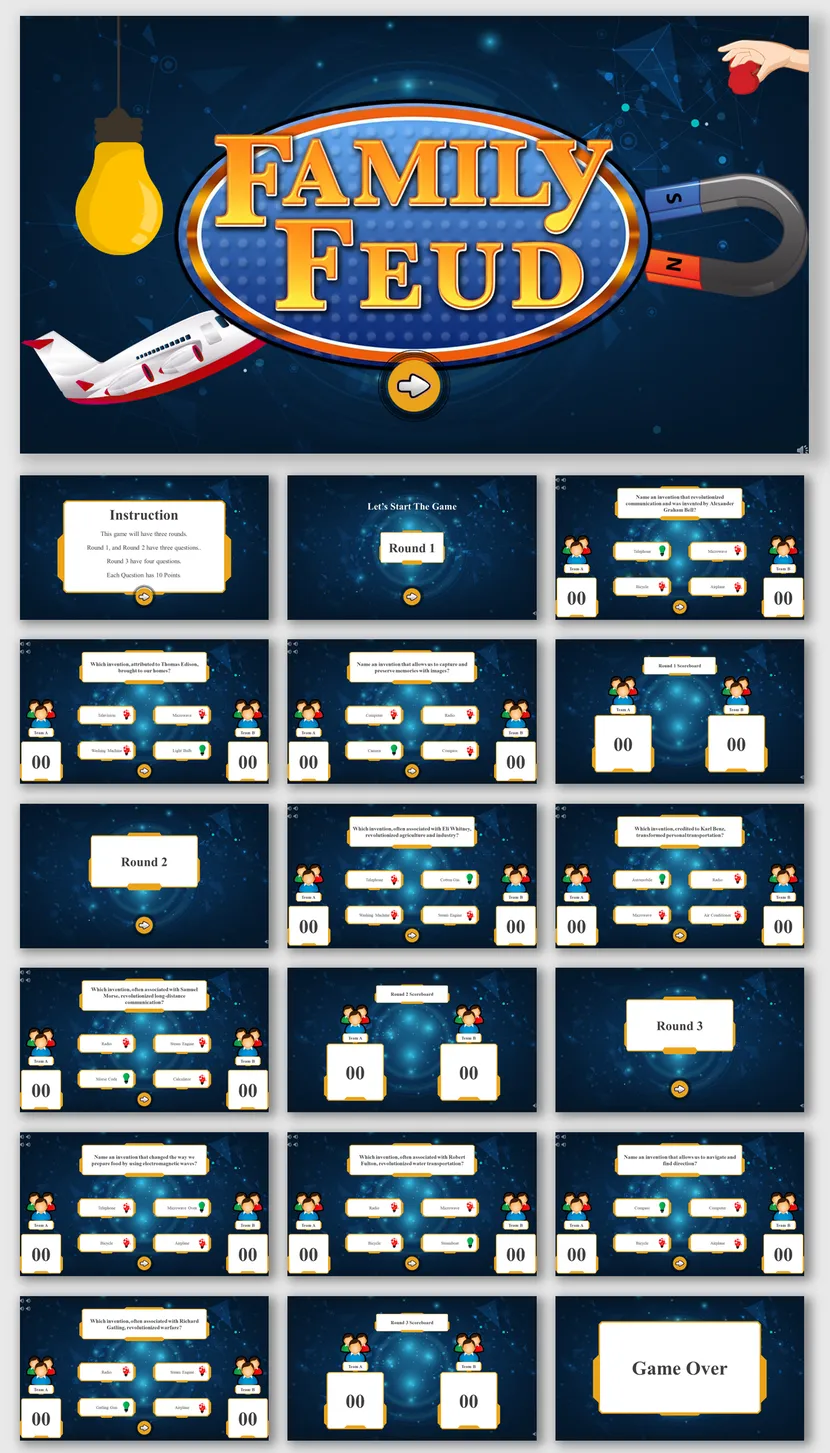
Customizable Blue Theme
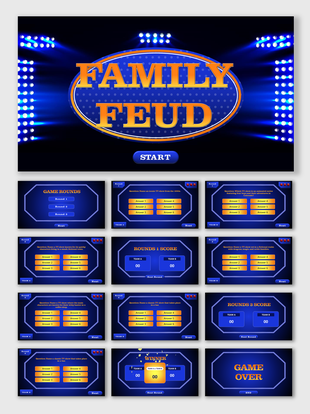
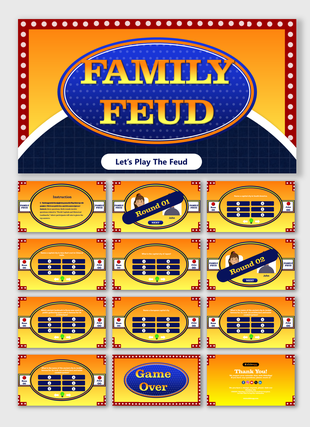
A blue deck with vibrant icons and quiz slides that you can recolor and rewrite to match your event.
Customizable Family Feud Template →Sample Survey Questions to Borrow
Open-ended questions work best, so aim for many answers and a few clear favorites.
A good Family Feud question has plenty of possible answers but only a few popular ones. Ask your own group first, rank what they say from most to least common, then enter those answers and point values on the board. Borrow any question below as it is, or use it as a pattern for topics that suit your own group.
Classroom
Office
Holiday
Party
Tips to Keep the Game Moving
Small habits that make a slide-based game feel lively.
A great template is only half the game. These four habits help any host keep the room engaged from the first question to the final round.
Know Your Crowd
Questions land best when players recognize the topic. Use workplace habits for colleagues, school life for students and shared traditions for family.
Keep Answers Short
One to three words fit neatly on the board and are easier to guess. Long answers slow the reveal and blur the points.
Mix Easy and Tricky
Open with a question everyone can answer, then add a few harder ones. Early wins make teams brave for later rounds.
Set the Mood
Use team names, a countdown timer and a little music between rounds. Small touches make a slide game feel like a show.
Host Checklist
Six checks before the first team steps up.
Most game-night problems come from small things nobody tested. A five-minute run-through catches them before guests arrive.
Key Benefits of SlideEgg's Family Feud Templates
- How to Make a Family Feud PowerPoint Game Easily in 2026
- Family Feud Presentation Tips to Make Your Game More Exciting in 2026
- Virtual Family Feud Presentation 2026: Setup Guide for Remote Teams
Collections Similar to Family Feud
Family Feud Video Tutorials
Watch quick, practical walkthroughs and level up your presentation design skills in minutes.



Family Feud Templates: FAQs
Do these Family Feud templates work with Google Slides?
Yes. Our Family Feud templates are built for PowerPoint, and most also work in Google Slides and Canva. Open the file directly in Google Slides, and edit your questions online. Check the format labels on each template card before you download.
Can I change the questions and answers?
Yes. Every template is fully editable. You can replace the survey questions, answers and point values, and also change the colors, fonts, images and team names to suit your event. No design skills are needed.
Do I need special software to host a Family Feud game?
No. Microsoft PowerPoint, Google Slides in your browser, or Canva is enough. Open the deck in slideshow mode, click to reveal each answer, and use a projector or shared screen so everyone can see the board.
Are there free Family Feud templates?
Yes. Open the Free tab above the template grid to see free Family Feud designs you can download and edit right away. Premium designs add extra layouts, more rounds and special features for larger events.
Can I use these Family Feud templates for online events?
Yes. They work well on Zoom, Microsoft Teams and Google Meet. Share your screen in slideshow mode and reveal the answers as teams guess. The Virtual Family Feud template is made for remote games.
Are the templates royalty-free?
Yes. You can use SlideEgg templates in your presentations and games without paying per-use royalties. See our license page for the full usage terms.
How do you play Family Feud on PowerPoint?
Split the group into two teams and show a survey question. Teams guess the most popular answers, and the host reveals each correct one on the board. Three wrong guesses (strikes) pass the turn, and the team with the most points after the final round wins.
Where can I find Family Feud questions and answers?
Ask a quick survey of your own group, then rank the replies from most to least common and enter them with point values. You can also borrow the sample classroom, office, holiday and party questions in the guide on this page.
Can I make a Family Feud game with AI?
Yes. Use the AI Presentation Maker on SlideEgg: describe your audience, topic and number of rounds, and it drafts a Family Feud style deck. Treat it as a starting point and test the answer rankings on a few real people.
Can teachers and teams use Family Feud templates for school or work?
Yes. Teachers use them for unit reviews and class trivia, and teams use them for icebreakers, training recaps and end-of-year parties. Browse the School, Team Building, Holiday and Party groups on this page to find a matching template.