Slidea Logo
Try it now — the new, easy way to turn your slides into an interactive experience.
Explore Now

2090+ Arrows Presentation Templates

Your audience hears the concept but can't see the flow. Without arrows showing direction, flow, and connections, complex ideas stay abstract. Arrows transform invisible thinking into visible clarity.

Got a Unique Idea? Craft with AI
PRO
Credits left : 0
Hire an Expert
Add to Wishlist
Download
AI Customize
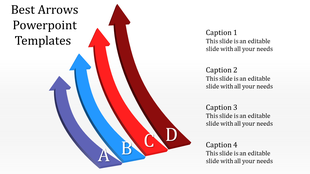
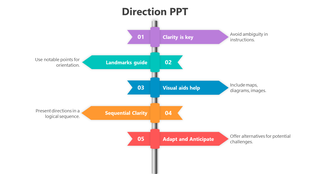
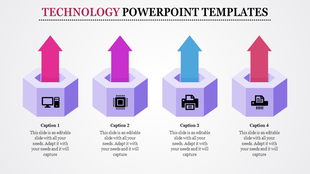
Vertical arrow infographic PPT slide with four colorful sections, each linked to a caption with placeholder text.
Add to Wishlist
Download
AI Customize
Curved timeline diagram in yellow, featuring circular year markers and text boxes for milestone descriptions.
Add to Wishlist
Download
AI Customize
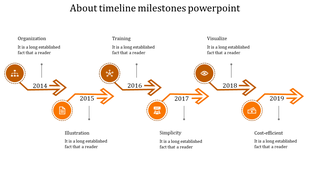
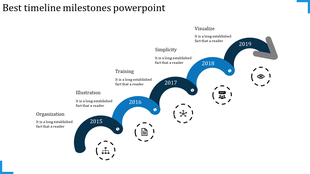
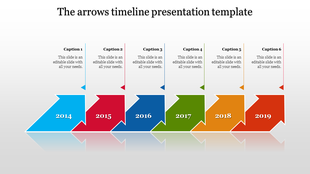
Timeline milestones with arrows and icons representing years from 2014 to 2019, each accompanied by a short description.
Add to Wishlist
Download
AI Customize
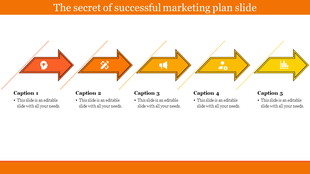
Infographic with six yellow arrows forming a process flow, each step connected to a labeled box with icons and descriptions.
Add to Wishlist
Download
AI Customize
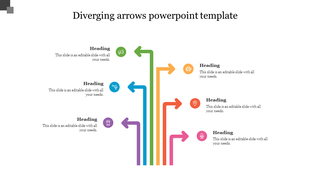
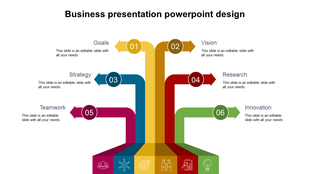
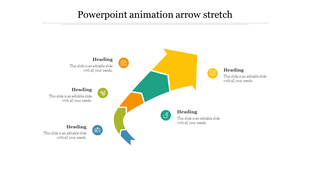
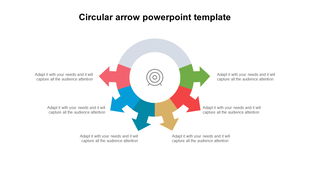
Diverging arrows in teal, green, red, and yellow coming from a gray base pointing upwards, illustrating multiple paths.
Free
Add to Wishlist
Download
AI Customize
Timeline with bright yellow gradient arrows and white text boxes above and below, representing four sequential steps.
Add to Wishlist
Download
AI Customize
Colorful spiral arrow in blue, red, yellow, and green with numbered sections, and matching captions on the right.
Add to Wishlist
Download
AI Customize
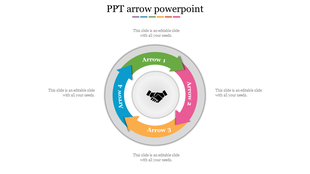
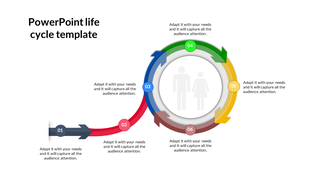
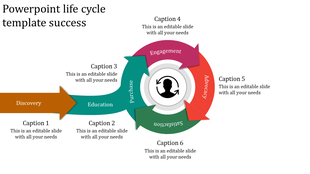
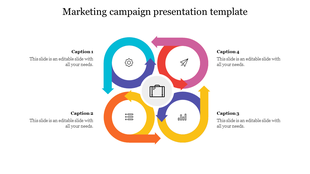
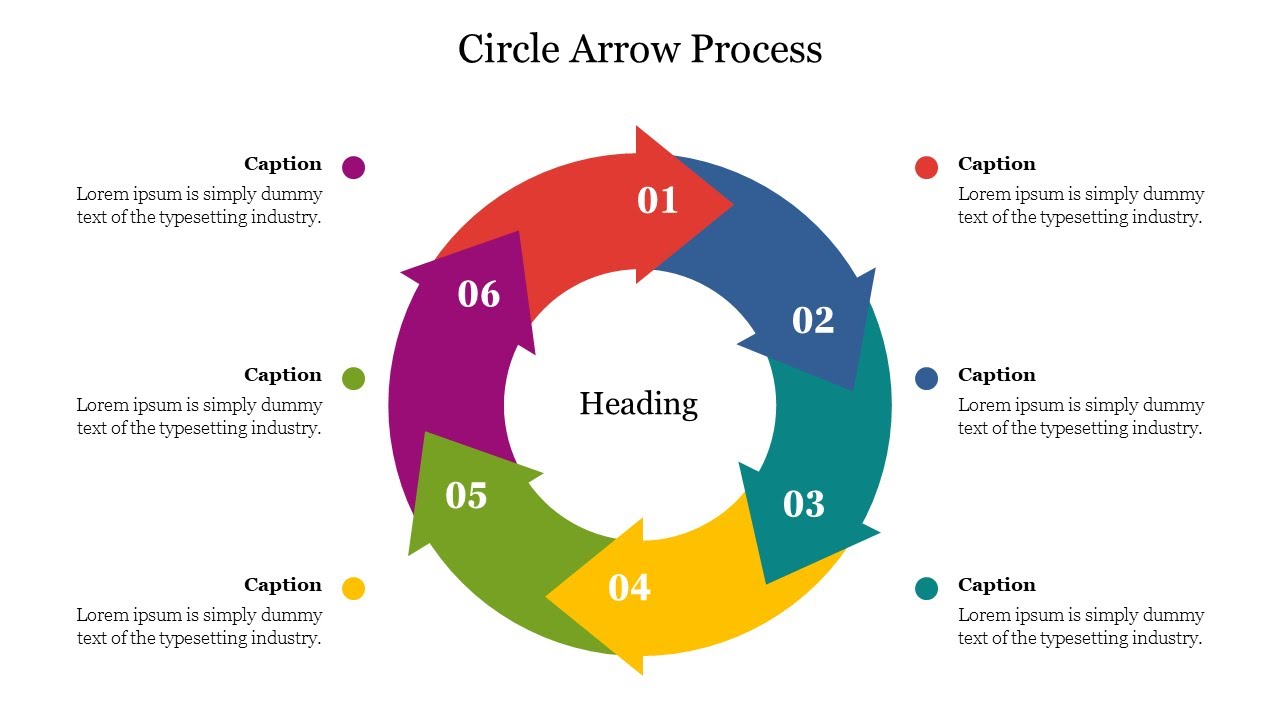
Business process diagram showing a circular flow with six colored parts, icons, and placeholders text areas.
Add to Wishlist
Download
AI Customize
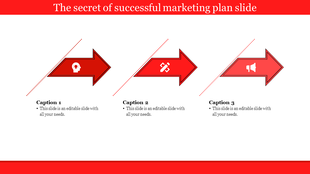
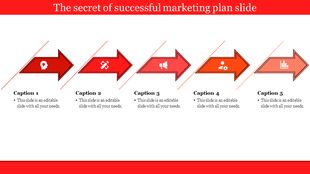
Set of four red arrows with circular icons, each labeled with a heading and followed by a text area.
Free
Add to Wishlist
Download
AI Customize
Six green circular arrows forming a cycle, each with an icon symbolizing different stages in a strategy.
Add to Wishlist
Download
AI Customize
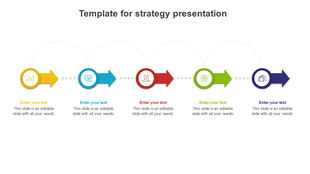
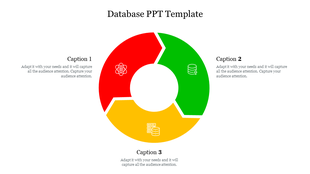
Colorful arrow infographic PPT slide featuring business, settings, analytics, and communication icons.
Free
Add to Wishlist
Download
AI Customize
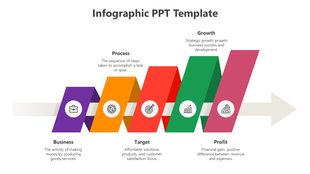
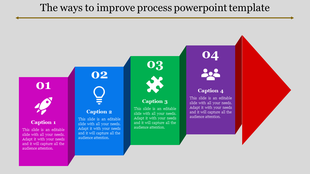
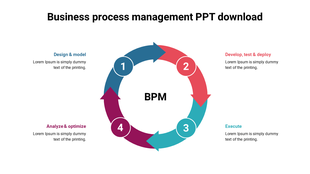
Infographic with four sequential purple arrows, each highlighting key concepts: Business, Process, Growth, and Success.
Add to Wishlist
Download
AI Customize
SWOT PowerPoint slide showing Strength, Weakness, Opportunity, and Threats with respective icons and descriptions.
Add to Wishlist
Download
AI Customize
Arrow themed PowerPoint slide showing seven project management phases with icons and descriptions beneath a blue flow arrow.
Free
Add to Wishlist
Download
AI Customize
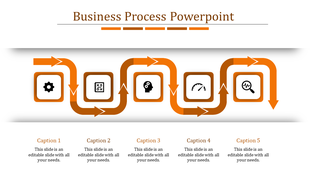
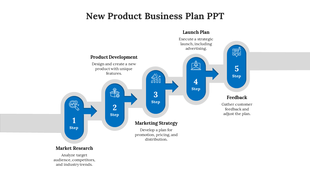
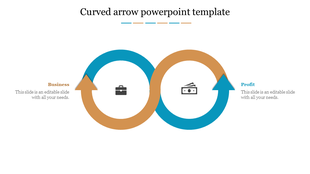
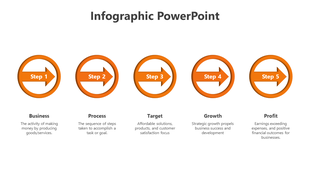
Business process infographic diagram with five arrows pointing right, each step describing stage such as business and profit.
Free
Add to Wishlist
Download
AI Customize
Four colored arrows in purple, blue, green, and orange pointing right with icons representing a supply chain process.
Add to Wishlist
Download
AI Customize
Upward growth arrow PowerPoint slide with three milestone points and color coded icons for progress visualization with text.
Free
Add to Wishlist
Download
AI Customize
Diagonal timeline with five milestone circles on a gradient arrow, each linked to an icon and captions on a white background.
Free
Add to Wishlist
Download
AI Customize
Six yellow arrows in a circular pattern with different icons representing numbered captions on both sides.
Add to Wishlist
Download
AI Customize
Innovative slide infographic with six labeled blocks in teal and red, arranged in pairs beside a central globe symbol.
Free
Add to Wishlist
Download
AI Customize
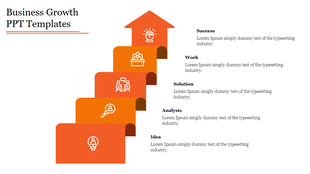
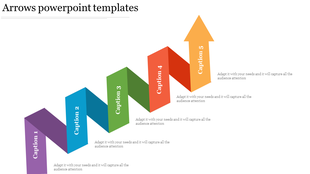
Orange arrow template with five zigzag steps, each labeled with captions and arranged diagonally.

Related Collections

Frequently Asked Questions

1. Why does my team ask "what's next?" when I explain the timeline verbally?

Because words describe sequentially. They forget earlier steps by the time you finish. Arrow templates show the entire timeline at once—the sequence becomes instantly clear without confusion.

2. How do arrows help stakeholders understand strategy connections?

Words explain steps one by one. Arrows show ALL steps connected visually. Stakeholders see how Step 1 leads to Step 2, which enables Step 3. They grasp relationships, not just individual steps.

3. Why do employees skip steps or do them out of order?

Hearing instructions once isn't enough under pressure. Arrow templates make the exact sequence visible. Mistakes drop because the process structure is right there, not just remembered.

4. How do I show customers moving through my sales funnel?

Arrow templates visualize the journey. Your team sees which stage people drop off at, why transitions matter, and where to focus energy. The flow becomes obvious.

5. How do I explain complex strategy without overwhelming executives?

Arrow templates break strategy into visual phases showing progression from current state to vision. Executives see the roadmap, not the overwhelming details. Complexity becomes clear.

6. Why does my workflow get interpreted differently by different people?

Words are ambiguous. Arrow templates are not. Everyone sees the same clear direction, connections, and sequence. No more "I thought you meant..." misunderstandings.

7. How do I explain a process with loops and decision points?

Arrow templates handle linear flows, circular loops, branching decisions, and convergence. Complexity stays structured and followable instead of chaotic.