Free 3D Shapes Presentation Templates | Page 2
Bring your ideas to life in 3D! Skip the flat slides and wow your audience with FREE 3D Shapes PowerPoint Templates and Google Slides! 100% editable, eye-catching shapes make your points jump off the screen! Incredibly innovative layouts make your slides mesmerizing. Download now and watch your presentation stand out in a whole new dimension!

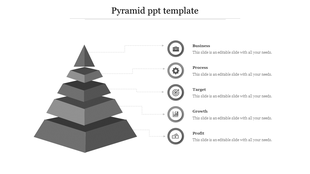
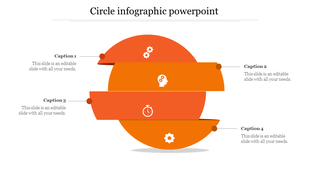
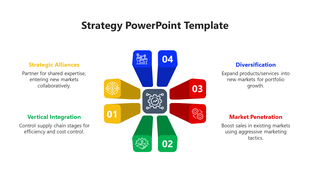
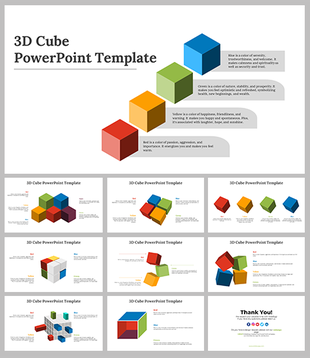
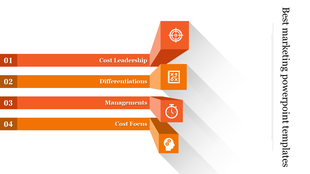
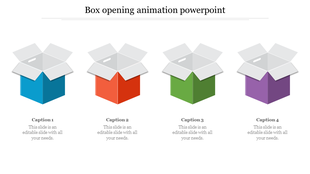
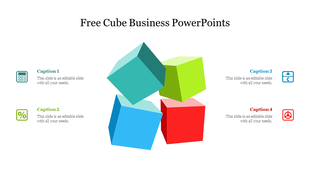
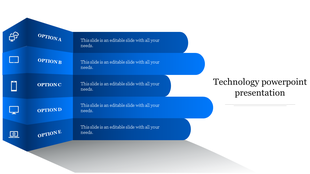
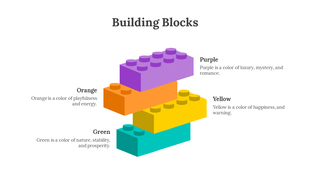
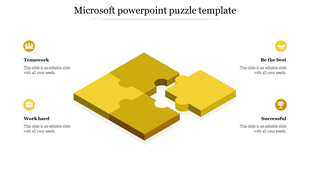
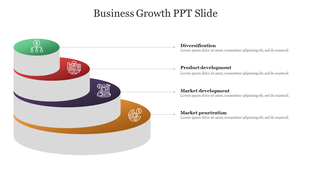
Showing96 of972


- Boost clarity and understanding: Complex concepts become easier to grasp when presented with 3D models and diagrams. Visualize data, processes, and relationships in a way that flat images simply can't.
- Spark interest and engagement: 3D visuals are naturally captivating. They hold your audience's attention, keep them curious, and actively involved in your presentation.
- Stand out from the crowd: 3D shapes add depth, appeal, and a touch of modern flair, making your slides instantly stand out from the rest.
- Business and Strategy: Impress clients and investors with professional 3D infographics, charts, and diagrams that showcase your data with impact.
- Education and Training: Make learning fun and engaging with interactive 3D models, timelines, and illustrations that bring complex topics to life.
- Science and Technology: Visualize complex data sets and processes with stunning 3D animations and simulations that captivate your audience.
- Marketing and Sales: Grab attention and boost conversions with eye-catching 3D product mockups, call-to-action buttons, and infographics.
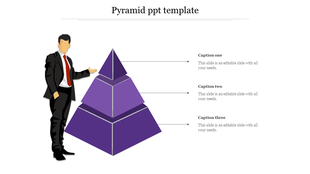
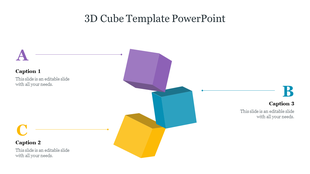
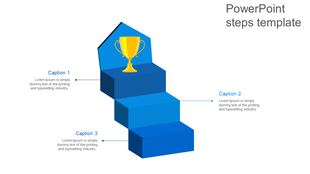
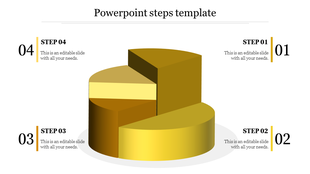
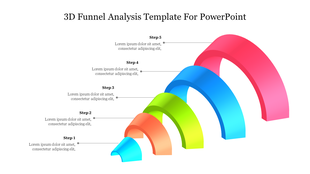
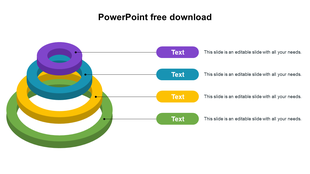
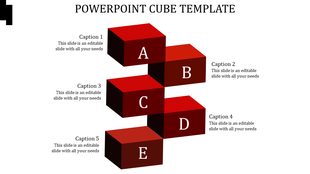
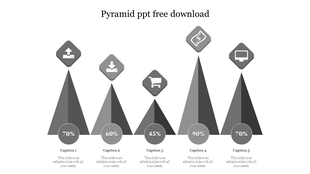
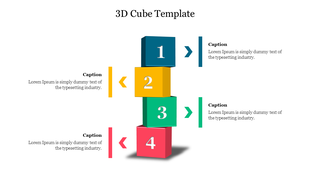
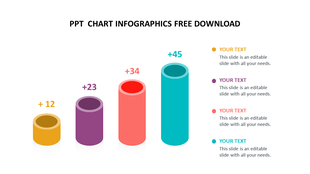
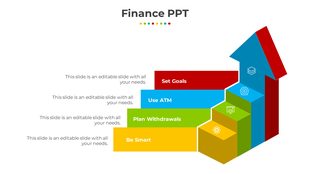
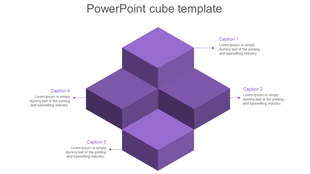
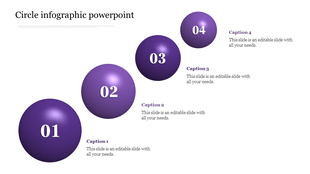
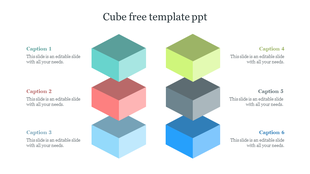
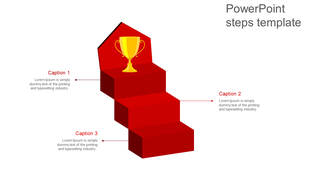
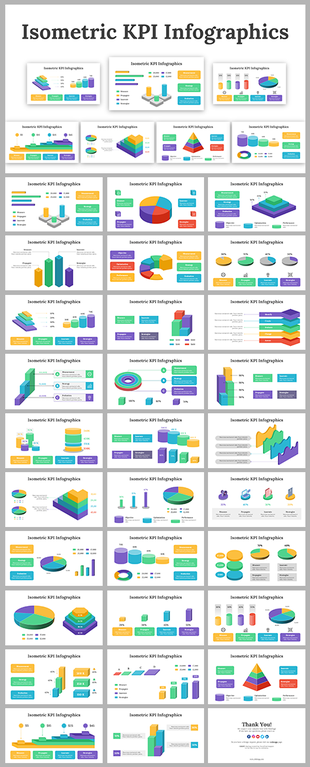
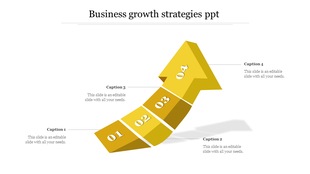
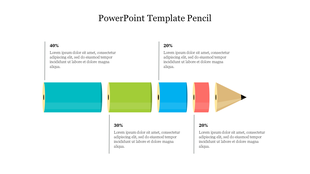
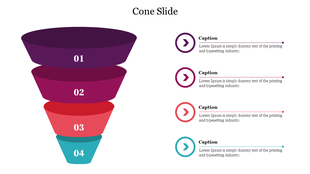
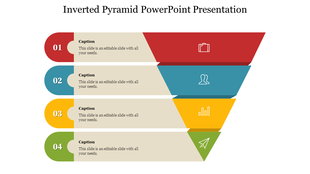
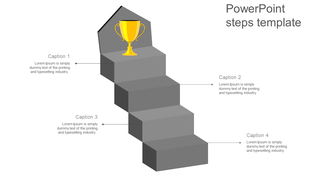
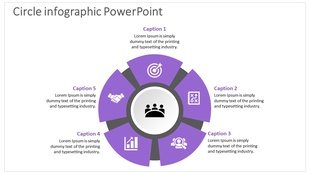
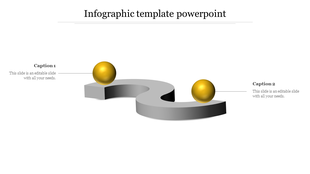
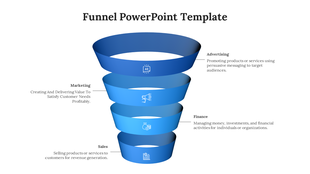
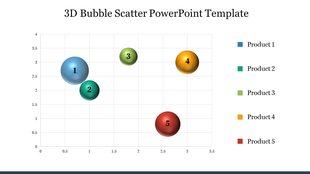
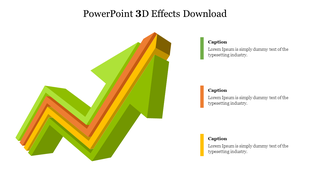
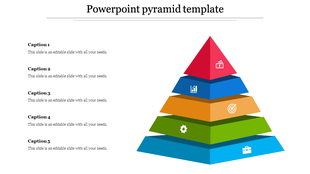
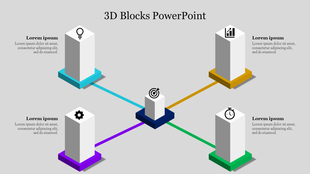
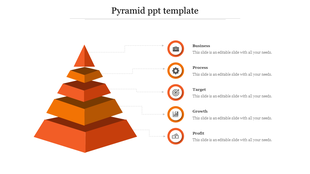
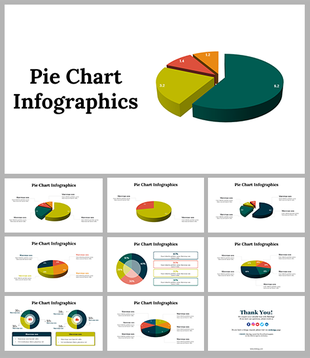
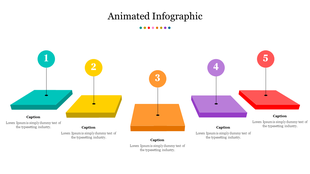
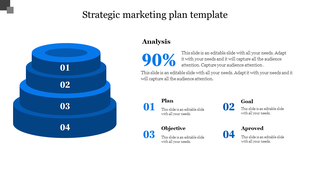
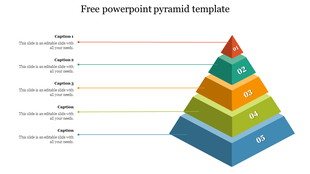
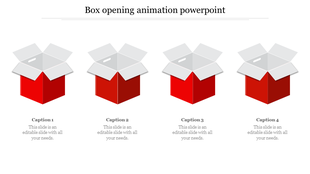
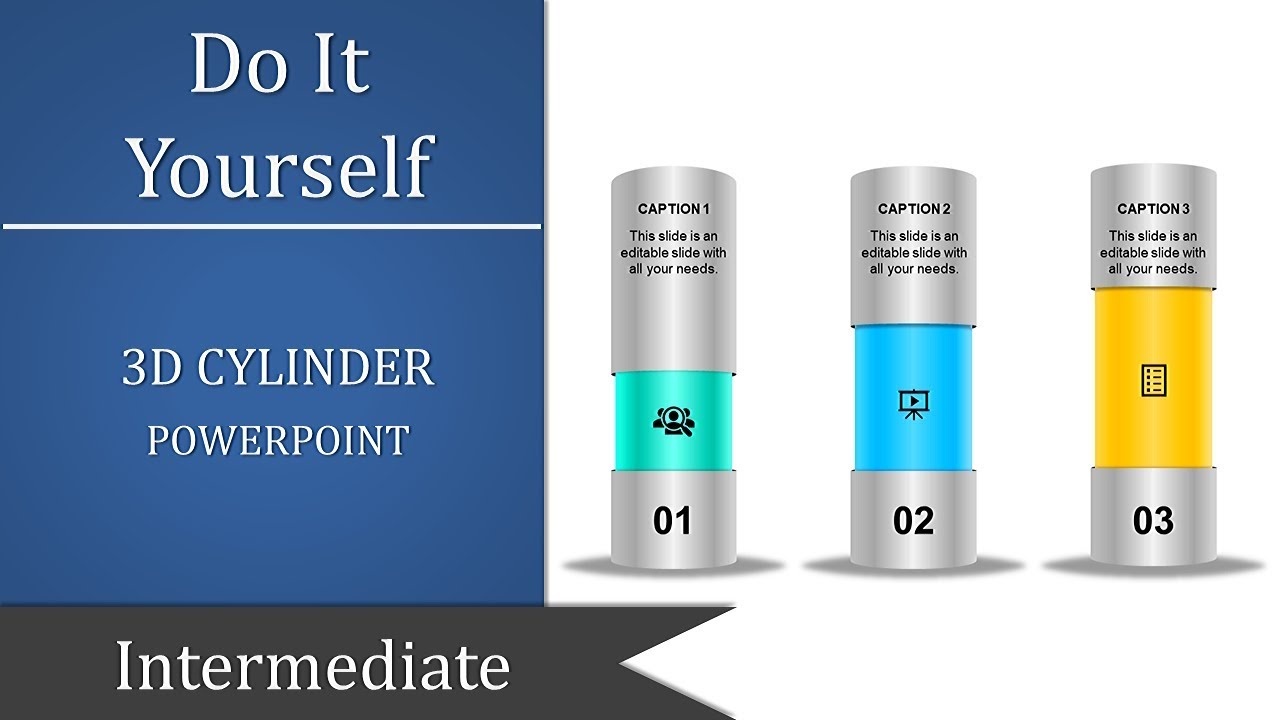
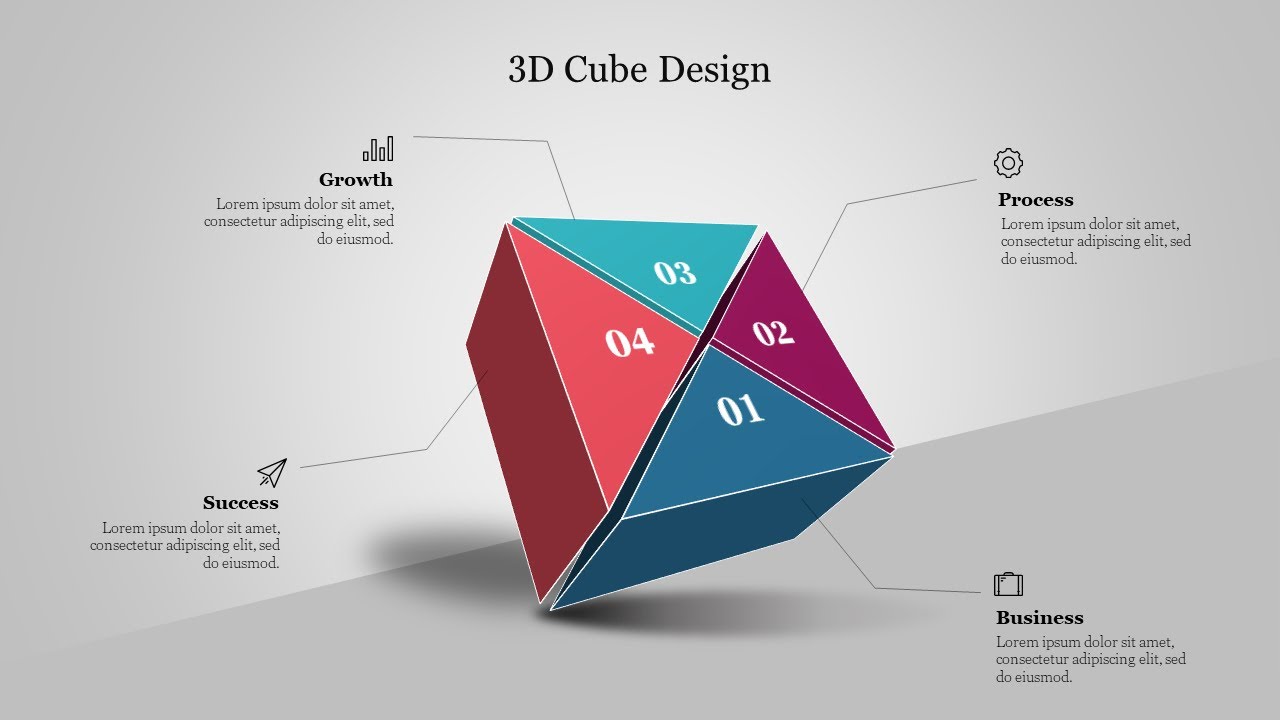
- Multicolored 3D shapes: Stairs, blocks, rings, cubes, circles, pyramids, arrows, bar charts, pie charts, 3D boxes, Tetris, Dodecahedron, Pendulums, cylinders, footprints, brick wall models, and more!
- Dynamic animations and effects: Bring your data and concepts to life with captivating animations and transitions.
- Professional design elements: Clean layouts, modern fonts, and eye-catching color palettes ensure your presentations look polished and professional.
- Royalty-free: Use our templates without any usage restrictions or hidden fees.
- 100% editable: Customize every element to perfectly match your brand and message.
- Multiple formats: Choose from both 4:3 and 16:9 orientations to fit any screen.
- Free options available: Try out our templates before you buy with a selection of free slides.
Become an expert with SlideEgg
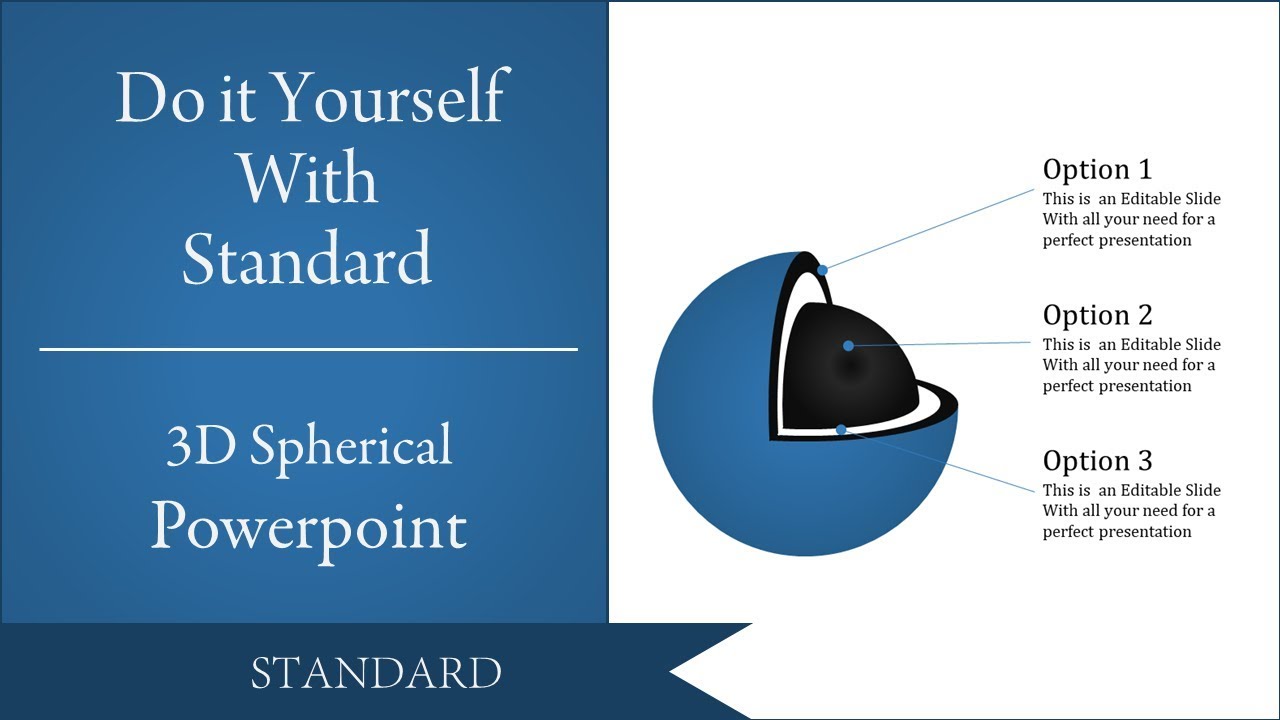
Watch quick, practical walkthroughs and level up your presentation design skills in minutes.

Frequently Asked Questions
What are 3D Shapes PowerPoint Templates?
It is one of the most convenient methods for making creative presentations with artistic 3D shapes. The cool designs added to these templates will liven up your ideas and concepts.
Where can we use these 3D Shapes Slides?
Corporate companies, business firms, educational institutes, and research centers can use these slides to teach 3D shapes or to present complex concepts in a visually engaging manner.
How can I make 3D Shapes Slides in a presentation?
Making 3D Shapes Slides in a presentation is so fun and simple. You can use the 3D shapes available on PowerPoint to make these presentations. Visit our YouTube videos or go through the tips and tricks pages to learn more about making 3D shapes slides.
Who can use 3D Shapes PPT Templates?
There aren't any restrictions on who can use these templates. You can customize and use these templates if you need to add a 3D shape to your presentation. These are ideal for both professional presentations as well as casual presentations that you work on.
Why do we need 3D Shapes in PowerPoint Slides?
Adding 3D graphics to your presentation can make it look more exciting and visually engaging. The 3D Shapes PowerPoint Slides can help you create stunning presentations to captivate your audience.
Where can I find 3D Shapes PPT Templates for free?
You can get these kind of templates from various sites. Slide Egg is one of the best sites to get creative free slides with eye-catching, multicolor 3D shapes.