Free - Get the Best PowerPoint SmartArt Timeline Download
Free
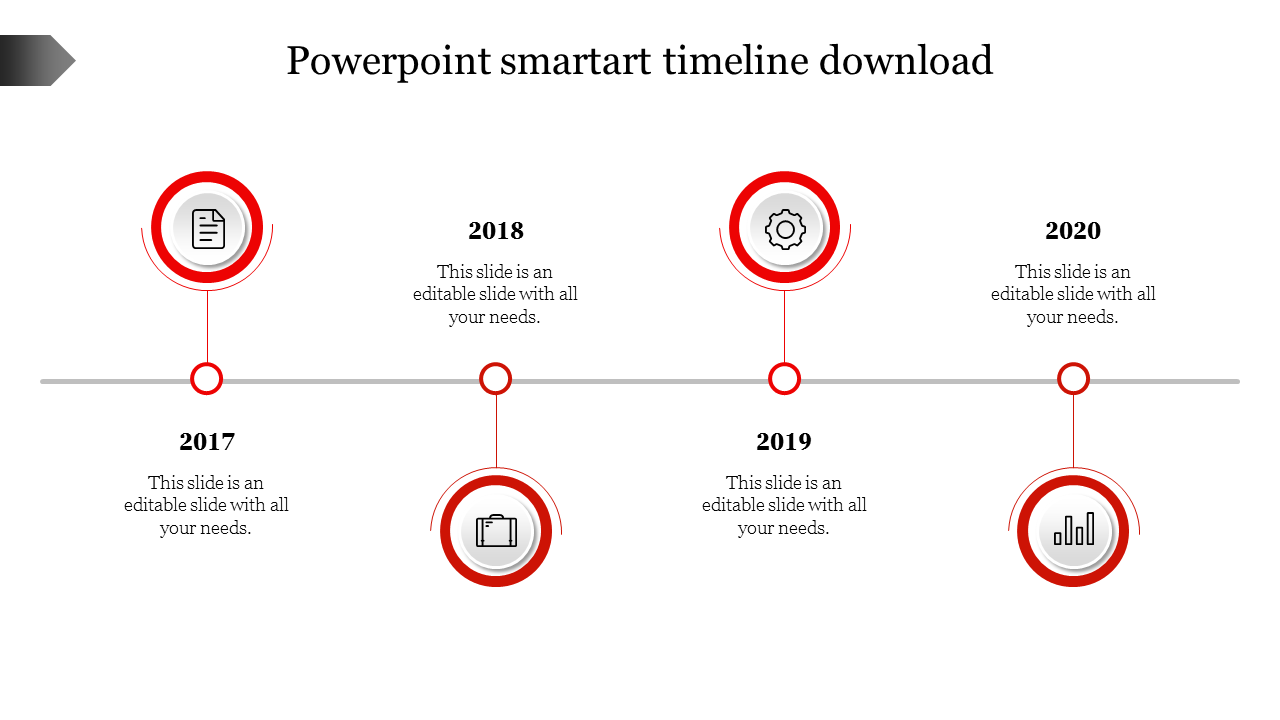
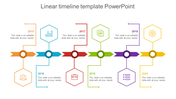
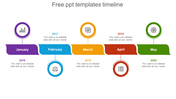
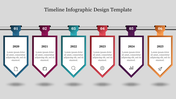
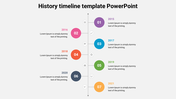
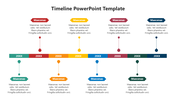
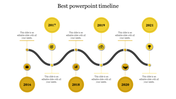
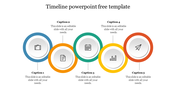
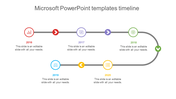
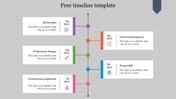
Zig Zag Editable Timeline Template For Presentation
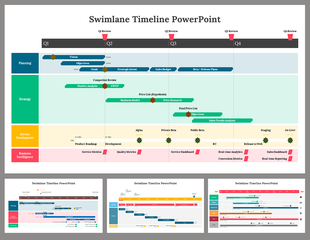
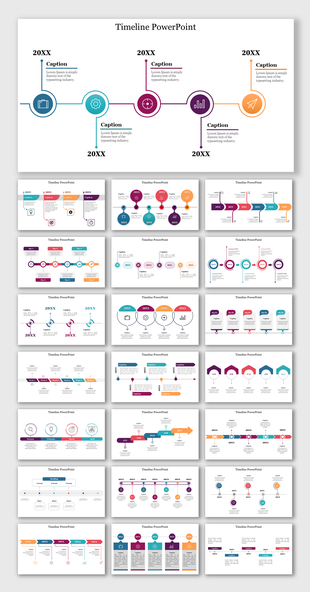
Get this well-designed PowerPoint smartart timeline template for listing your success. This slide is designed in a zig-zag format to make your presentation look unique. You can easily add your points to the slide without any hassle. The slide's design will show your creative side while presenting your success. Also, you can change the layout color to suit your taste. This template can be used for both personal and professional needs. It is a handy slide to be used at any time you want. It can also be used by you repeatedly for different presentation needs. So grab it!
Features of the template
- 100% customizable slides and easy to download.
- Slides are available in different nodes & colors.
- The slide contained 16:9 and 4:3 formats.
- Easy to change the slide colors quickly.
- It is a well-crafted template with an instant download facility.
- It is the best slide.
- The slide is designed with a purple shade.

You May Also Like These PowerPoint Templates

Showing20 of69,218 templates