Glorious PowerPoint Magnifying Glass Background Themes
Free
Nodes
Colors




Discover Clarity: PowerPoint Magnifying Glass Template and Google Slides Themes
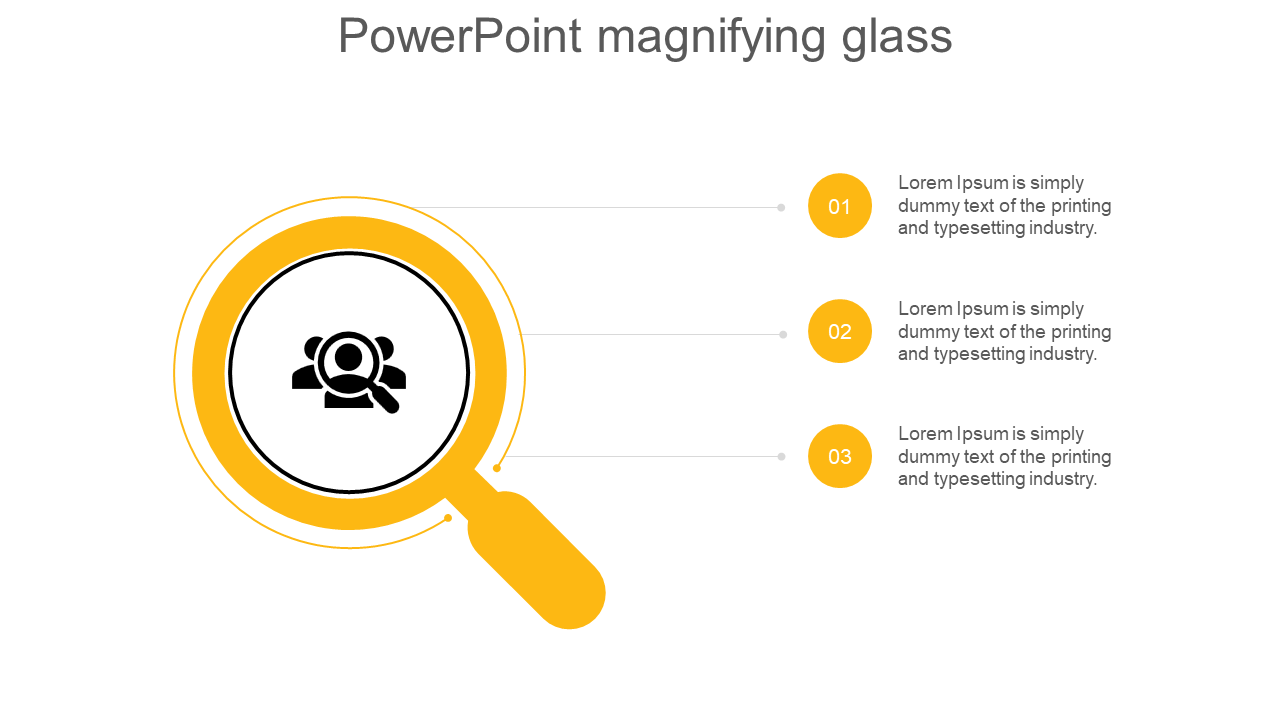
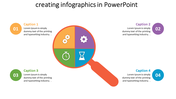
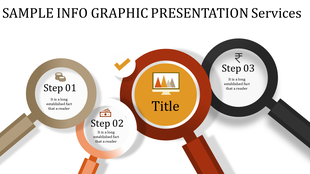
Reveal your data's hidden gems with our PowerPoint Magnifying Glass Template and Google Slides Themes. This dynamic template, adorned with a sleek magnifying glass connecting three nodes, breathes life into your presentations. Each node is a canvas for your ideas, featuring captivating captions, robust title holders, and expansive text areas. Targeting analysts, educators, and researchers, this template fosters clarity and engagement. Uncover patterns, emphasize details, and guide your audience through intricate information effortlessly. Download this innovative tool to transform your content, delivering impact that resonates. Illuminate your narrative with every slide, leaving a lasting impression.
Features of the Template
- 100 % customizable slides.
- The slide show is in 4:3, 16:9, zip format.
- There is powerful connectivity with Google Slides and PowerPoint.
- It is simple and quick to alter the slide's color.
- An efficient template that can be easily accessed immediately.
- Well-crafted template with an instant download facility.
More Collections for Glorious PowerPoint Magnifying Glass Background
Recommended based on this template.










Similar Templates to Glorious PowerPoint Magnifying Glass Background

Showing20 of69,218 templates