Try Our Magnifying Glass PowerPoint Presentation Template
 Canva
Canva


How To Create A Magnifying Glass Effect In PowerPoint
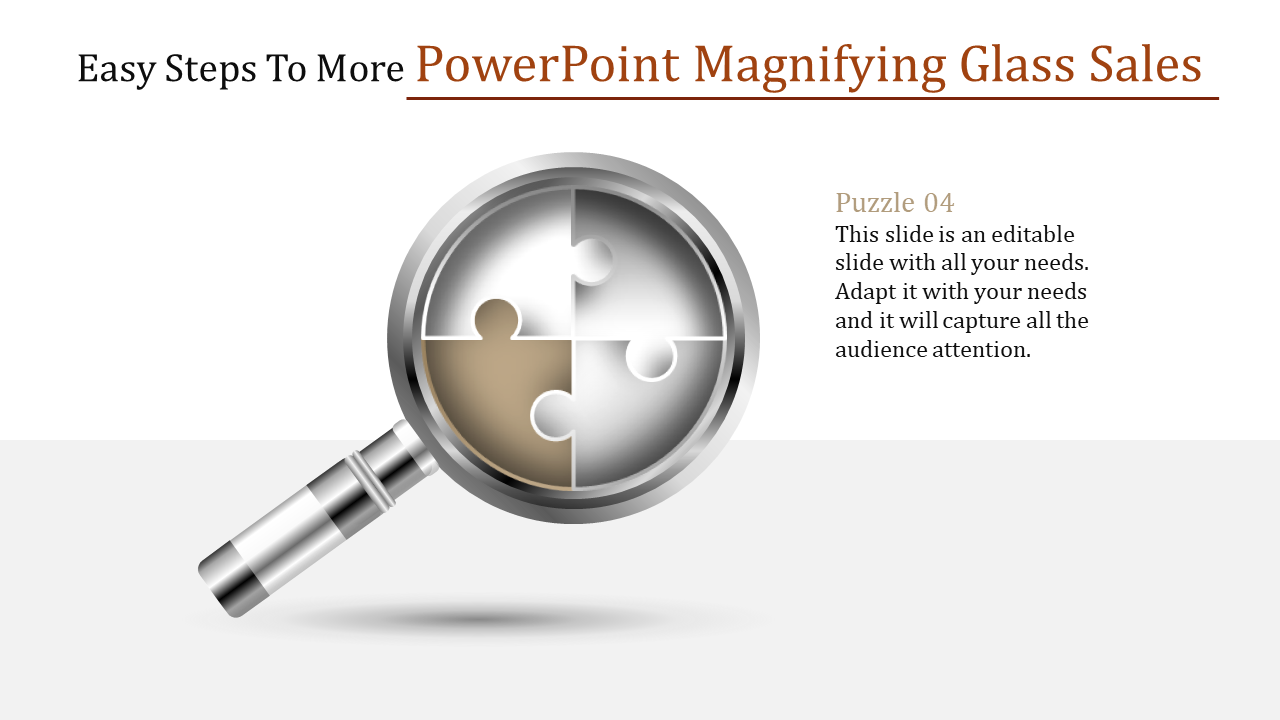
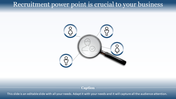
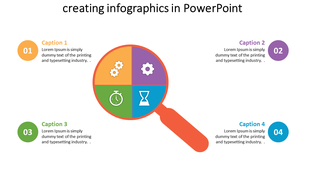
Have you ever tried to get your audience to focus on the wonderful details of your talk? The PowerPoint Magnifying Glass Template can help you maximize audience engagement by focusing on important parts of your presentation. This slide has a magnifying glass that you can use to zoom in on specific data points, charts, graphs, or images in your presentation. This template is fully adjustable, so you can tailor your slides to your look and feel.
It is perfect for anyone who wants to create a visually appealing presentation that keeps their audience’s attention. Whether you’re a business professional, a teacher, or a student, this template can help you communicate your ideas more effectively. Download our templates and Google Slides Themes today to take your presentation to the next level!
Features of the template:
- Slides are available in 4:3 & 16:9
- Well-crafted template with instant download.
- Get slides that are 100% customizable and easy to download










You May Also Like These PowerPoint Templates
Showing20 of69,218 templates