Creative PowerPoint Animation Examples Presentation
Nodes
Colors




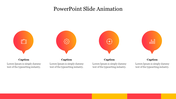
Animation Examples Presentation Slide
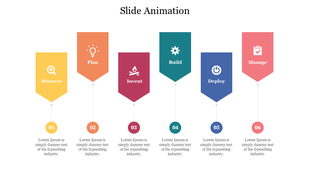
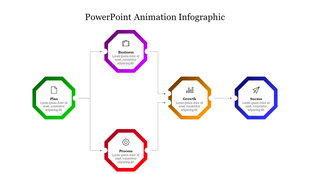
Animations can help to break up the presentation into smaller, more digestible chunks, highlight key points and ideas, and create a more polished and professional presentation overall. Animation in PowerPoint refers to the use of dynamic visual effects, such as slide transitions, object animations, and special effects, to create engaging and interactive presentations. You can create more effective and engaging presentations that capture and maintain the attention of their audience. By providing easy-to-use animations, this slide help you to share your ideas more effectively and leave a lasting impression on their audience.
Feature of the template:
- 100% customizable slides and easy to download.
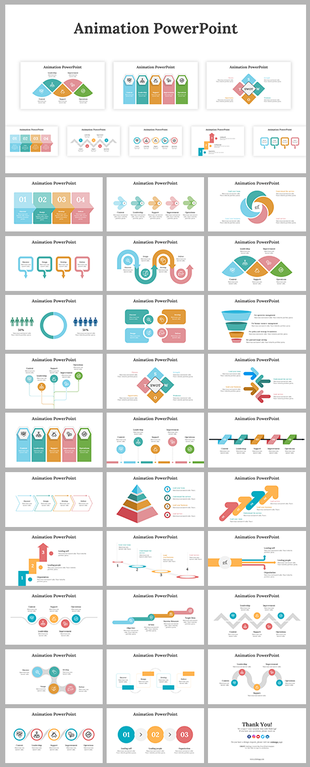
- Slides are available in different nodes & colors.
- The slide contains 16:9 and 4:3 formats.
- Easy to change the slide colors quickly.
- Well-crafted template with an instant download facility.
- Versatile slide for all kinds of data.
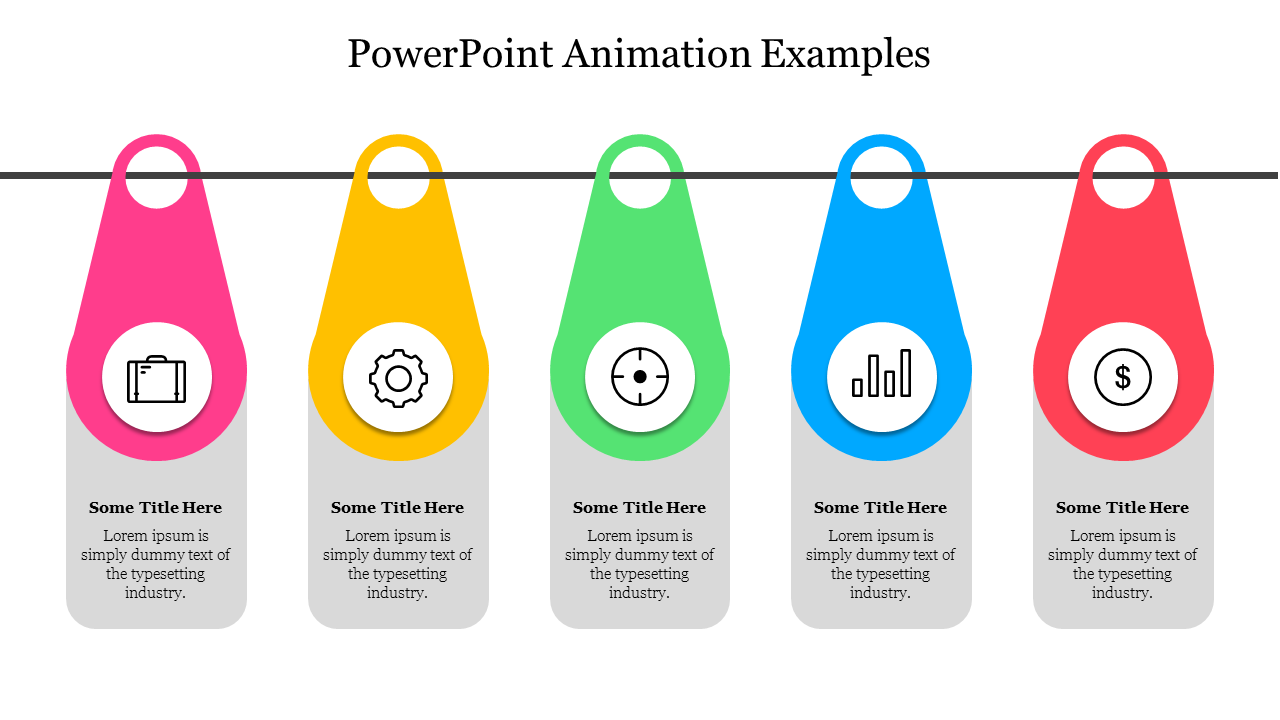
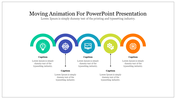
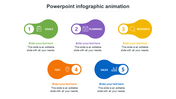
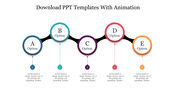
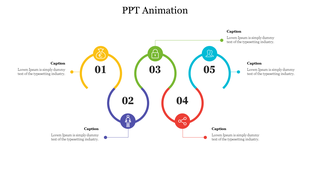
- Five nodes are added.
- Access on both MS PowerPoint and Google Slides.
More Collections for Creative PowerPoint Animation Examples
Recommended based on this template.










Similar Templates to Creative PowerPoint Animation Examples

Showing20 of69,218 templates