6 Noded Agenda PowerPoint Template and Google Slide
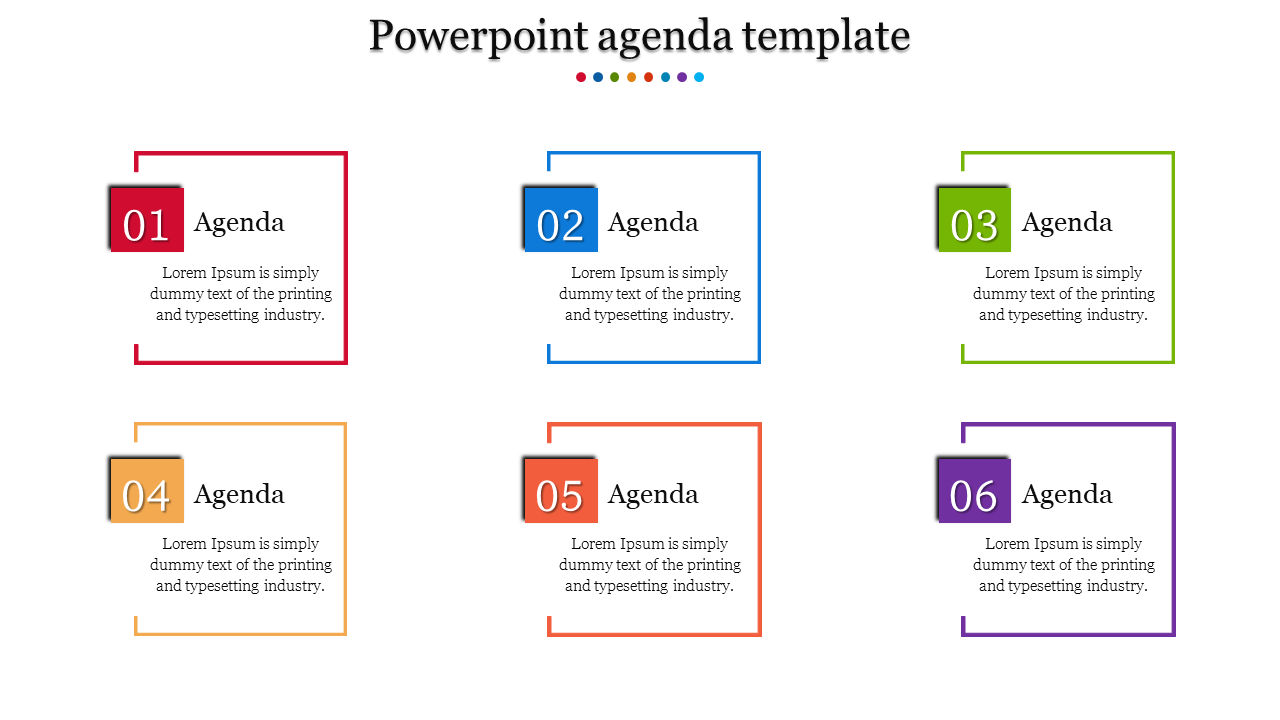
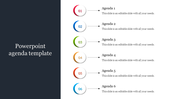
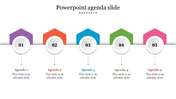
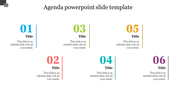
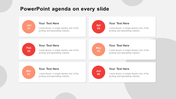
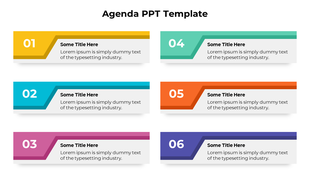
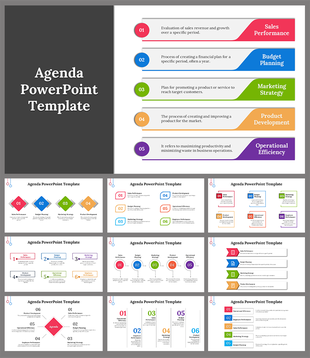
Color-coded agenda slide with six numbered sections to outline key discussion points and text area.
P.ID : 6209
    14.3K+ views
    1.7K+ Downloads
    Designer
    Kavitha
    Get Custom Slides by Experts
    Enhance Your Presentations with Add-ins
    Google Slides Add-in
    Access templates directly in Google Slides
    Microsoft PowerPoint Add-in
    Access templates directly in PowerPoint
    GPT Add-on
    AI-powered presentation assistance

    Enhance Your Presentations with Our PowerPoint Agenda Template


    Our PowerPoint Agenda Template is perfect for outlining your presentation. It effectively showcases your schedule and highlights key topics.

    Features

    With six nodes and multi-color graphics, this template places your agenda inside visually appealing graphics. The neutral white background and colorful elements ensure a clear, engaging presentation.

    Who Can Use It?

    Perfect for professionals, students, and anyone needing a structured agenda. Ideal for meetings, conferences, and various presentations.

    Download the Agenda Slide Template now!

    Features of the template:


    • 100% customizable slides and easy to download.
    • The slides contain 16:9 and 4:3 formats.
    • Easy to change the colors quickly.
    • It is a 100% pre-designed slide.

    Advertisement

    You May Also Like These PowerPoint Templates
    Add to Wishlist
    Download
    Edit
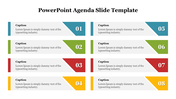
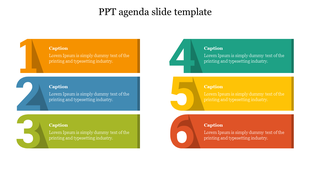
    Agenda PPT slide with six numbered captions with placeholder text.
    Free
    Add to Wishlist
    Download
    Edit
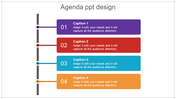
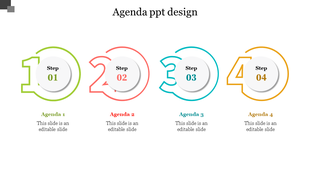
    Agenda PPT slide featuring four sections, numbered 1 to 4, with red themed tabs for one to four with placeholder text.
    Free
    Add to Wishlist
    Download
    Edit
    Two step agenda slide with red arrow banners, featuring a clipboard and checklist icon alongside text boxes.
    Free
    Add to Wishlist
    Download
    Edit
    Three layered ribbon design in shades of red, wrapped around a dashed gray rectangular box, representing agenda categories.