Free - Use Microsoft Office PowerPoint Timeline Presentation
Free
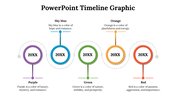
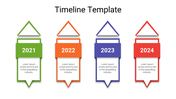
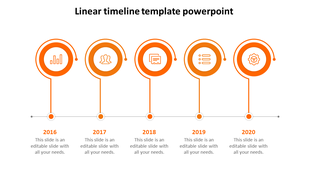
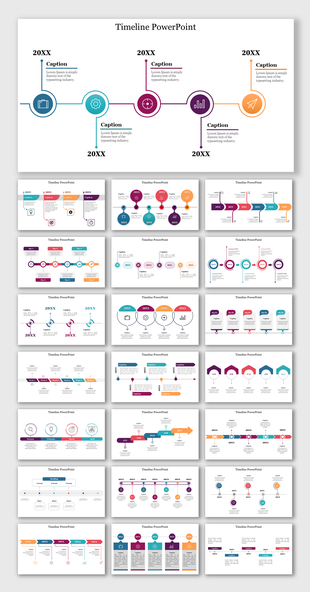
Well-Designed Five-Noded Timeline Slide
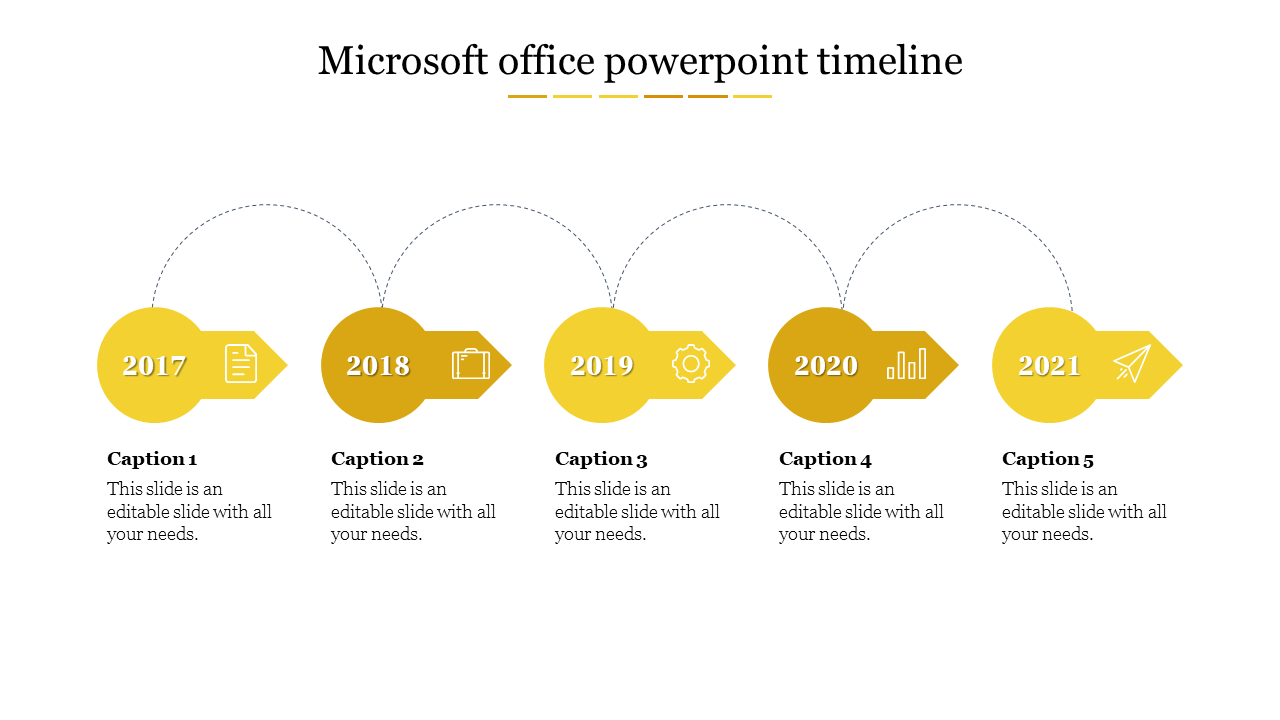
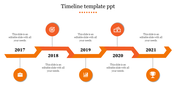
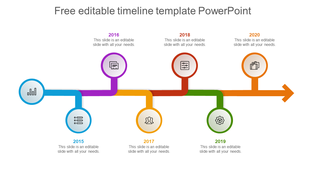
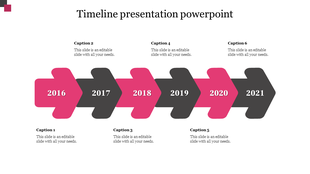
Hi teachers and students! Try this Microsoft Office PowerPoint Timeline Slide to present the chronology of historical events clearly and concisely. Slide Egg offers this pre-designed timeline slide with five attractive, orange-filled nodes to beautify your presentations. It is crafted with simple designs, like circles, arrows, and dotted curves, to make your presentations easy to follow. It has enough room to add years, captions, and descriptions of the events. You are also free to add or remove the nodes and modify the colors, backgrounds, fonts, etc. Get it today to make your classroom presentations captivating!
Features of the template
- 100% customizable slides and easy to download.
- Slides are available in different nodes & colors.
- The slide contains 16:9 and 4:3 formats.
- Easy to change the colors of the slide quickly.
- Well-crafted template with an instant download facility.
- Attractive yellow slide with five nodes.


You May Also Like These PowerPoint Templates

Showing20 of69,218 templates