Editable Internet of Things PowerPoint & Google Slides







Best Internet Of Things PowerPoint Template
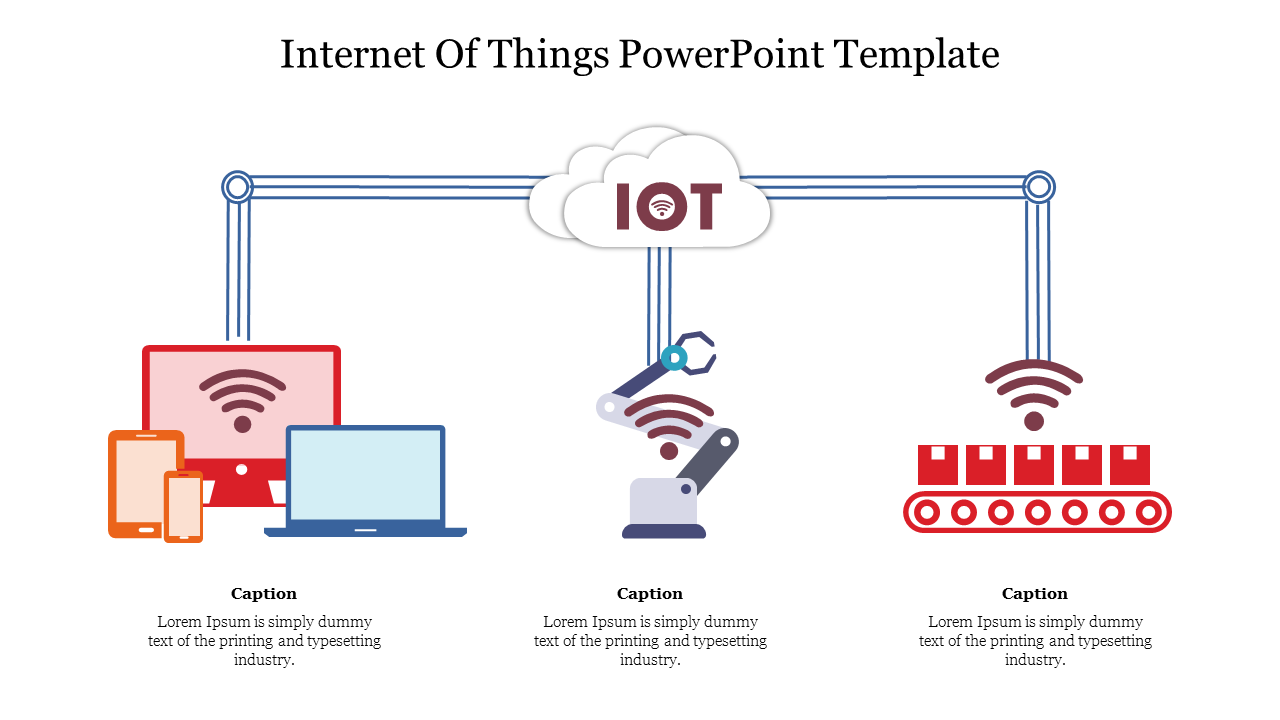
Present your IoT idea to your customers with our Internet Of Things PowerPoint Template. You can highlight the features and benefits to make your presentation well-informed. In addition, you can showcase transfer data over a wireless network idea in an entrepreneur meeting or school meeting. Finally, you can list the features to end-users for better understanding. This template provides you with all the essential information. Users can use this template for any presentation with minor changes. However, This template is easily readable and acceptable.
About this template:
This template has three data transfer processes with captions. You can also edit them by adding your data. In addition, this template helps you display functions by dragging and dropping your image on this slide. You can instantly download this template with just a single click. This template is a multicolor template with white background. We also have a wide range of IoT PowerPoint slides. You can check them later.
Why should you choose us?
- An entrepreneur can use this slide to explain his project very well.
- It will help you to show the three functions of your project.
- It also allows you to illustrate the core content of your idea.
- You can edit color, font, text, and background.
- It is a pre-built template with an instant download facility.
Features of this template:
- 100 % editable slides and easy to download.
- Slides are available in different nodes & colors.
- This slide supports 16:9 and 4:3 format.
- Easy to change the slide colors quickly.
- Easy to change the slide colors quickly








You May Also Like These PowerPoint Templates
Showing20 of69,218 templates