Free - Nice Business Presentation templates For PPT and Google slides
Free
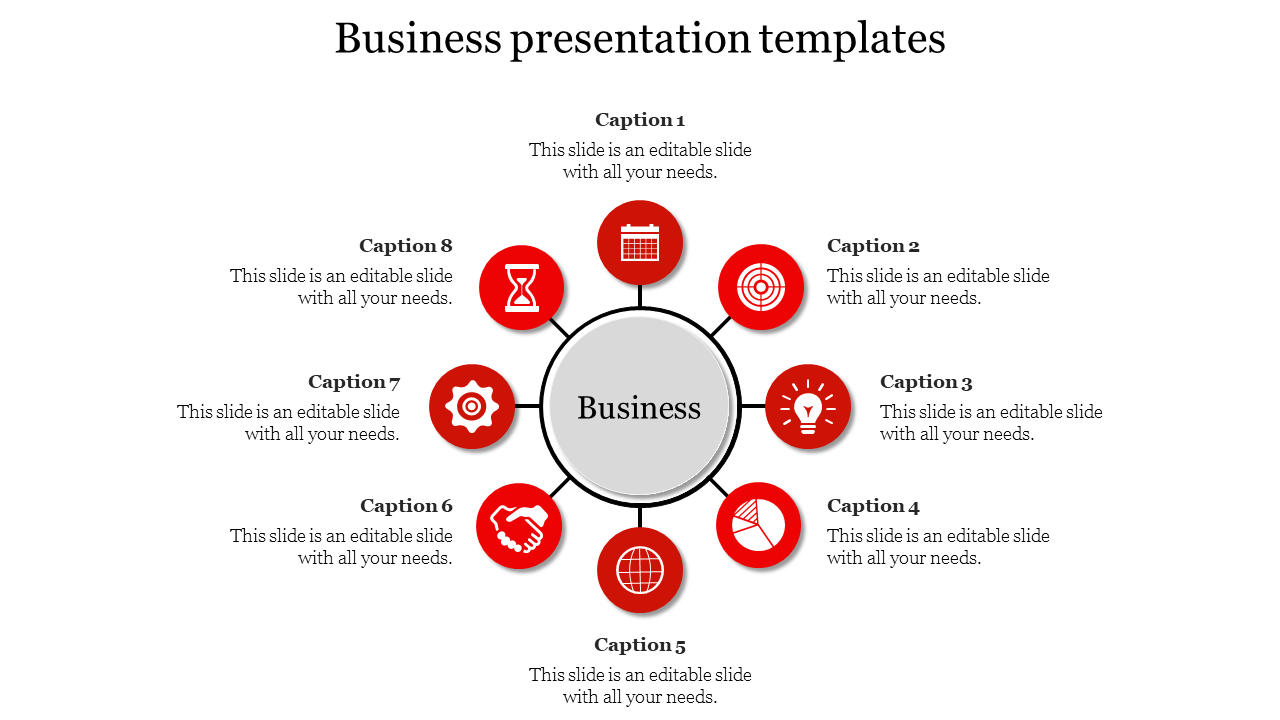


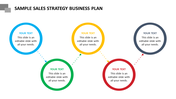
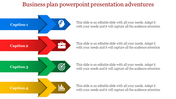
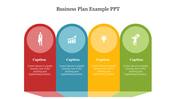
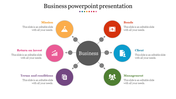
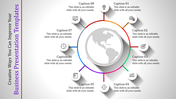

Circular Business Presentation template
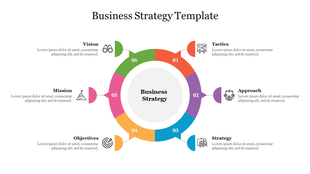
This business presentation template for PowerPoint and Google Slides lets you organize your ideas in a clear and interesting way. Imagine a bullseye with eight sections around a center circle. This structure helps you focus on your main message in the center and then add supporting points in each surrounding section. It's perfect for explaining complex topics clearly. This template is beneficial for any business professional who wants to create impactful business presentations. This includes entrepreneurs, marketers, sales teams, and project managers. No design skills needed! Change colors, fonts, and add text and images with just a few clicks. This user-friendly template helps you create visually appealing presentations that grab your audience's attention and keep them focused on your message. Stop struggling to explain your ideas - this bullseye template is the perfect tool to organize your thoughts and deliver impactful presentations!
Features of the template
- 100% customizable slides and easy to download.
- The slides contain 16:9 and 4:3 formats.
- Easy to change the colors quickly.
- It is a well-crafted template with an instant download facility.
- It is a 100% pre-designed slide.
- The slide holds vibrant colors.








You May Also Like These PowerPoint Templates
Showing20 of69,218 templates