Awesome Infographic Presentation With Five Nodes Slides
Nodes

Colors
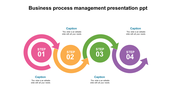
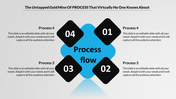
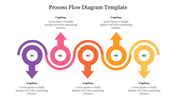
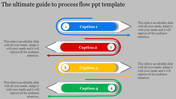
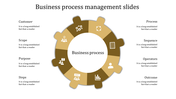
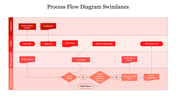
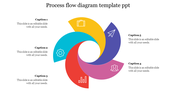
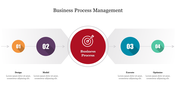
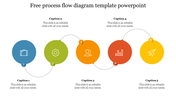
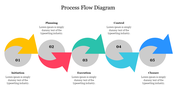
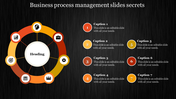
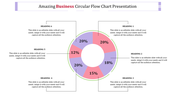
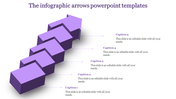
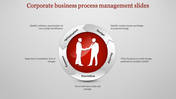
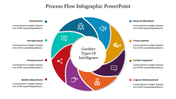
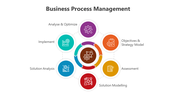
How do you add a professional look to Infographic Presentation?
Download your design to PowerPoint presentation. It is, in every case, better to outline your thoughts on paper before you even dispatch a PowerPoint template introduction. This heap of infographics accompanies slick layouts you can use to make various kinds of business and expert infographics. Information and configuration meet in an infographic powerpoint. With simple access to infographic-production programming, it's simpler than any time in recent memory to make these energizing visuals, and many are exploiting.
How do you create an infographic powerpoint?
Slide configuration comes as a bit of hindsight to numerous moderators. And that bodes well since meeting goes to regularly choose whether or not to participate in a discussion dependent on the substance, not the appearance of the introduction. Utilize an infographic powerpoint and this instructional exercise to make a mind realistic that demonstrates the segments of an idea.
Click here to do this infographic powerpoint template by yourself.
More Collections for Awesome Infographic Presentation
Recommended based on this template.
Similar Templates to Awesome Infographic Presentation
Showing20 of69,218 templates