How To Design Infographics In PowerPoint Slide Template
Free
Nodes

Colors

Unique PowerPoint Slide For Presentation
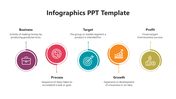
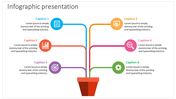
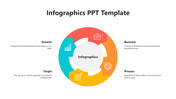
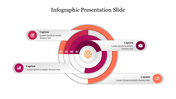
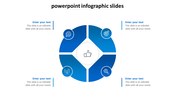
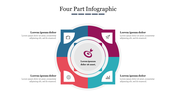
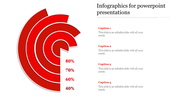
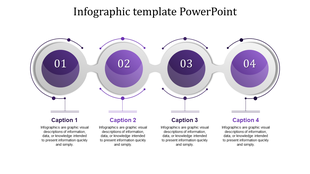
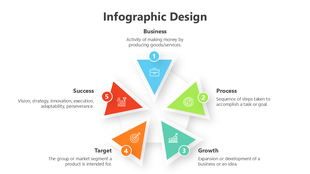
How about presenting your data in a unique style with the best infographic design? It sounds interesting. Here is a well-designed infographic template with a fantastic design to represent your data effectively. The slide is perfectly designed with editable icons to make your illustration creative. We have splashed a mild crystal grey tone on the layout to make it look modern and stylish. Use this template and enrich your presentation in no time. Give it a go!
Features of the template
- 100% customizable slides and easy to download.
- Slides are available in different nodes & colors.
- The slide contained 16:9 and 4:3 formats.
- Easy to change the colors quickly.
- It is a well-crafted template with an instant download facility.
- It is a 100% pre-designed slide.
- It includes editable nodes.
More Collections for How To Design Infographics
Recommended based on this template.
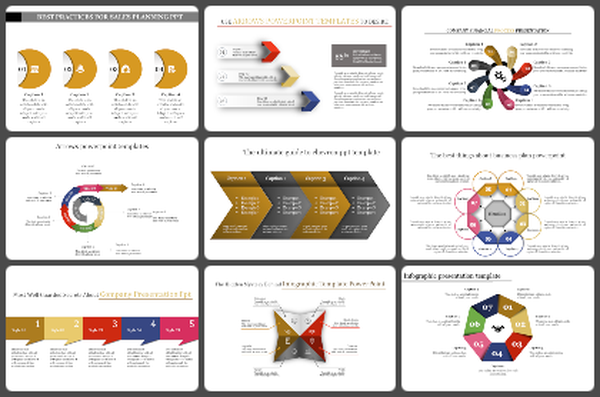
Similar Templates to How To Design Infographics
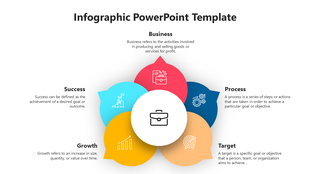
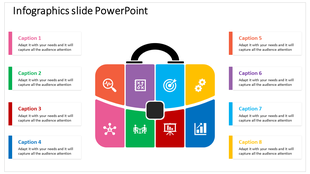
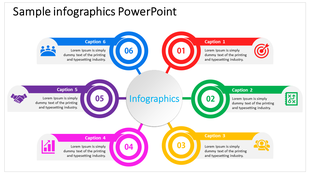

Showing20 of69,218 templates