Creative Filter PPT Presentation And Google Slides Template
Nodes

Colors


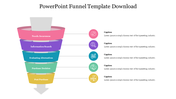
Attractive Funnel Design PowerPoint Template with Purple Theme
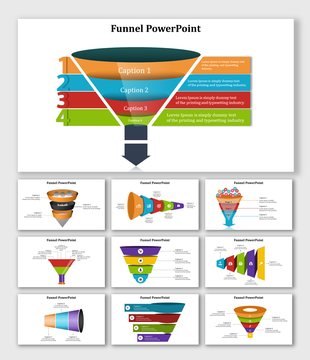
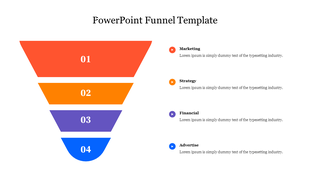
In online business, the user journey needs to be analyzed to see how many visitors end up in each funnel stage. If you want to share the process of mapping the flow of website users, try our Filter PPT Template. The funnel design in this template is split into four sections to discuss each process stage. Also, the purple theme gives a unique visual effect and grabs the audience's attention. Of course, you can edit or change all the icons, shades, and illustrations to blend with your concepts.
Features of the Template
- 100 % customizable slides and easy to download
- Slides are available in different nodes & colors.
- This PowerPoint has four nodes.
- The slide contained 16:9 and 4:3 formats.
- Easy to change the slide colors quickly.
- It is a well-crafted template with an instant download facility.
- It is designed with a stunning theme design.
- It comes with a purple theme.
More Collections for Creative Filter PPT Presentation
Recommended based on this template.
Similar Templates to Creative Filter PPT Presentation






Showing20 of69,218 templates