Doughnut Chart PowerPoint Template and Google Slides
Free
Nodes
Colors
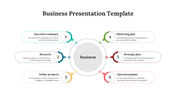

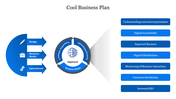
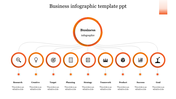
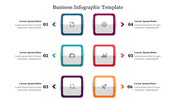


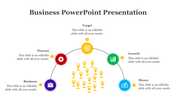
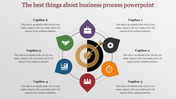

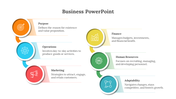
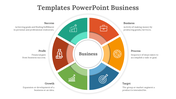
Doughnut Chart Presentation Slide
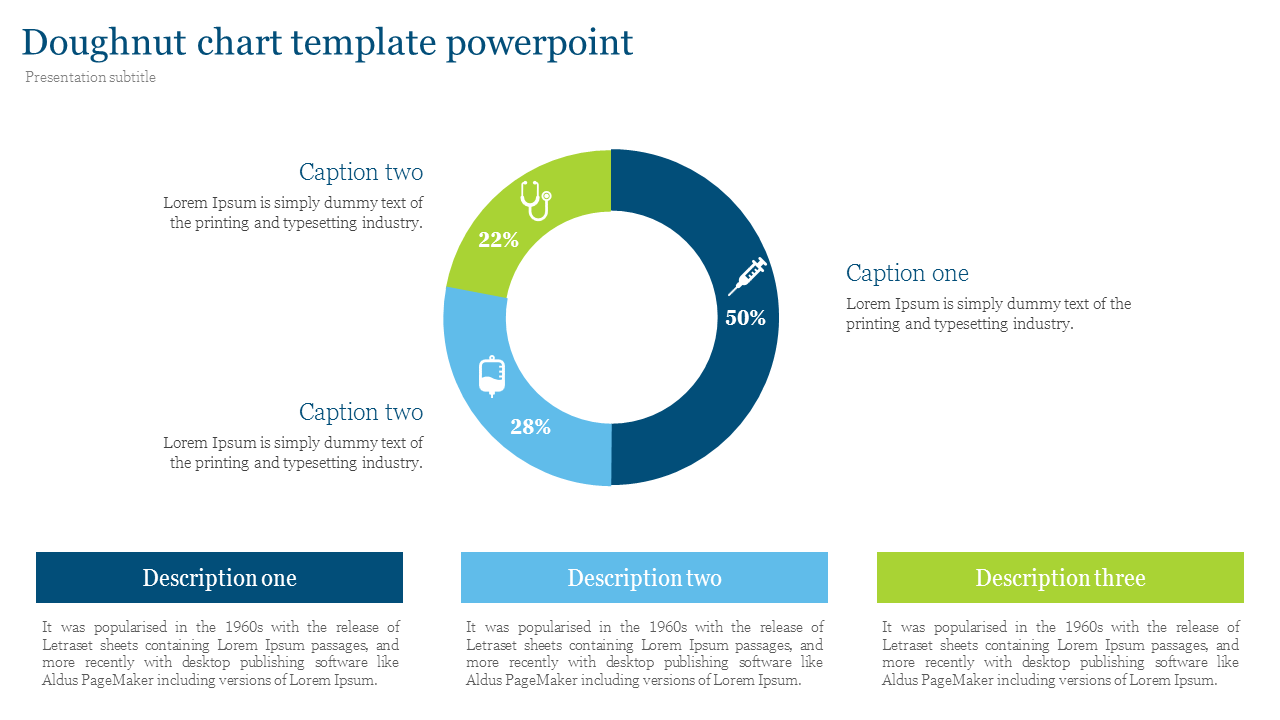
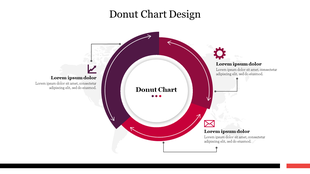
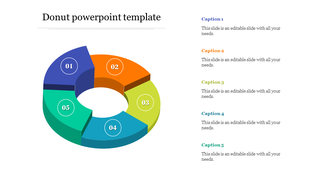
Here we present our well-designed doughnut chart PowerPoint template, featuring a circular chart design with a hole in the center, similar to a pie chart. With this slide, you can compare data effortlessly. Give it a try!
Purpose of the slide
Doughnut charts are useful for comparing data sets that have distinct categories. Using this slide can help you keep your audience engaged throughout your presentation.
About the slide design
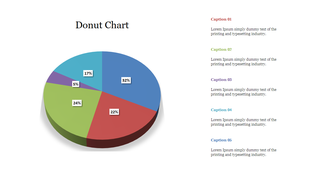
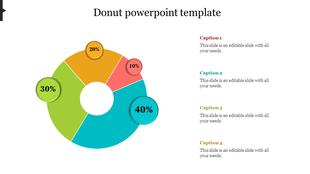
Doughnut charts display data with different percentage marks of different colors. Each section represents a percentage or fraction of the total. The hole in the center can be used to display additional information or to make the chart more visually appealing.
Download now and customize it for free!
Features of the Template:
- 100% customizable slides and easy to download.
- Easy to change the slide's colors.
- The slide is contained in 16:9 and 4:3 formats.
- Highly compatible with PowerPoint and Google Slides.
- This slide has a colorful design pattern.
More Collections for Doughnut Chart PowerPoint Template
Recommended based on this template.








Similar Templates to Doughnut Chart PowerPoint Template

Showing20 of69,218 templates