Download Designing Infographics In PowerPoint Slides
Free
Nodes

Colors
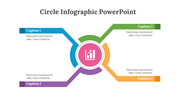
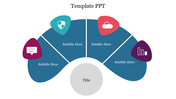
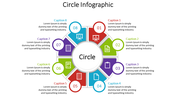
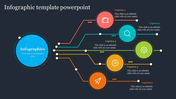
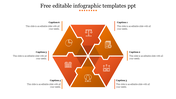
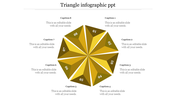
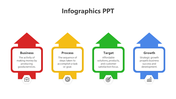
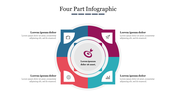
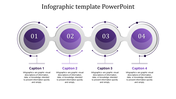

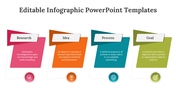
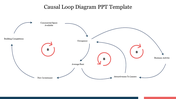
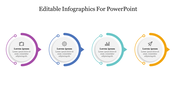
Purple Color with Text area
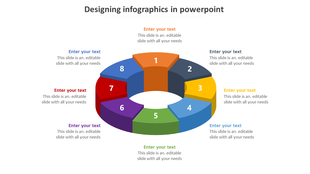
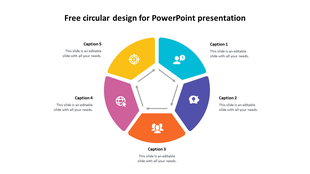
A creative way to present the presentation would be using the infographic template. Are you searching for a creative template with an infographic that attracts the audience? Then there is the one! The purple color palette with functional five nodes attracted with text area professionalizes the whole presentation look. The purple color with small icons brings out the best outcome in your presentation. The customizable features can make your presentation a success. Try now!
Features of the Template:
- 100% customizable slides and easy to download.
- The slide contains 16:9 and 4:3 formats.
- Slides are available in different nodes & colors.
- Easy to change the colors of the slide quickly.
- Well-crafted template with an instant download facility.
- Star Design with purple color.
More Collections for Download Designing Infographics
Recommended based on this template.
Similar Templates to Download Designing Infographics


Showing20 of69,218 templates