Creating Infographics In PowerPoint For Presentation
Free
Nodes

Colors
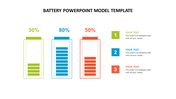
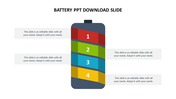
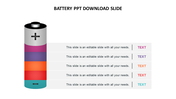
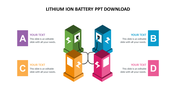


Creative Infographics PowerPoint Template and Google Slides Themes
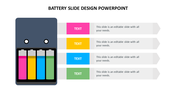
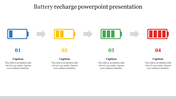
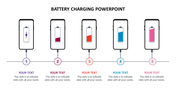
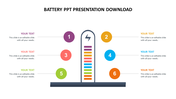
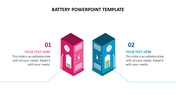
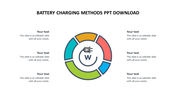
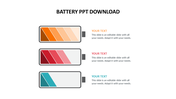
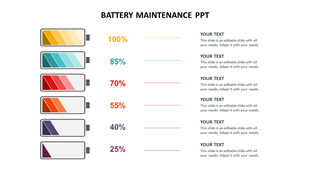
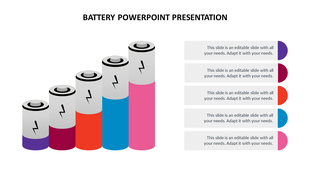
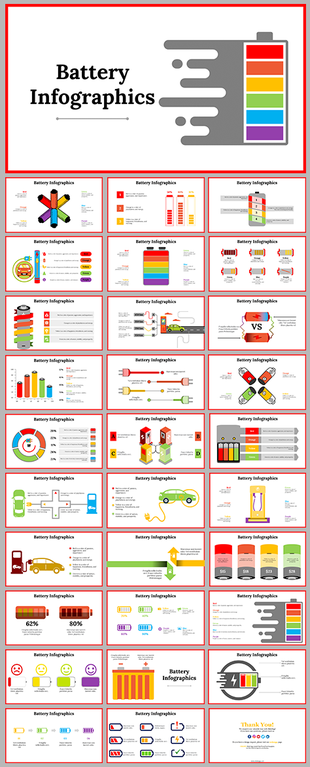
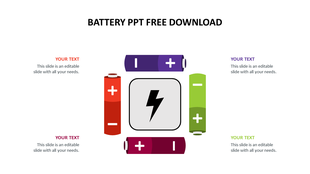
Transform your presentations into captivating visual experiences with our Infographics PowerPoint template and Google Slides themes. Featuring a sleek battery cell design with five nodes, each equipped with captions, titles, and text areas, this template empowers professionals, educators, and marketers alike to convey information effectively. Engage your audience effortlessly, enhance understanding, and make a lasting impression with dynamic slides that tell compelling stories.Improve your next presentation with our user-friendly and visually stimulating infographic template, designed to captivate and inform with every slide.
Features of the Template
- 100 % customizable slides.
- The slide show is in 4:3, 16:9, zip format.
- There is powerful connectivity with Google Slides and PowerPoint.
- It is simple and quick to alter the slide's color.
- An efficient template that can be easily accessed immediately.
- Well-crafted template with an instant download facility.
More Collections for Creating Infographics In PowerPoint
Recommended based on this template.
Similar Templates to Creating Infographics In PowerPoint

Showing20 of69,218 templates