Battery Maintenance PPT Presentation and Google Slides
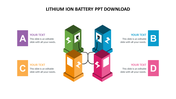
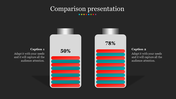
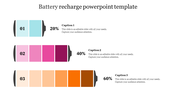
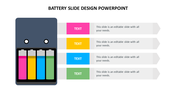
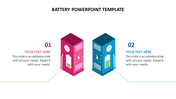
Battery Maintenance Presentation Slide
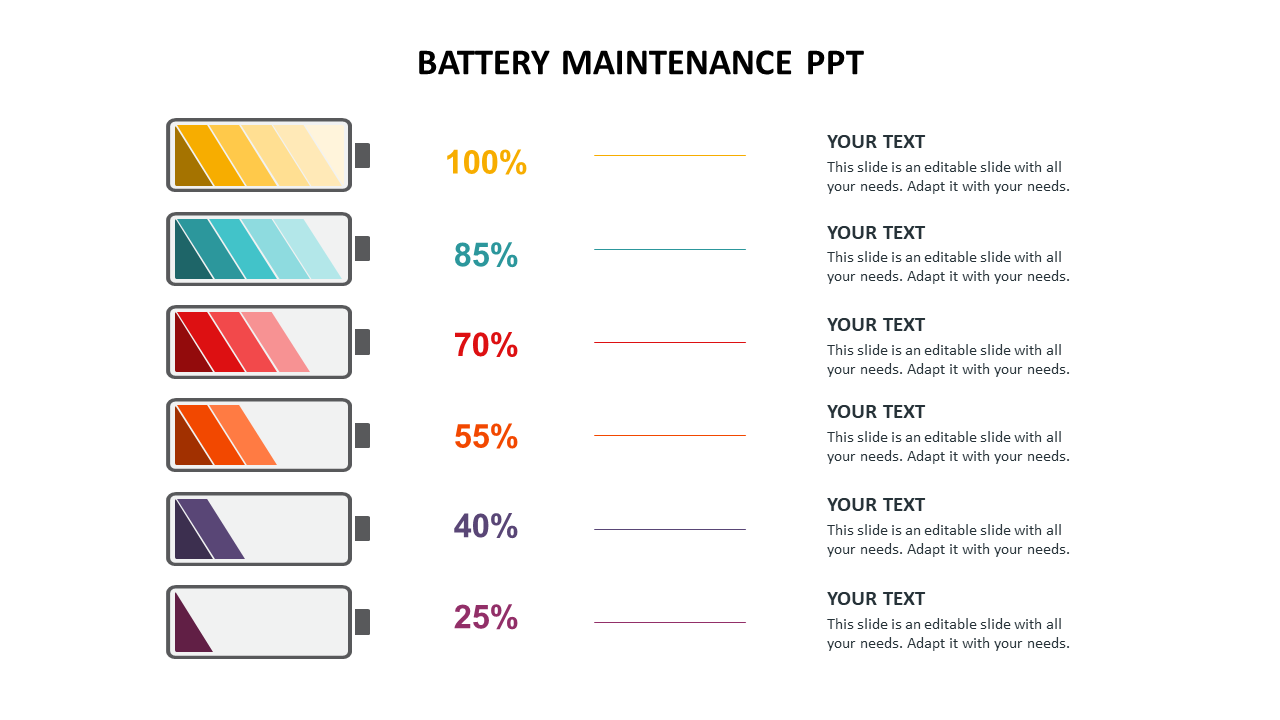
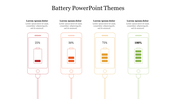
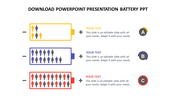
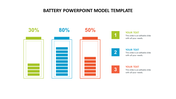
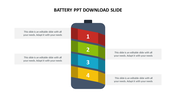
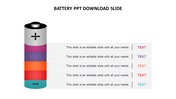
Battery maintenance involves regularly checking the state of charge, keeping the battery clean and free from corrosion, and properly charging and storing the battery when not in use. 6 levels of battery maintenance 100% this indicates a fully charged battery, where the voltage is at its maximum level and the battery has the most available energy. 85% at this level, the battery is considered to be in a good state of charge, with most of its energy available. 70% the battery is still in a usable state, but its energy levels are starting to decrease, which may affect performance. 55% the battery is now at a lower level of charge, and may start to show signs of diminished performance. 40% at this level, the battery is approaching a state of discharge, and its available energy is limited. 25% the battery is now considered to be in a critical state, with low energy levels that may not be sufficient to power the device it is connected to. With this help of the slide, you can convey your message in a clear and concise manner.
Feature of the template:
- 100% customizable slides and easy to download.
- The slide is contained in 16:9 and 4:3 format.
- You can use this in Google Slides and Microsoft PowerPoint.
- Well-crafted template with instant download facility.
- It is a well-designed presentation template.
- Best template for PowerPoint Presentation.










You May Also Like These PowerPoint Templates
Showing20 of69,218 templates