Visual Continuous Improvement PPT Template and Google Slides
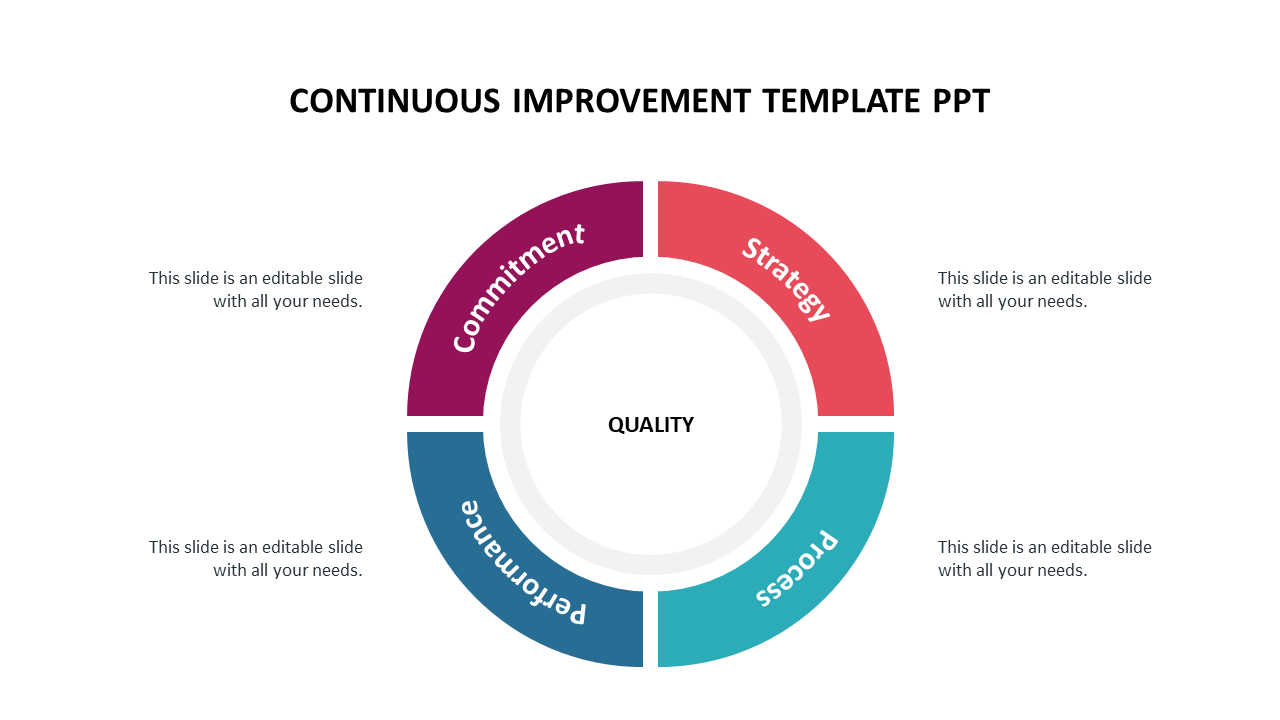



Four Noded Continuous Improvement PowerPoint Slide
Download this well-designed Continuous Improvement Template PPT Slide to make a perfect presentation within a few minutes. It is an excellent source for making presentations for continuous improvement. The main advantage of using this template is that it allows users to modify the visual appearance of the presentation when required.
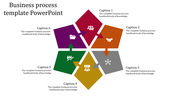
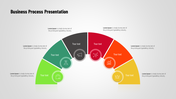
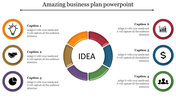
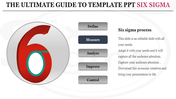
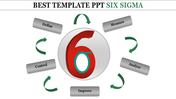
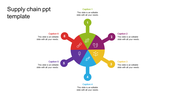
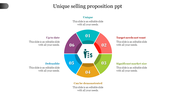
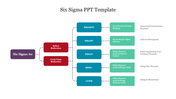
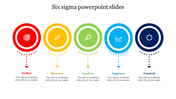
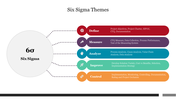
The Continuous Improvement Template PPT Slide is a high-quality, complete feature-rich template explicitly designed for continuous improvement presentations on quality control. It has a colorful circular infographic design, which has four segments. It helps to present commitment, strategy, process, and performance. You can visit SlideEgg to find more six sigma PowerPoint templates.
Features of this template:
1. 100% customizable slides and easy to download.
2. Slides available in different nodes & colors.
3. The slide contained 16:9 and 4:3 format.
4. Easy to change the slide colors quickly.
5. Well-crafted template with instant download facility.
6. It is an attractive multi-color slide.








You May Also Like These PowerPoint Templates



Showing20 of69,218 templates