Effective Six Sigma Themes Presentation Template Slide
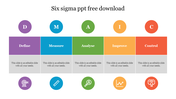





Colorful Six Sigma Business Process Presentation Template
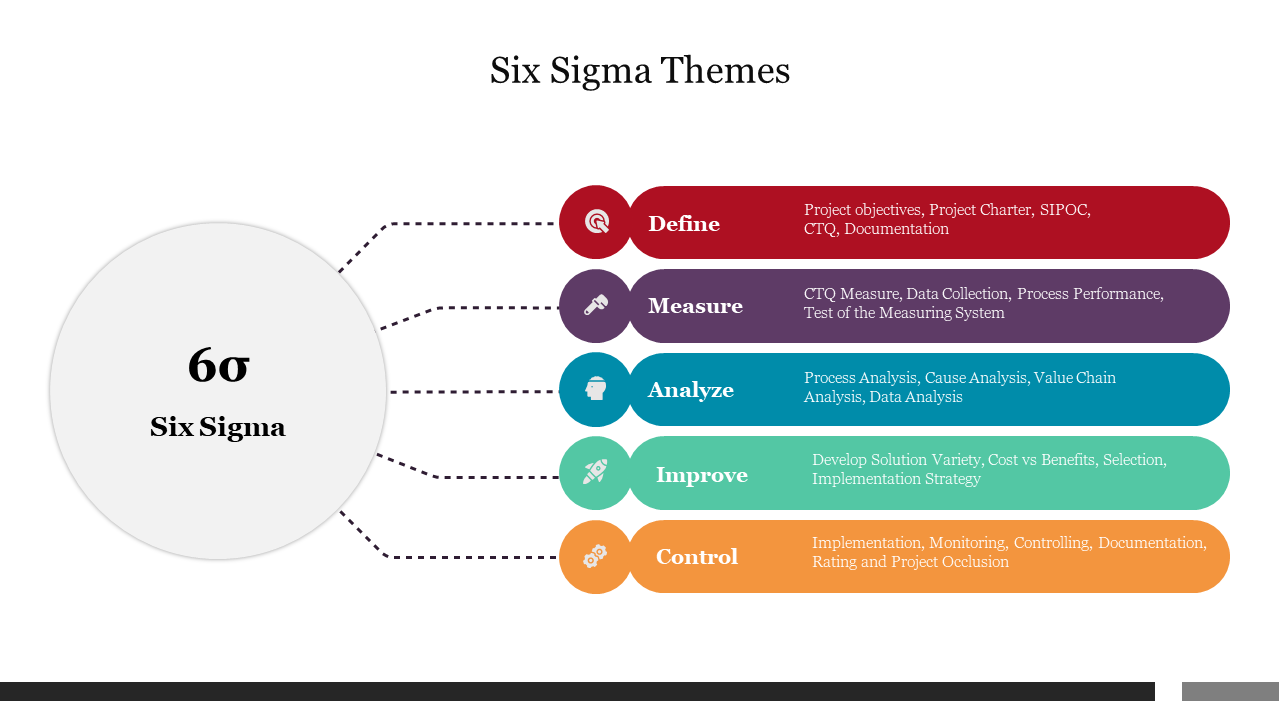
Get the sigma six slide it is a set of techniques and tools for the improvement process. An American engineer, Bill Smith, first introduced it while working at Motorola in 1986. It is a statistical-driven data process that works by reviewing the defects. Try this sigma slide to present to your audience to be free of defects.
About the template:
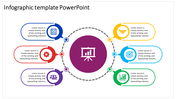
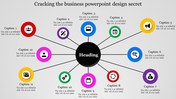
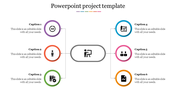
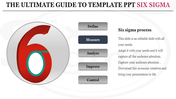
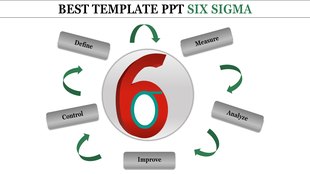
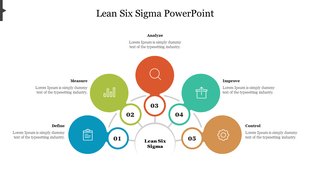
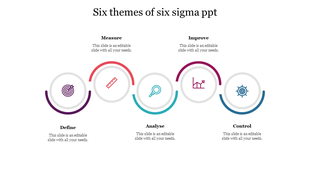
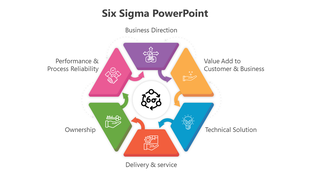
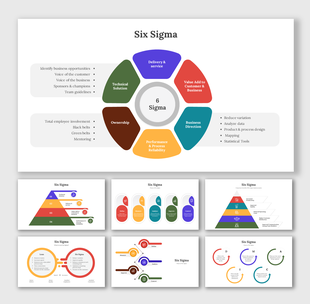
Grab this template with a white background which helps to give your slide a brighter look. It has six icons with subheadings related to the statistics connected to the 6 sigma circle in various colors. It contains editable texts for you to modify with additional information.
Download this six sigma to explain the process clearly to your audience. And explore our tips and tricks templates from SlideEgg.
Features of the slide:
1.100% customizable slides and easy to download.
2. Slides available in different nodes & colors.
3. The slides contained 16:9 and 4:3 formats.
4. Easy to change the slide colors quickly.
5. Well-crafted template with instant download facility.
6. The six nodded colorful template for the PPT presentation.








You May Also Like These PowerPoint Templates

Showing20 of69,218 templates